

Chart of accounts and opening balances
Spine keeps your books for you. Every invoice, payment, bill and expense posts to the right accounts automatically — “you never write journal entries by hand”. The chart of accounts is the list of those accounts. Opening balances are what each account held on the day you started using Spine, so your Balance Sheet is right from the first day.
The main ideas
Section titled “The main ideas”- Accounts are grouped under Assets, Liabilities, Equity, Income and Expenses, each with a code — for example 1100 Accounts Receivable or 6000 Rent.
- System accounts are the ones Spine posts to itself, such as Accounts Receivable, Accounts Payable, tax accounts, Retention Receivable and Opening Balance Adjustments. They’re marked System and can’t be renamed.
- Your own accounts can be renamed, and you can add more — say a “Software Subscriptions” expense account.
- Closing a period stops anything new being posted with a date inside it, so filed figures stay filed.
- The cutover date is the day you start using Spine. Opening balances are your balances on the day before it, taken from your old software’s trial balance. Unpaid invoices and bills come in one by one, so you can chase and pay them in Spine.
- Opening Balance Adjustments (3900) holds any difference while you’re entering figures. When it’s zero, your opening balances match your old books.
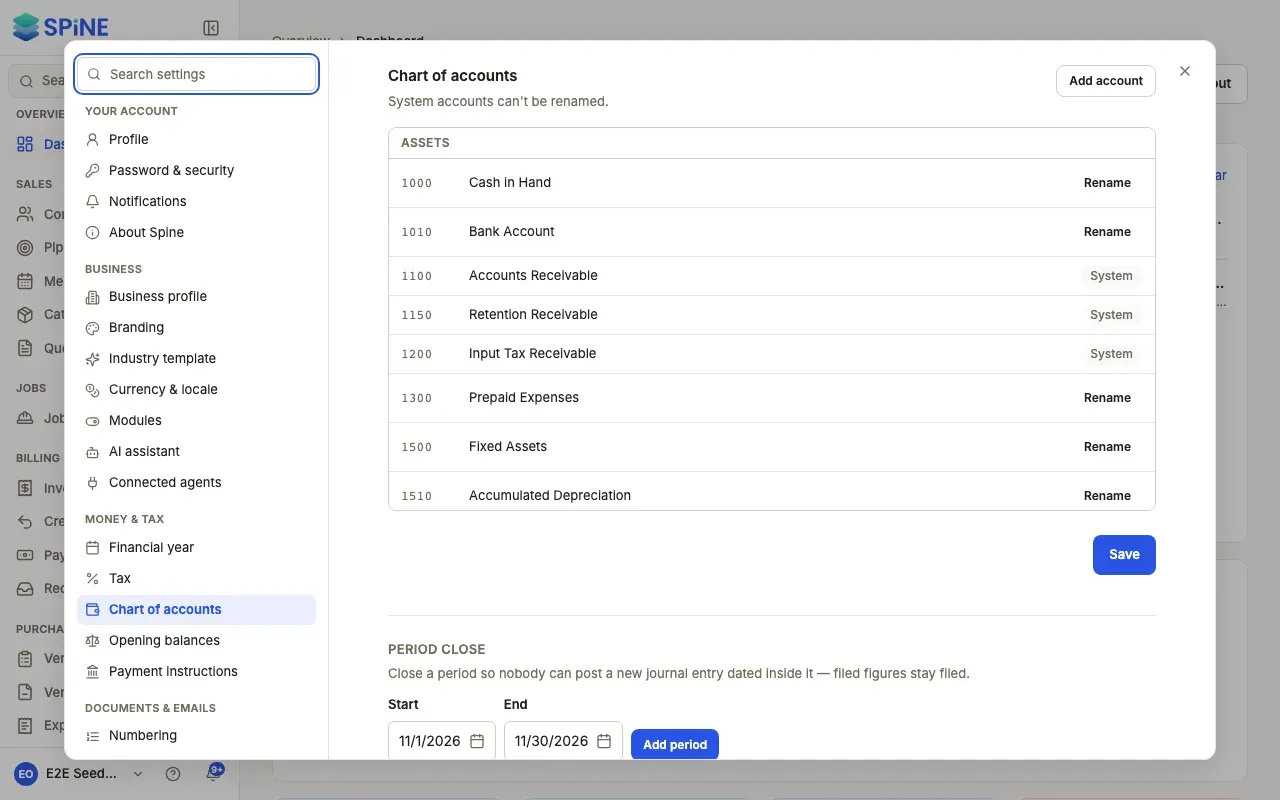
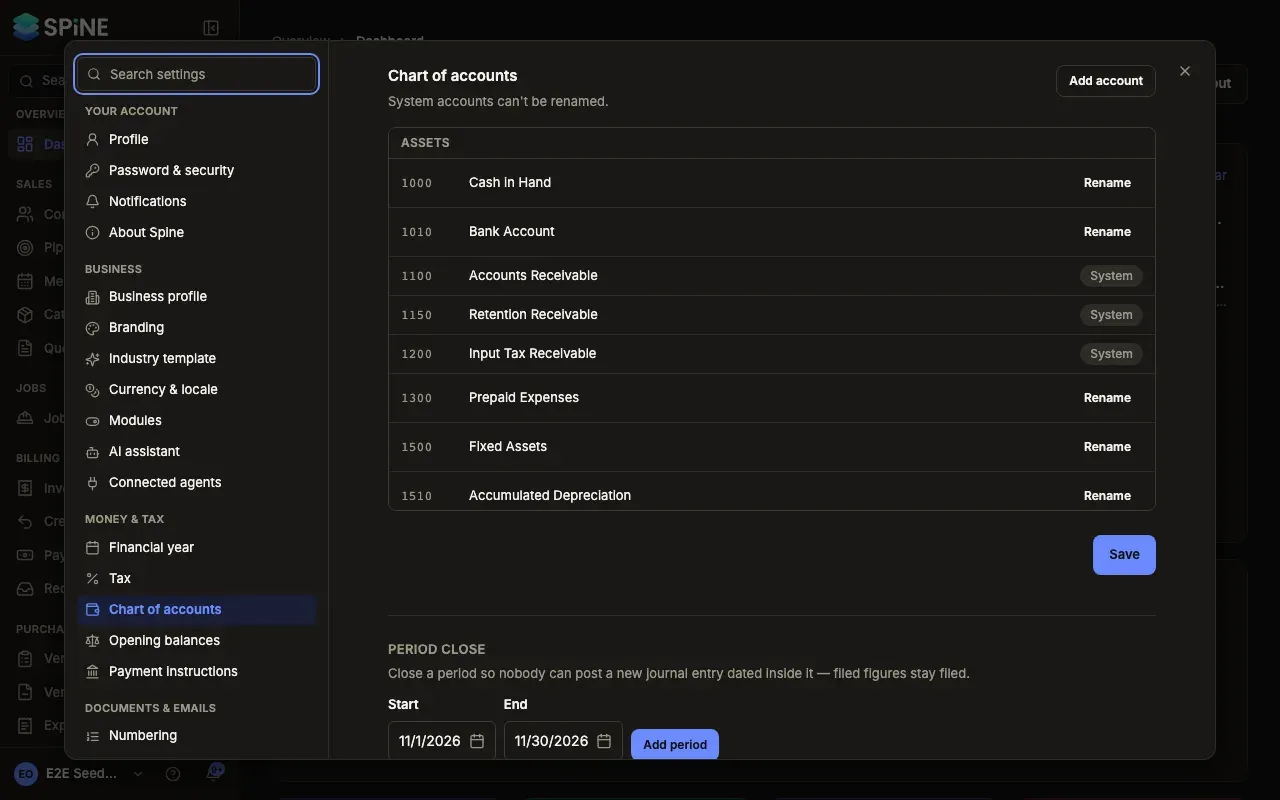
- Review your chart of accounts — see your accounts and rename the ones you use.
- Add your own account — an income or expense account that matches your business.
- Close or reopen a period — stop anyone back-dating into filed figures.
- Enter your opening balances — set the cutover date and each account’s balance.
- Bring in unpaid customer invoices and credit — so aging, reminders and statements work from day one.
- Bring in unpaid vendor bills and credits — so you can pay them in Spine.
- Check and lock your opening balances — compare with your old trial balance and lock the starting point.
Related
Section titled “Related”- Reports — the Trial Balance, Balance Sheet and Profit and Loss built from these accounts.
- Setting up your business — the setup wizard and the Set up Spine page, which has cards for both.
Last updated with Spine 1.0.0-beta.2