

Set your document numbers
Every issued document gets a permanent number — INV-0001, QUO-0001 and so on. Here you choose how those numbers look and where each series starts. If you’re moving from another system, you can carry on from where your old numbers stopped.
-
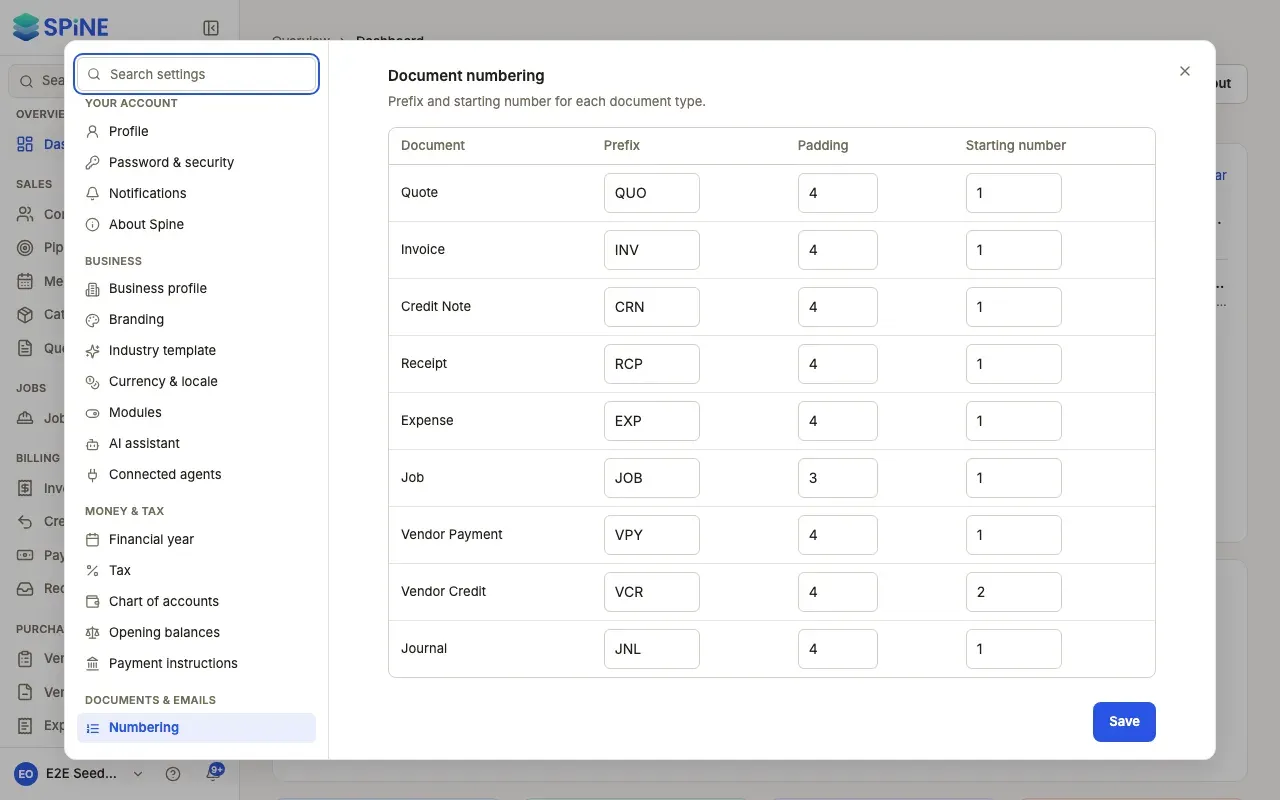
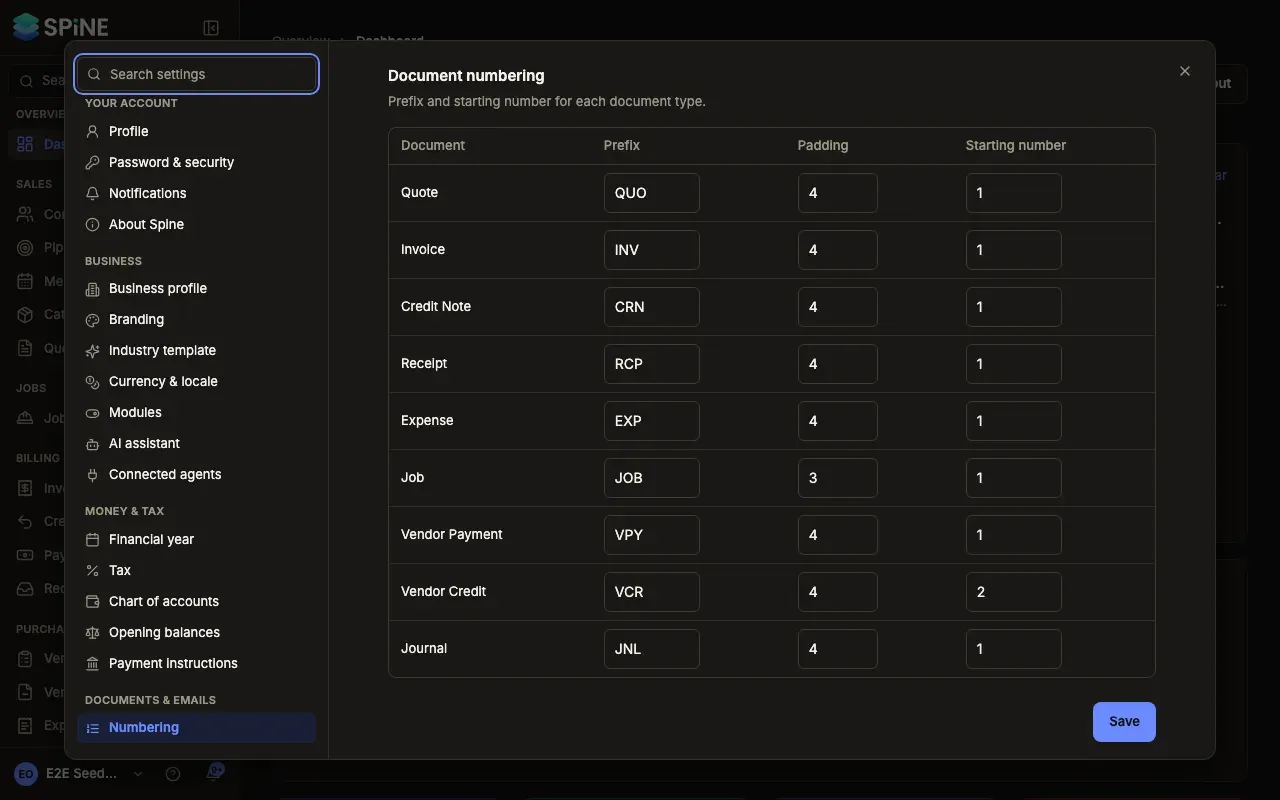
Open Settings › Numbering — Open your user menu, choose Settings, and pick Numbering under Documents & emails. The pane is titled Document numbering: “Prefix and starting number for each document type.”
-
Find the document type — There’s a row for Quote, Invoice, Credit Note, Receipt, Expense, Job, Vendor Payment, Vendor Credit and Journal.
-
Set the prefix — Prefix is the letters before the number, such as
INVorTAX. -
Set the padding — Padding is how many digits the number has. With padding 4, invoice 7 is
INV-0007. -
Set the starting number — Starting number is the number the next document of that type gets. To carry on an old series that ended at 1041, enter 1042.
-
Press Save — A “Saved” message appears. The next document issued uses the new settings.
How numbers are given out
Section titled “How numbers are given out”- Only when a document is issued. Drafts have no number, so deleting a draft never leaves a gap.
- Once, in order, never reused. A voided invoice keeps its number; the next invoice gets the next one.
- They don’t reset each year. Numbers carry on across financial years.
- Demo data has its own series. Demo documents are numbered
DEMO-INV-0001and so on, so your own series is untouched.
Last updated with Spine 1.0.0-beta.2