

Notifications
Spine tells you when something needs you: a customer accepts a quote, a payment arrives, a milestone is completed, an expense is approved or a meeting is about to start. Every notice appears under the bell. Depending on what it is and what you’ve turned on, it can also arrive as a browser notification on your device, an email, or in your daily digest.
The main ideas
Section titled “The main ideas”- The bell shows how many notifications you haven’t read and opens a panel of recent ones. Read state is the same on every device.
- Only what you can see. Notifications follow permissions. Field users never hear about money, and a private meeting only notifies its organiser and attendees.
- Browser notifications reach you even when Spine isn’t the tab you’re looking at. You turn them on per device.
- The daily digest is one email each morning with what needs you today and what happened yesterday.
- Meeting reminders arrive a set time before meetings you organise or have accepted.
- Switched-off modules are quiet. Nothing is sent about a module that’s off in Settings › Modules.
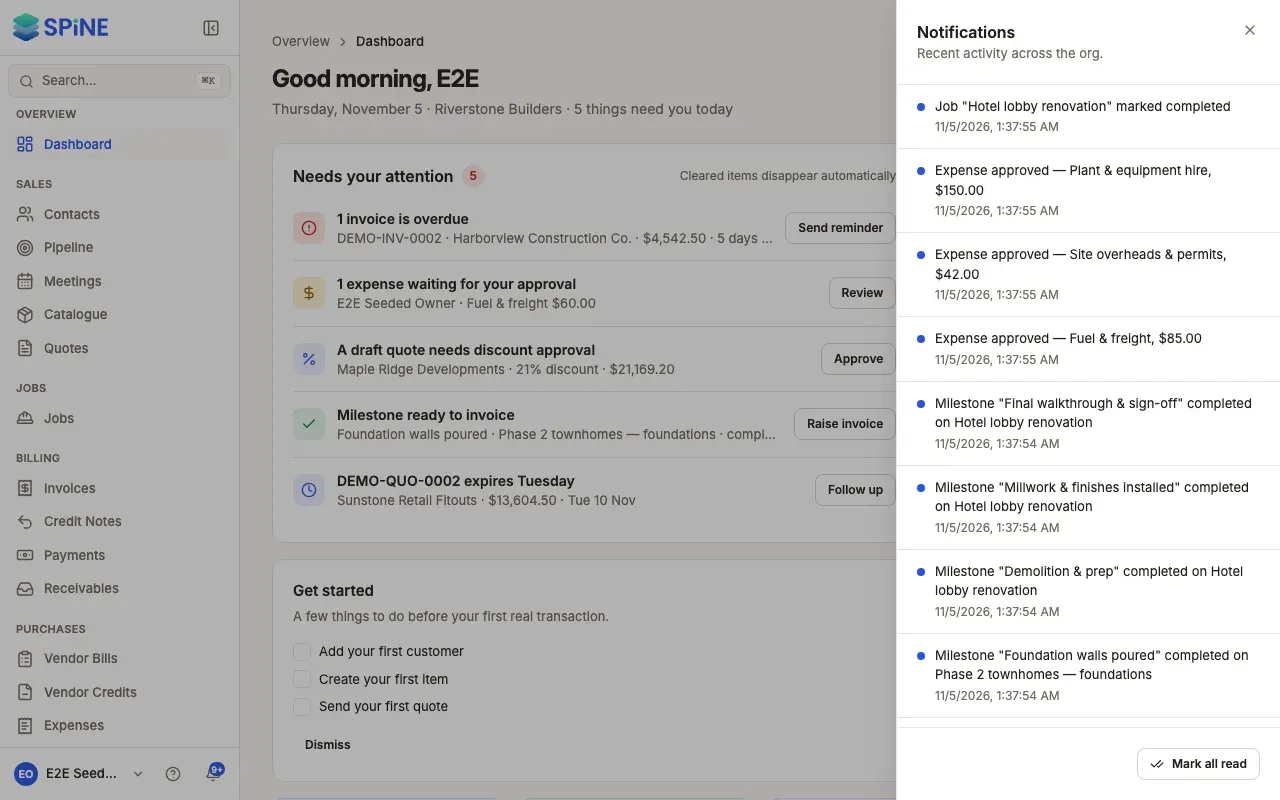
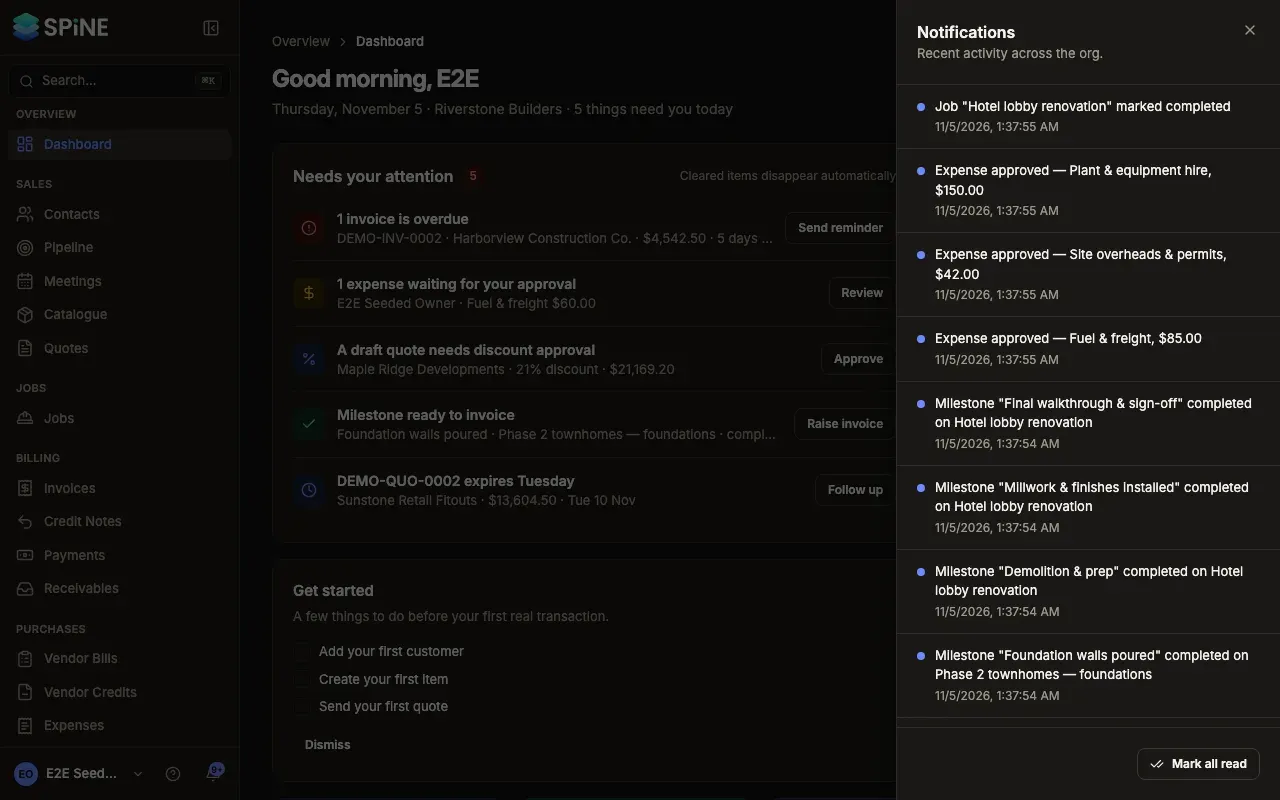
- Use the notification bell — open recent notifications and mark them read.
- See what you’re notified about — what triggers each notification, and who gets it.
- Turn on browser notifications — get alerts on this device.
- Choose when your daily digest arrives — turn it on or off, and pick the time and days.
- Set your meeting reminders — your own lead time and the business default.
- See notifications on the phone — the field app’s notification list.
Related
Section titled “Related”- Meetings — inviting people and responding to meetings.
- Settings and data export — emails and the email log.
Last updated with Spine 1.0.0-beta.2