

The AI assistant
The AI assistant helps fill in forms. It reads a vendor’s bill or a receipt into the bill or expense form, drafts the email that goes with a quote or invoice, drafts quote lines from a customer’s enquiry and suggests bank matches while you reconcile. It never saves, sends or posts anything by itself: you check what it filled in and press the normal button.
The main ideas
Section titled “The main ideas”- Off means off. With AI switched off, no AI button, suggestion or prompt appears anywhere, and Spine sends nothing to any AI service.
- Your provider, your choice. Use a model on your own network, so nothing leaves it, or a cloud service such as Anthropic Claude with your business’s own API key.
- You see what’s sent. Each feature lists exactly what it sends. Bank account numbers, tax IDs and GSTINs, UPI IDs, passwords and keys are never sent.
- Marked until you change it. Everything AI fills in says Suggested by AI until you edit it. AI only fills empty fields; it offers Replace my entries for the rest.
- Forms work without it. If the provider is down, slow or the budget is used up, you fill the form in by hand as usual.
- A budget you set. Cap the tokens used each month so a cloud bill never surprises you.
- Recorded. Every AI request is in the audit log, without the text of the request or reply.
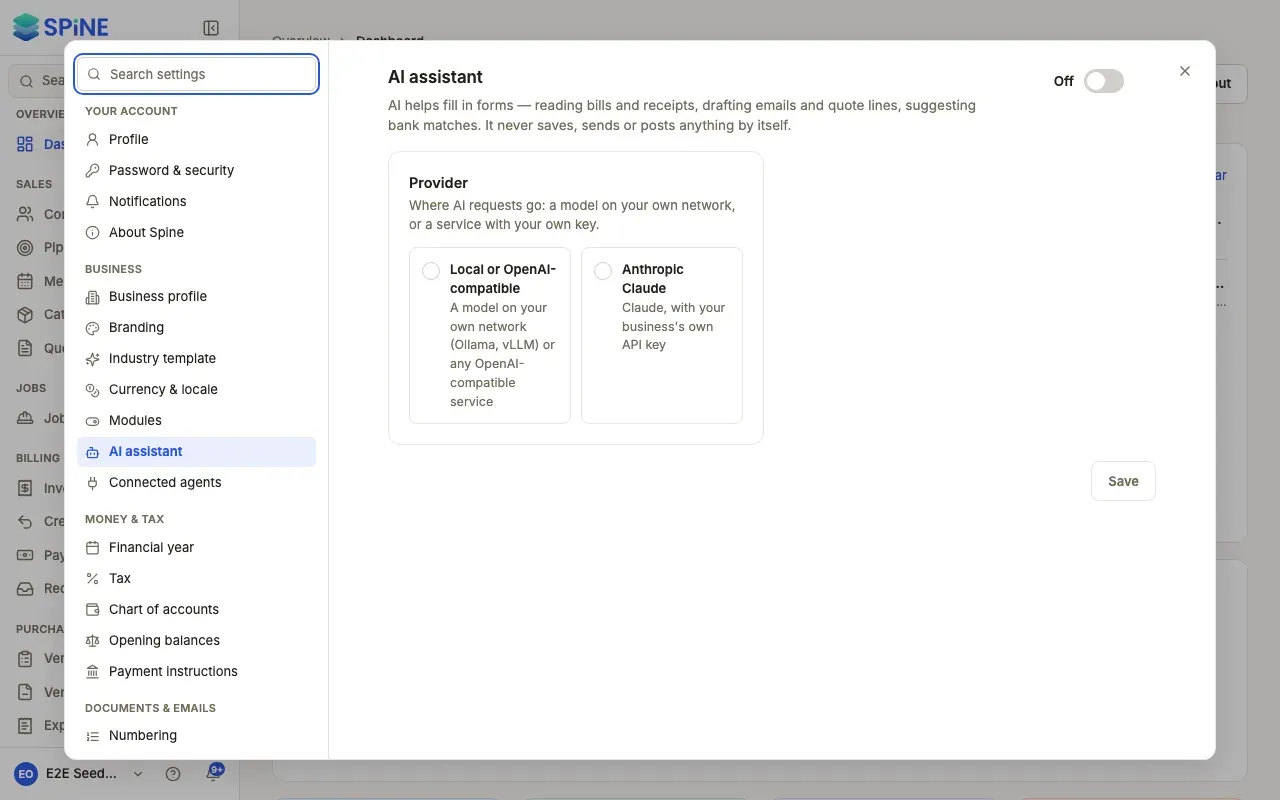
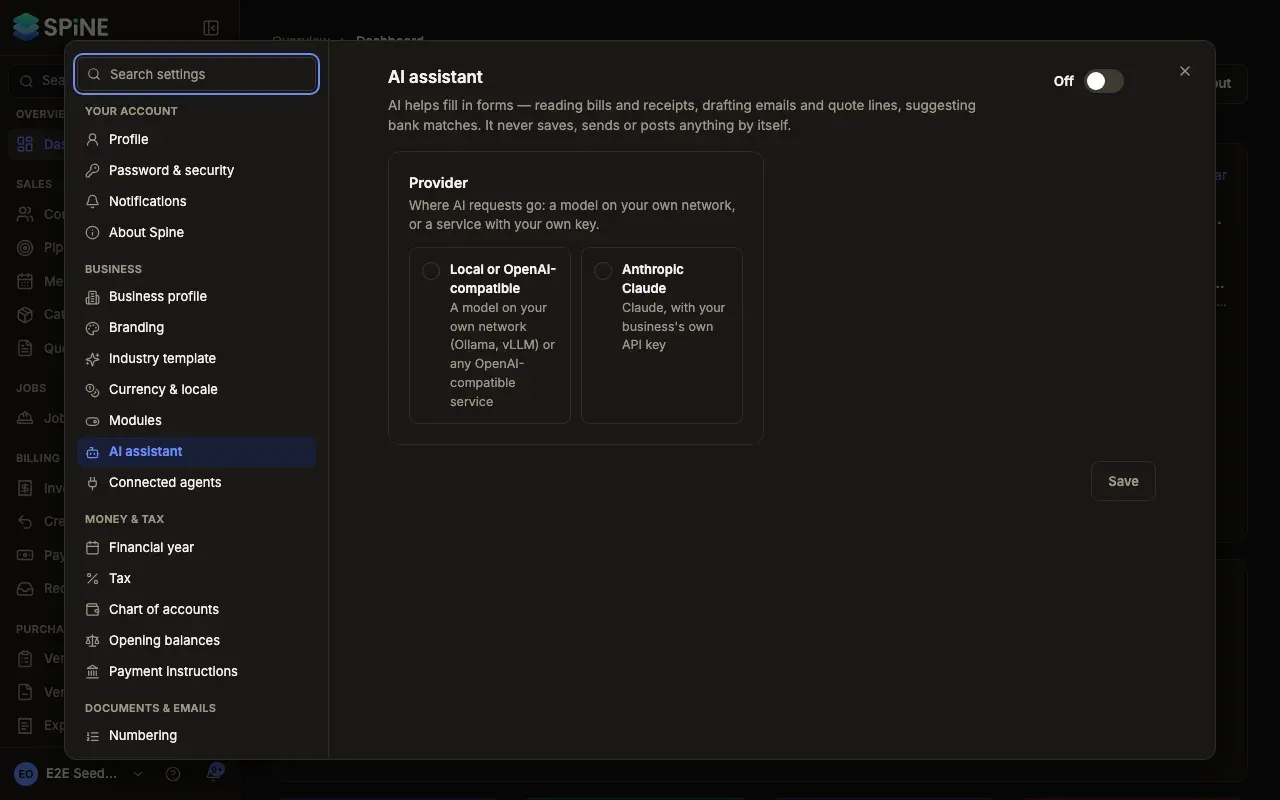
- Turn on the AI assistant — connect a provider and switch AI on.
- Choose which AI features are on — and see what each one sends.
- Set a monthly AI budget — and see this month’s usage.
- Let a Team use AI — the Use AI features permission.
- Read a bill or receipt with AI — on the web and on the phone.
- Draft a customer email with AI — including reminder tone.
- Draft quote lines with AI — from a customer’s enquiry.
- Get AI suggestions while reconciling — for the lines the rules can’t settle.
- Check how AI is used — the audit log and each record’s Activity.
When AI doesn’t answer
Section titled “When AI doesn’t answer”If the provider doesn’t answer within 30 seconds, the control says “AI didn’t answer. Fill this in by hand or try again.” with Try again. What you’ve typed stays, and you can save the form by hand. A request you cancel fills nothing. If AI returns a value Spine can’t use, that field stays empty and the rest fills in.
Related
Section titled “Related”- Connected agents — using Spine from your own AI agent, such as Claude or ChatGPT. That’s separate from the assistant and doesn’t use its provider or budget.
Last updated with Spine 1.0.0-beta.2