

Quotes
A quote tells a customer what you’ll do and what it costs. In Spine you build it line by line, send it by email with a secure link, and the customer reads it, accepts it or declines it on any device, without an account. When they accept, you turn it into a job or an invoice with one button, so nothing is typed twice.
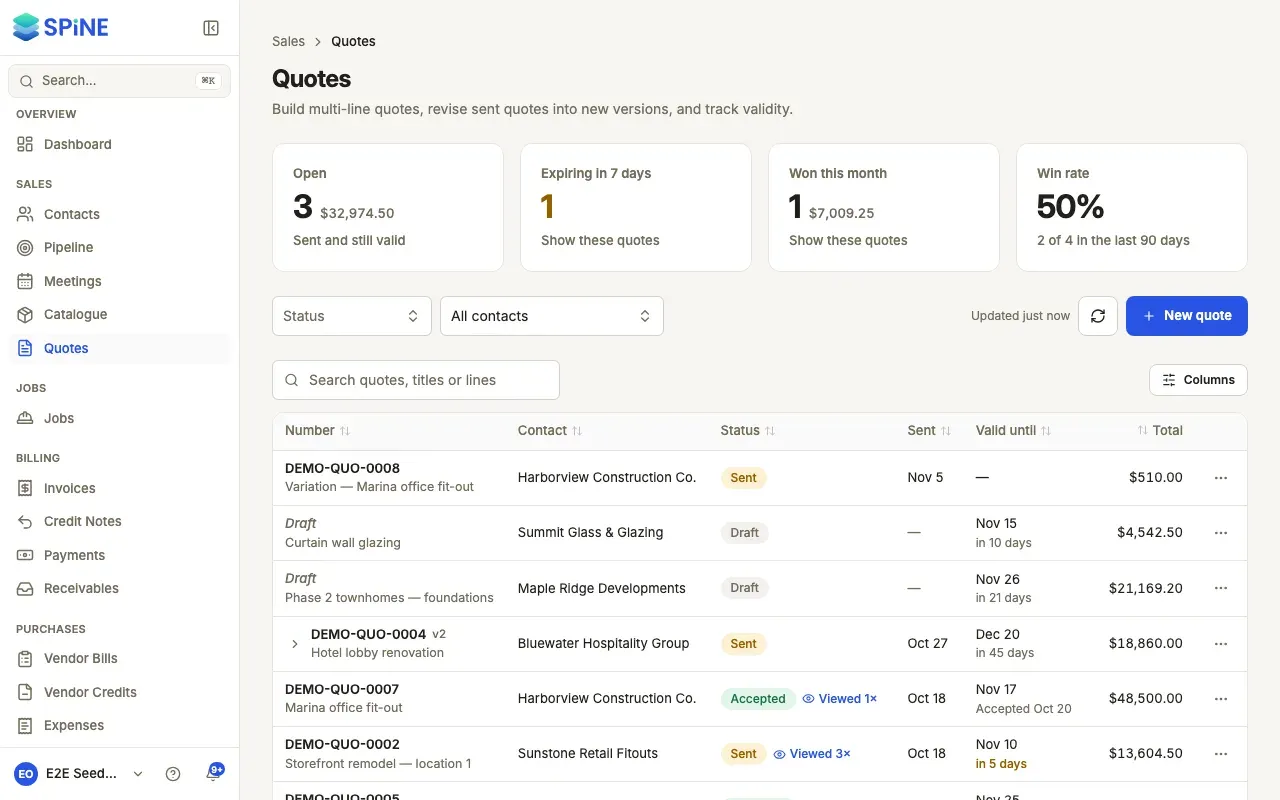
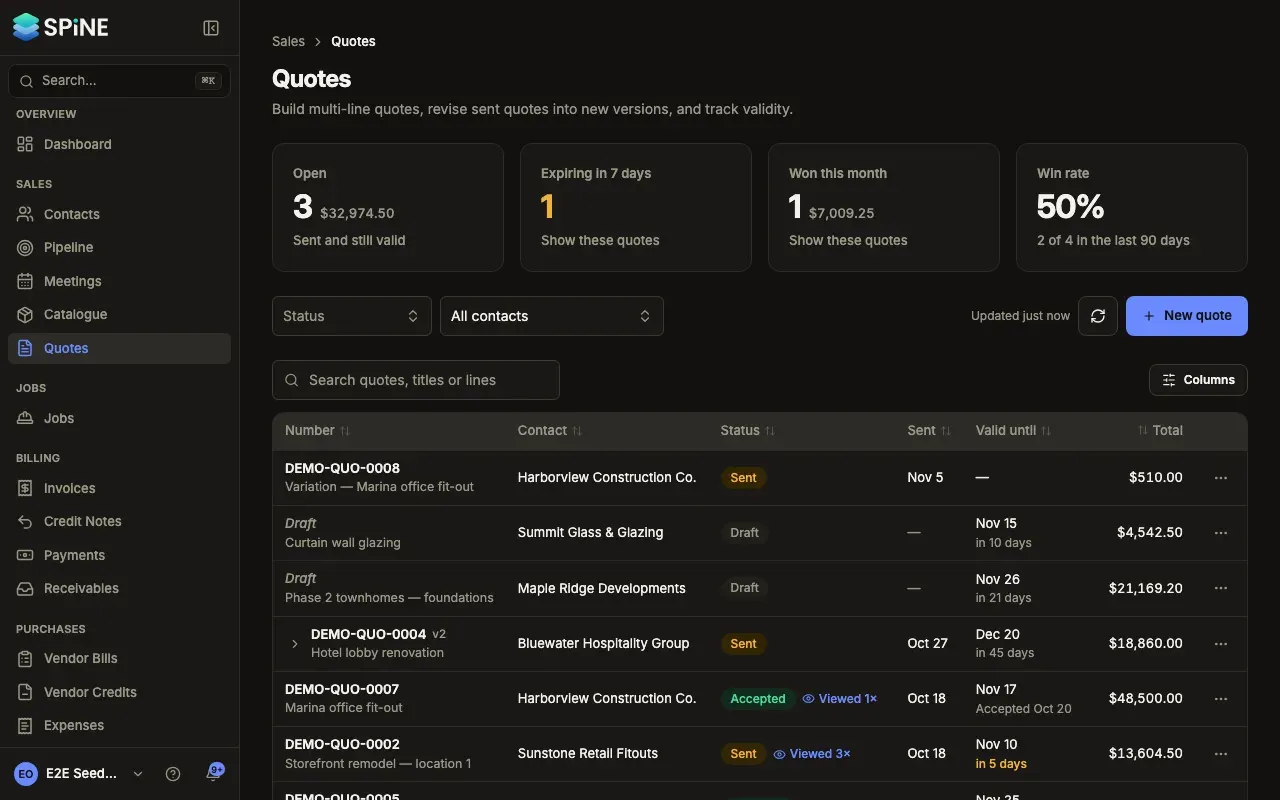
Open Quotes in the sidebar, under Sales.
The main ideas
Section titled “The main ideas”- Draft. A new quote is a draft. It has no number yet, and you can change it or delete it.
- Sent. Sending gives the quote its permanent number and emails it to the customer. A sent quote can’t be edited or deleted, so what the customer saw is always kept.
- Accepted or declined. The customer answers from the link in the email, or on site on a field crew member’s phone. Their comment, or their signature, is kept with the quote. The status chip reads Accepted or Rejected (the list’s Status filter calls a rejected quote Declined).
- Expired. After its Valid until date, a sent quote shows Expired. Nothing changes in the quote itself; it’s a signal to follow up or revise.
- Versions. To change a quote you’ve sent, you Revise it. That makes a new draft version with the same lines. The earlier version is kept, its page says Superseded by with a link to the newer one, and the customer can only answer the newest version.
- Lines. Each item line has a quantity, a rate, an optional discount % and a tax rate. Headings and text lines break a long quote into sections and add nothing to the totals.
Who can work on quotes
Section titled “Who can work on quotes”Owners can do everything. Staff get rights from their Teams: Open Quotes, Create/edit own quotes, Edit others’ quotes, Delete own quotes, Delete others’ quotes, Send a quote, Revise a quote and Accept a quote in person. Sending and revising are separate from drafting, so a junior can draft quotes for someone else to send. Only Owners approve large discounts. Field users don’t see Quotes on the web; they can present a quote on site in the field app. See Choose who can draft, send and revise quotes.
- Find quotes and see what needs chasing
- Build a quote
- Save and reuse lines as a bundle
- Set how long quotes stay valid
- Preview and download a quote PDF
- Approve a large discount
- Send a quote to a customer
- Let a customer accept or decline online
- Follow what happened to a quote
- Revise a sent quote
- Turn an accepted quote into a job or invoice
- Present a quote on site with the field app
- Duplicate a quote
- Delete a draft quote
- Choose who can draft, send and revise quotes
Last updated with Spine 1.0.0-beta.2