

Send a payment reminder
A payment reminder emails the customer the balance still due, with the invoice PDF attached. You can send one from an overdue invoice, or tick several invoices in the list and remind every customer in one go. To have Spine send reminders for you on a schedule, see Turn on automatic payment reminders.
Remind one customer
Section titled “Remind one customer”-
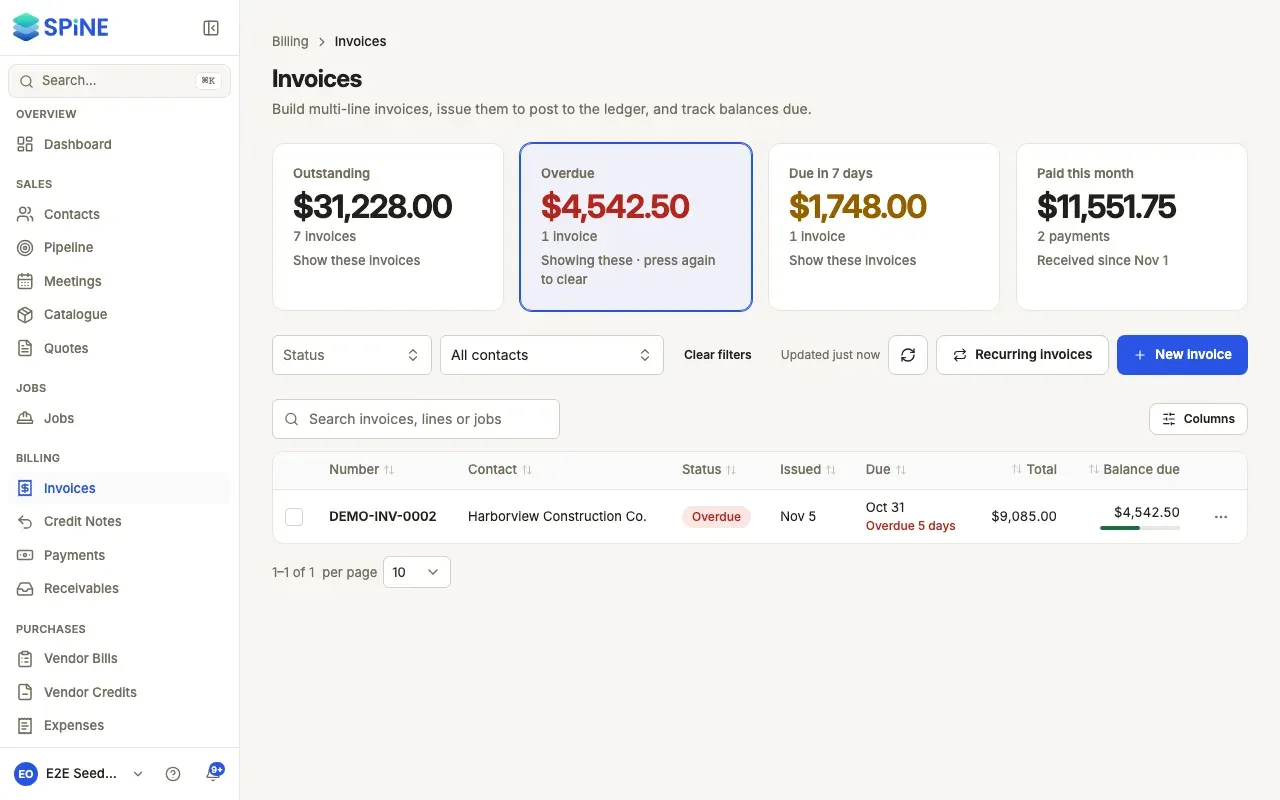
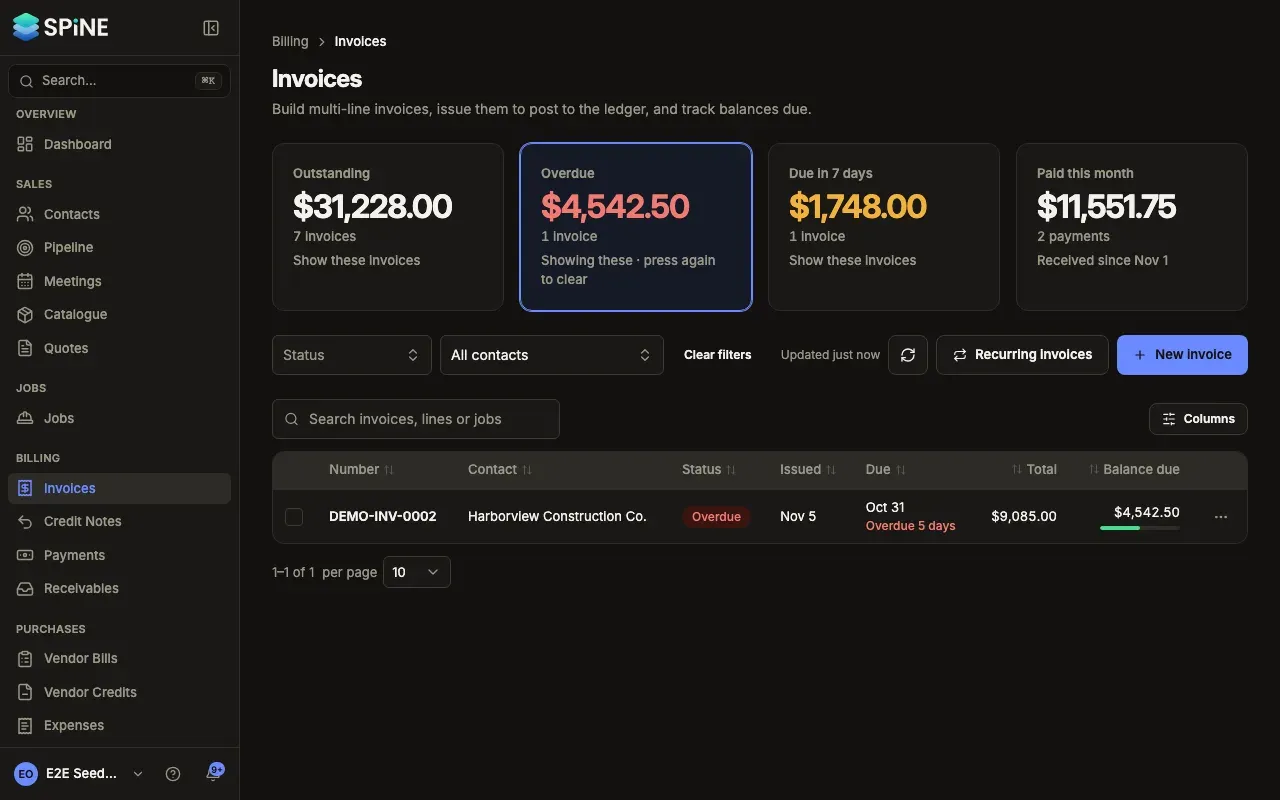
Open the overdue invoice — Go to Invoices, press the Overdue card, and open the invoice. Or choose Send reminder from its row menu.
-
Press Send reminder — It’s the main button on an overdue invoice. Send payment reminder — INV-0012 opens with the customer and the amount due.
-
Check the email — Check To, Subject and Message, and keep Attach the invoice PDF ticked.
-
Send — Press Send reminder.
A toast says Reminder sent, and the invoice’s Activity shows Reminder sent with your name. If it fails, you’ll see “Could not send this reminder.”
Remind several customers at once
Section titled “Remind several customers at once”-
Tick the invoices — In the Invoices list, tick the rows you want to chase. A bar shows how many are selected and how much is outstanding.
-
Press Send reminders — The button, for example Send reminders (3), counts only the invoices that can be reminded: issued, with a balance, and not reminded today.
-
Confirm — Send 3 payment reminders? says how many customers get the email and how many ticked invoices are skipped. Press Send reminders, or Go back to send nothing.
When it finishes, a toast says, for example, “3 reminders sent”, and lists any invoice that was skipped with the reason. Press Clear to untick everything.
Good to know
Section titled “Good to know”- Send reminder on an invoice’s page and in its row menu is offered only when the invoice is overdue. A fully paid invoice can’t be reminded.
- Sending reminders for several invoices, and automatic reminders, skip an invoice that was already reminded today, by hand or automatically.
- In India, if the balance has changed since the invoice was issued, the reminder says what to pay instead of the amount on the PDF’s UPI QR code.
Last updated with Spine 1.0.0-beta.2