

See who owes you money
Receivables shows what customers owe you and how late it is, so you can decide who to call first. Its totals come straight from your books, so they agree with your reports.
-
Open Receivables — Choose Receivables in the sidebar. The description says “What customers owe you, by how late it is” and the date it’s as of.
-
Pick a view — By customer (open first) adds up each customer. By invoice lists every open invoice.
-
Narrow it by age — Press the Current, Overdue or 90+ days card, press an age on the bar, or use the age filter (All ages, Overdue, Current, 1–30 days, 31–60 days, 61–90 days, 90+ days). Press the card again to show everything. The cards and bar always show every age; only the list narrows.
-
Search — On By customer, search matches the customer’s name; on By invoice, the number or customer.
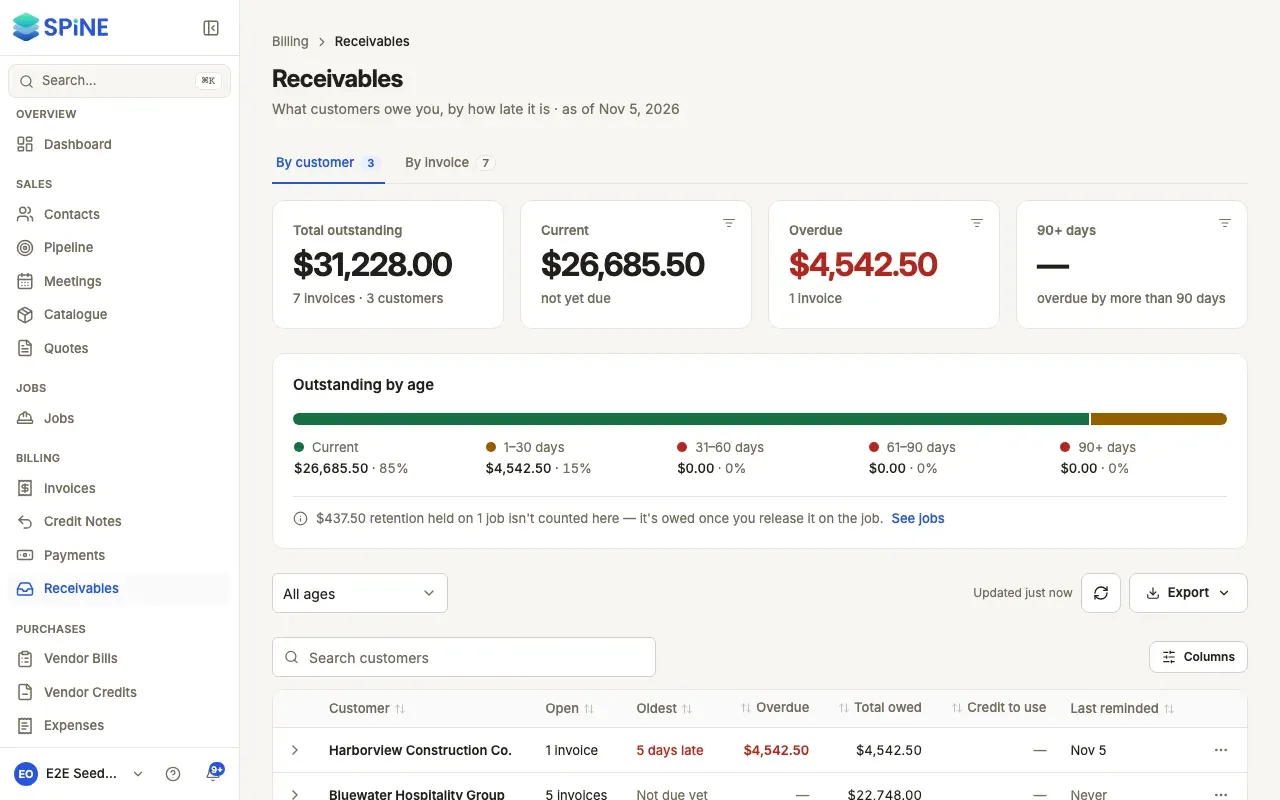
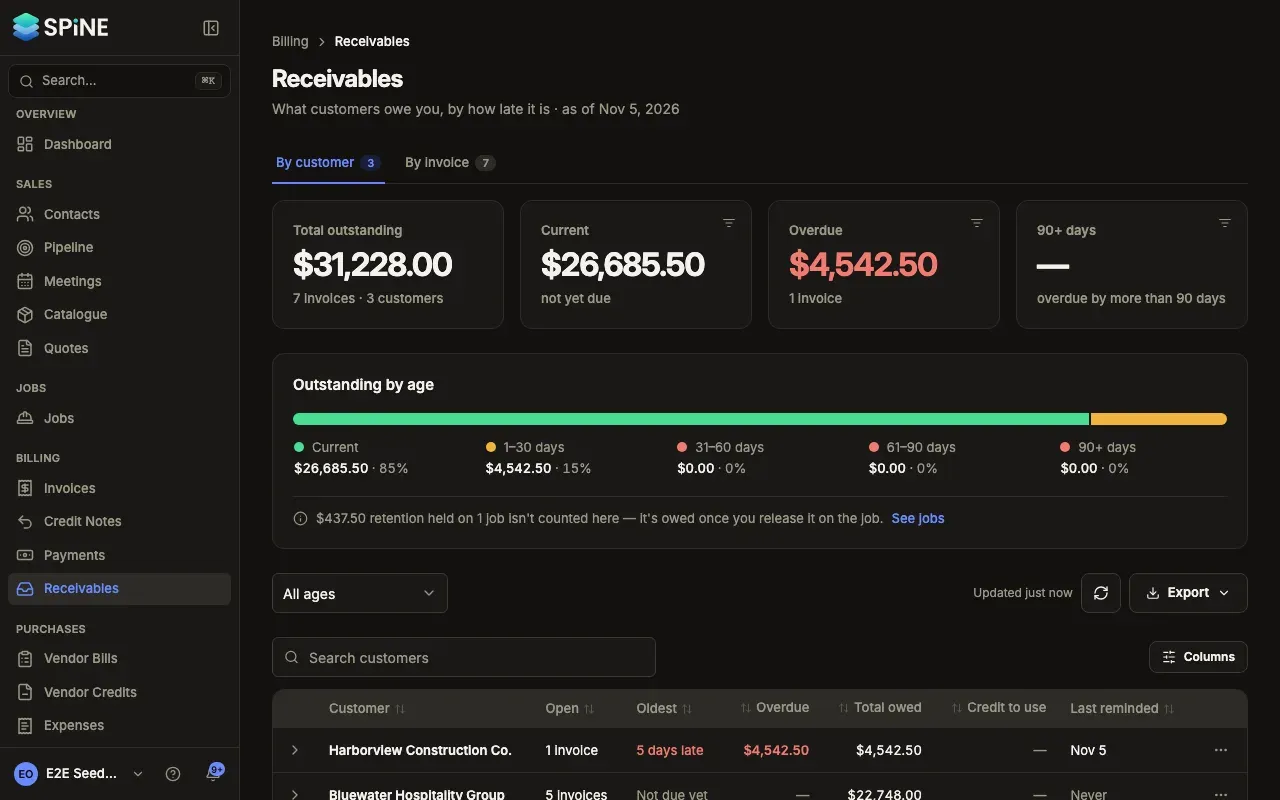
By customer
Section titled “By customer”Each customer who owes has one row: how many open invoices, the oldest (“45 days late” or Not due yet), Overdue, Total owed, Credit to use and Last reminded (or Never). The most overdue money comes first. Expand a row to see their open invoices, oldest due first. A totals row adds up overdue, owed and credit.
By invoice
Section titled “By invoice”Each row has the invoice number (with its job, and Deposit for a deposit invoice), the customer, the due date with when they were last reminded, how late it is in words (“12 days late”, “Due in 5 days” or No due date) and the Balance due. The most days late comes first. Use Columns to show Issued, Invoice total and Paid so far.
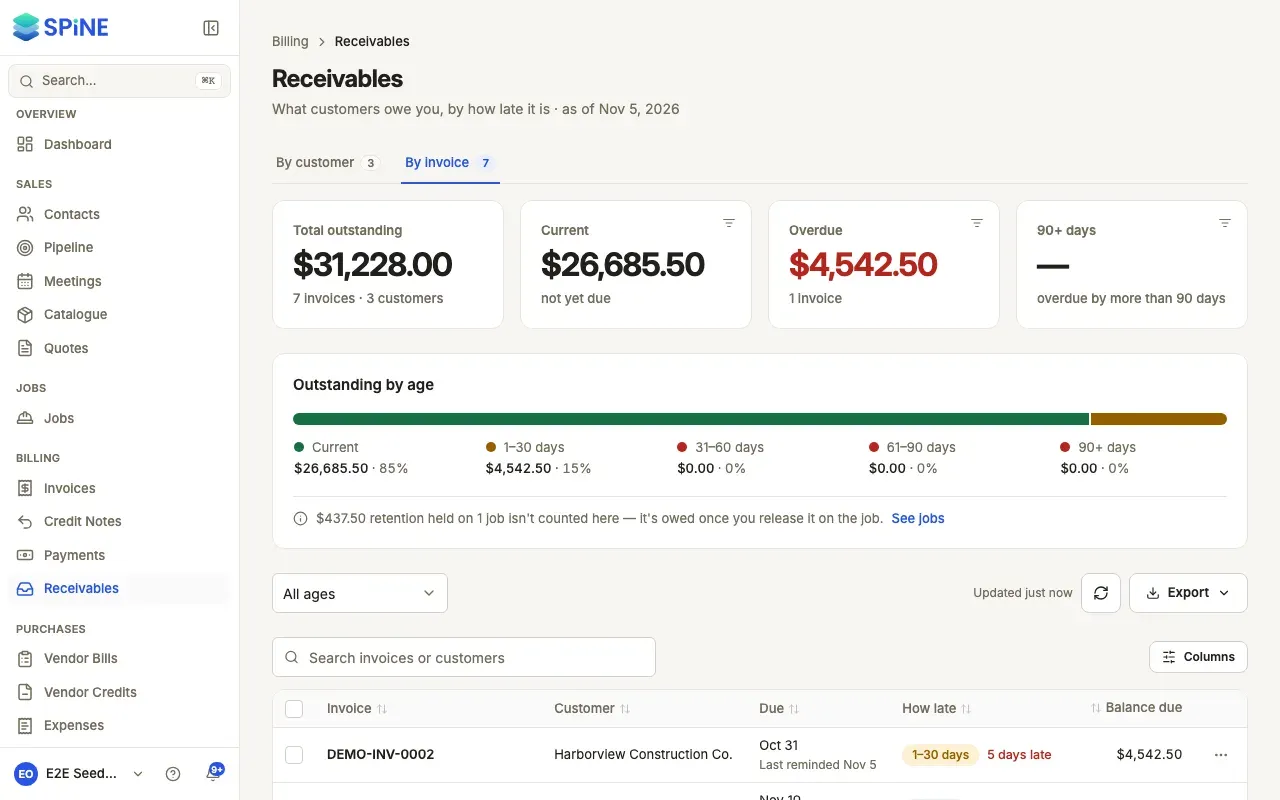
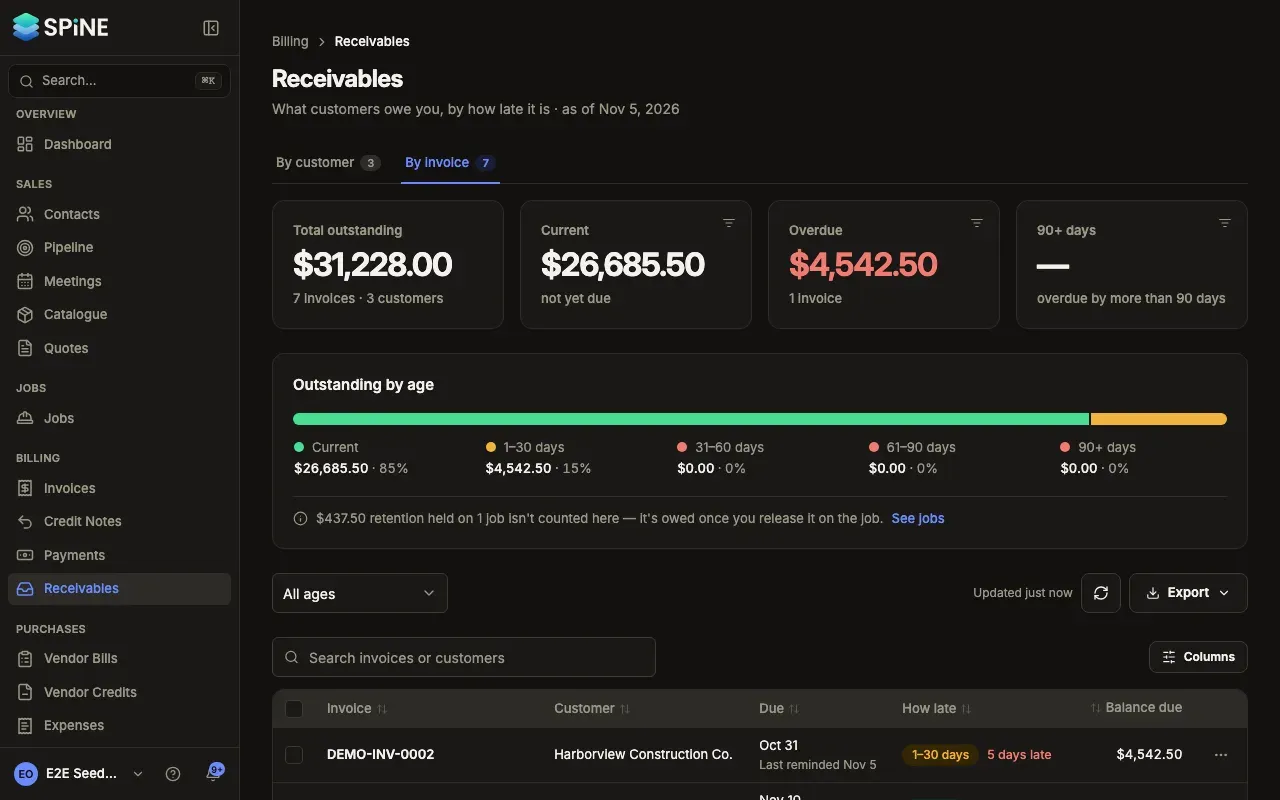
Export for your accountant
Section titled “Export for your accountant”Press Export on either tab and choose CSV to download one row per invoice on screen with its age. Amounts are plain numbers with the currency in its own column. If you’ve chosen an age, the file has only that age. The same menu offers Excel (.xlsx), PDF and Print.
Your tab, age, search and sort are kept in the address, so you can open an invoice and go Back to the same view. Refresh list reloads it.
Last updated with Spine 1.0.0-beta.2