

Change your pipeline stages
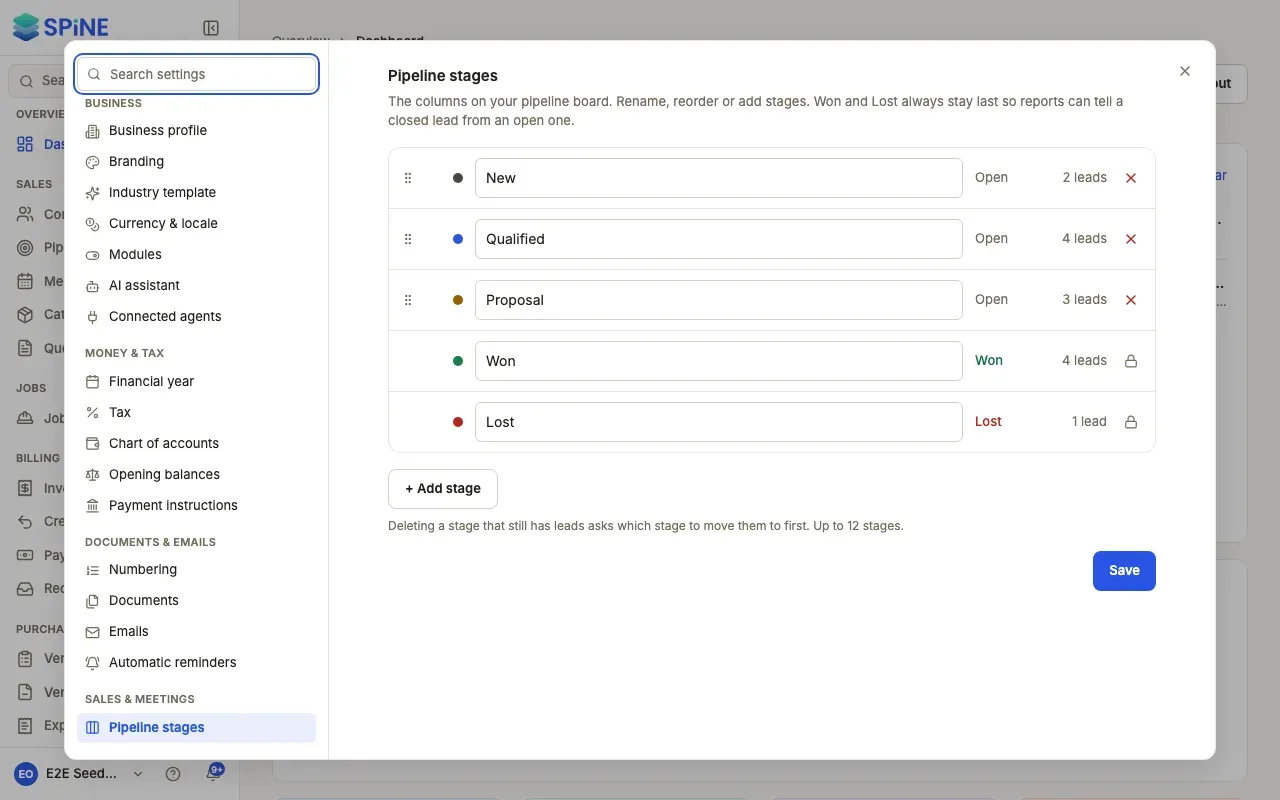
Pipeline stages are “The columns on your pipeline board. Rename, reorder or add stages. Won and Lost always stay last so reports can tell a closed lead from an open one.” Changing them changes the board for everyone.
-
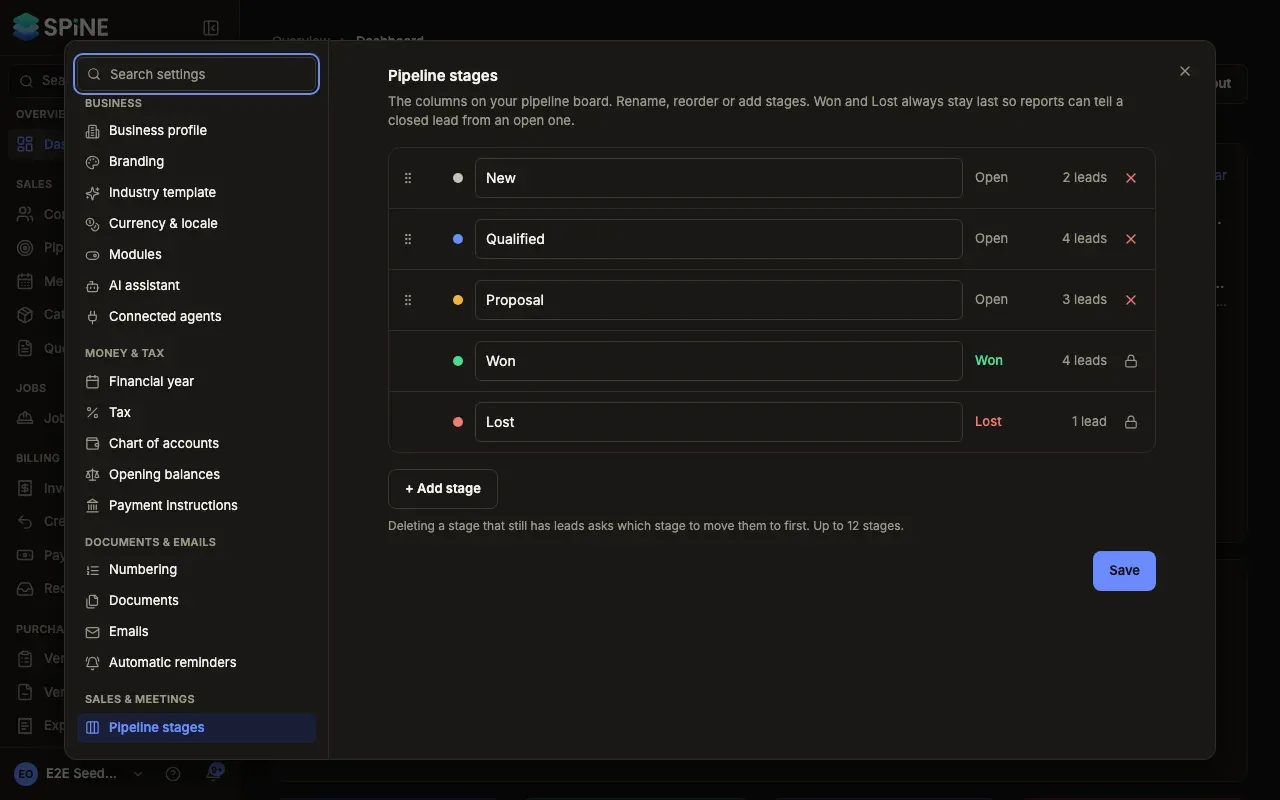
Open Settings › Pipeline stages — Open your user menu, choose Settings, and pick Pipeline stages under Sales & meetings. Each row shows the stage’s name, its kind (Open, Won or Lost) and how many leads are in it.
-
Rename a stage — Type a new name in its row, for example change “Proposal” to “Quote sent”. Its leads stay in it.
-
Reorder — Drag a stage by its handle to a new position, or use the up and down arrows on its row (“Move Proposal up”).
-
Add a stage — Press + Add stage, name it, and move it where it belongs. You can have up to 12 stages.
-
Delete a stage — Press the delete button on its row. If it still has leads, “Delete “…”?” asks where they go: choose a stage under “Move 3 leads to:” and press Delete stage. “Its leads aren’t deleted — they move to the stage you choose when you save the stages.”
-
Press Save — A “Saved” message appears and the board shows your stages.
Good to know
Section titled “Good to know”- Won and Lost stay last. “Won and Lost can be renamed but not moved or deleted.”
- Up to 12 stages. With 12, + Add stage is turned off.
- Nothing changes until you save. A deleted stage and its leads’ move happen when you press Save.
For working leads on the board, see Contacts and pipeline.
Last updated with Spine 1.0.0-beta.2