

Record a vendor bill
Recording a bill posts it to your books: its lines go to their expense accounts, its tax to input tax, and the total to Accounts Payable as owed to the vendor. A bill tagged to a job counts as that job’s cost from then on. A recorded bill is locked — it can’t be edited, only voided.
-
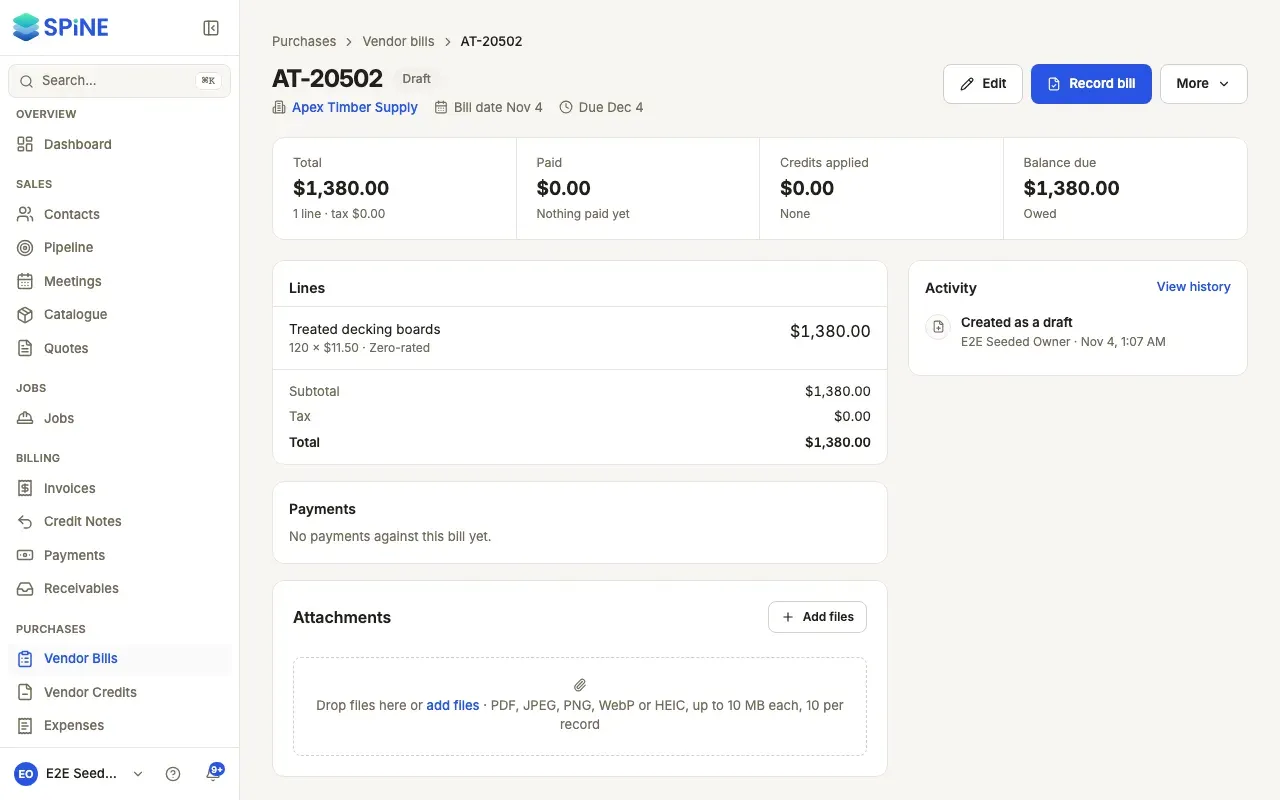
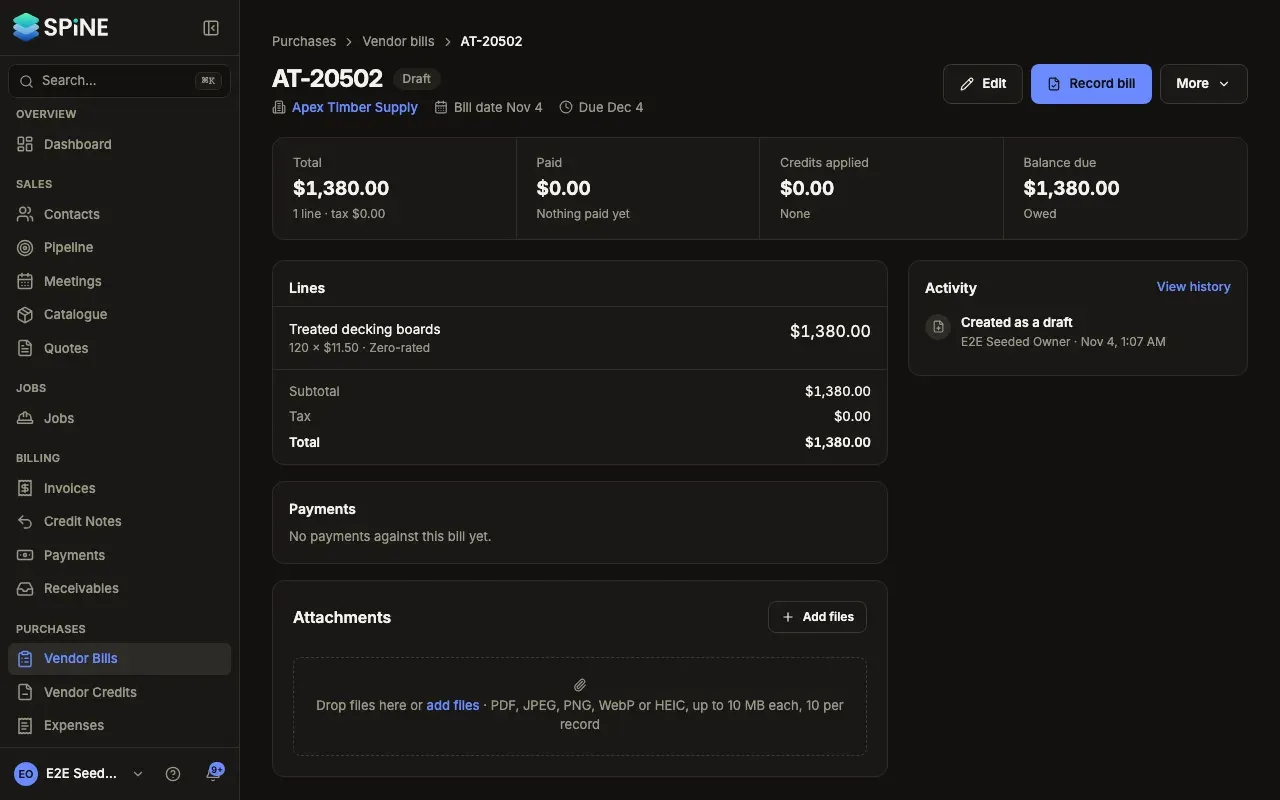
Open the draft — Go to Vendor Bills and open the draft. Its state reads Draft.
-
Check it — Look over the vendor, bill number, dates, job and lines. Press Edit if anything needs changing.
-
Record it — Press Record bill. Spine asks “Record this bill?” and says what will be posted. Press Record bill again to confirm.
A toast says the bill is recorded and how much is posted as owed to the vendor. The bill’s state changes to Unpaid (or Overdue once its due date has passed).
On the bill builder, Save and record saves the draft and records it in one go, after the same question.
Read the bill’s page
Section titled “Read the bill’s page”Once a bill is recorded, its page shows:
- The state in words — Unpaid, Partly paid, Paid, Overdue or Void — with how late it is, for example “12 days late” or “Due in 5 days”.
- A strip with Total, Paid, Credits applied and Balance due.
- Payments against the bill, each opening its payment.
- Activity, newest first: created, recorded, each payment and credit applied, and voided, with who and when.
The main action is Pay bill while money is owed — see Pay a vendor. The rest sit in More.
Record several drafts at once
Section titled “Record several drafts at once”-
Tick the drafts — On the Vendor Bills list, tick the bills you want to record. Only drafts count.
-
Record them — Press Record (n) in the bar. Spine asks “Record n bills?” with their total. Confirm with Record bills.
The toast says how many were recorded. Any that couldn’t be recorded are named, with the reason — for example “It’s already recorded.”.
If recording fails, the page says so and nothing is posted. Try again, or check the bill for a missing account.
Last updated with Spine 1.0.0-beta.2