

Finish setting up from the Set up Spine page
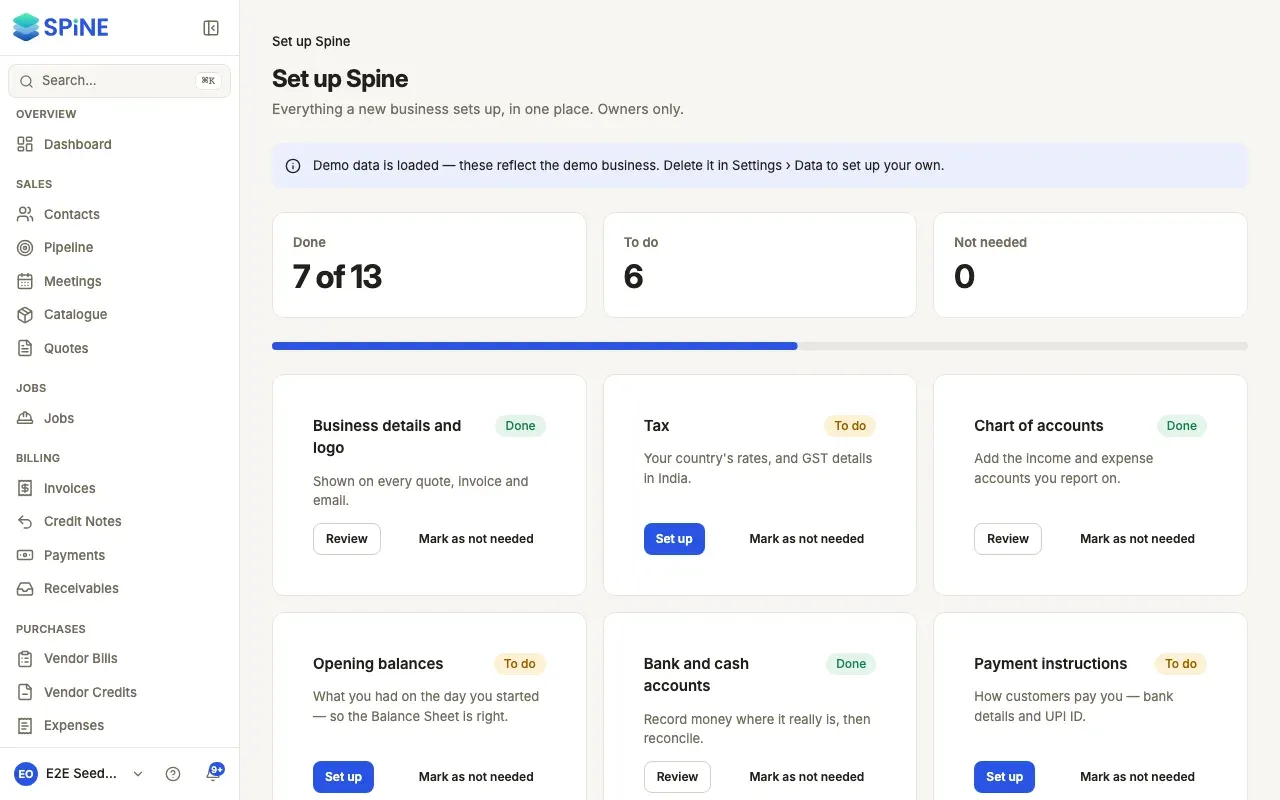
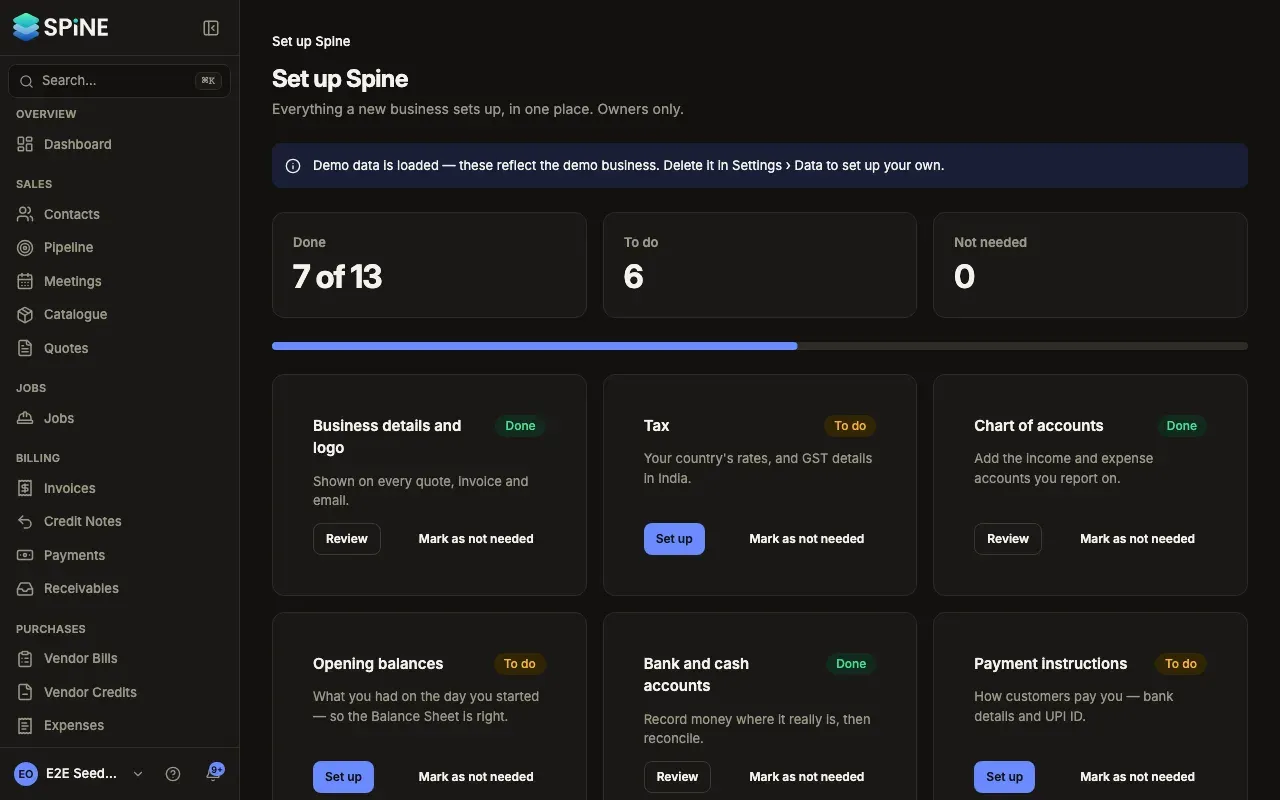
The Set up Spine page puts everything a new business sets up in one place, with a card for each and whether it’s done. Spine works out “Done” from your data, so you never tick anything yourself — lock your opening balances, for example, and that card turns Done.
-
Open the page — Open your user menu and choose Set up Spine. The top shows how many cards are Done, how many are To do and how many are Not needed, with a progress bar.
-
Pick a card — Each card has a title, one line on why it matters, and Done or To do.
-
Press Set up (or Review) — A card that’s to do says Set up; a done one says Review. Settings cards open their pane over the page, and closing it brings you back with the cards updated. Opening balances, Bank and cash accounts, Invite your team and Field app open their own page.
-
Hide what you don’t need — Mark as not needed moves a card to Not needed at the bottom, for everyone in the business. Show again brings it back.
The cards
Section titled “The cards”Business details and logo, Tax, Chart of accounts, Opening balances, Bank and cash accounts, Payment instructions, Documents and emails, Numbering, Payment reminders, Modules, Invite your team, Email sending, Backups and Field app.
- Field app only shows while the Jobs & field module is on.
- Email sending and Backups are set on the server by whoever runs Spine, so their cards have Read the guide instead of Set up. See Email and Backups.
- Backups says “Spine can’t check backups yet — whoever runs the server sets them up. Not counted below.” It isn’t counted in the totals.
The dashboard checklist
Section titled “The dashboard checklist”Until your first customer, item and quote exist, the dashboard’s Get started card lists those three steps. Once they’re done it reads “Finish setting up Spine — 4 left” with a Set up Spine button, until every card is done or marked not needed.
Last updated with Spine 1.0.0-beta.2