

Plan your day with Today
The Today card puts your day in one column beside Needs your attention: your meetings, milestones coming due and the follow-ups assigned to you, in time order. You can plan the day without opening the calendar or each job.
- Read the list — In time order: your meetings today, milestones due within 7 days on jobs you can see, follow-ups assigned to you that are due today or overdue, and your next meeting after today.
- Read each entry — A time or “Due day”, the title, and a line naming the kind and record, such as “Meeting · office” or “Milestone · Marina office fit-out”.
- Open the calendar — Press Open calendar to see the meetings calendar on today.
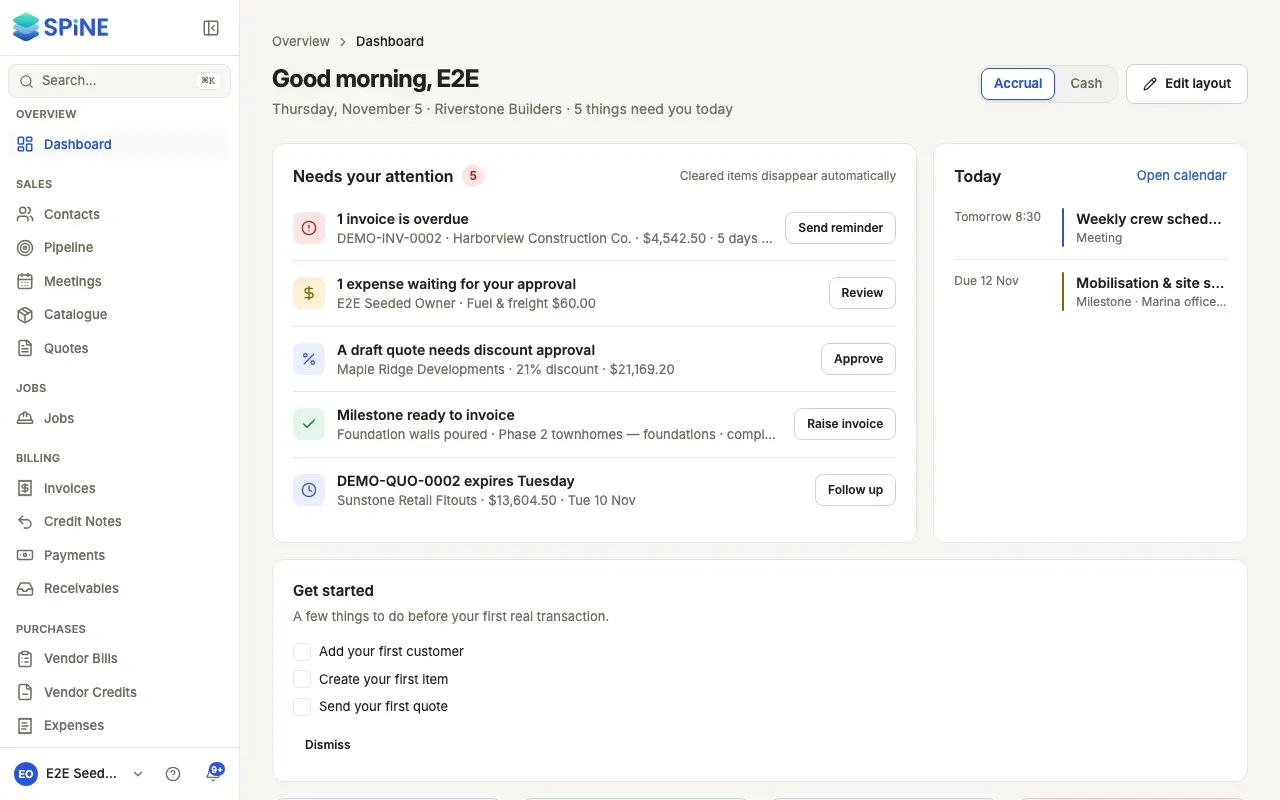
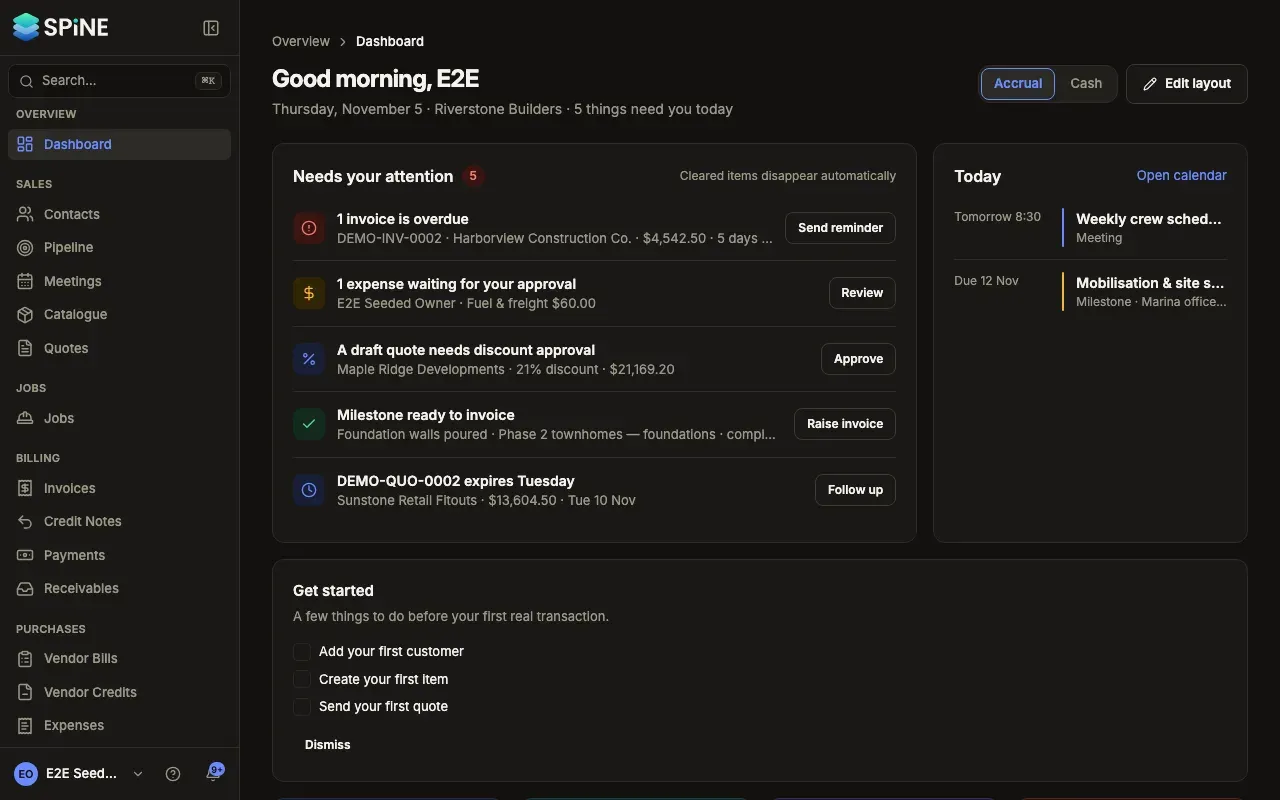
With nothing on, it reads “Nothing scheduled today.”
Choose which meetings Today shows
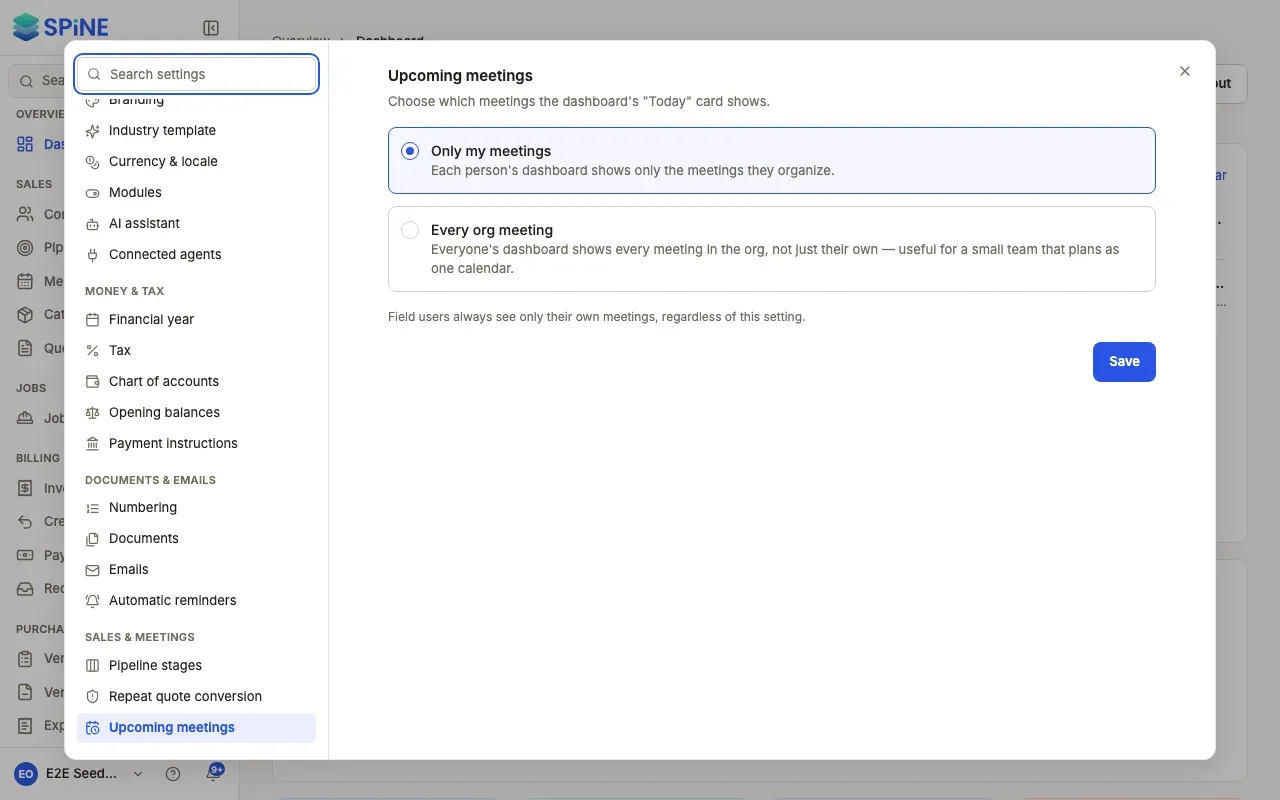
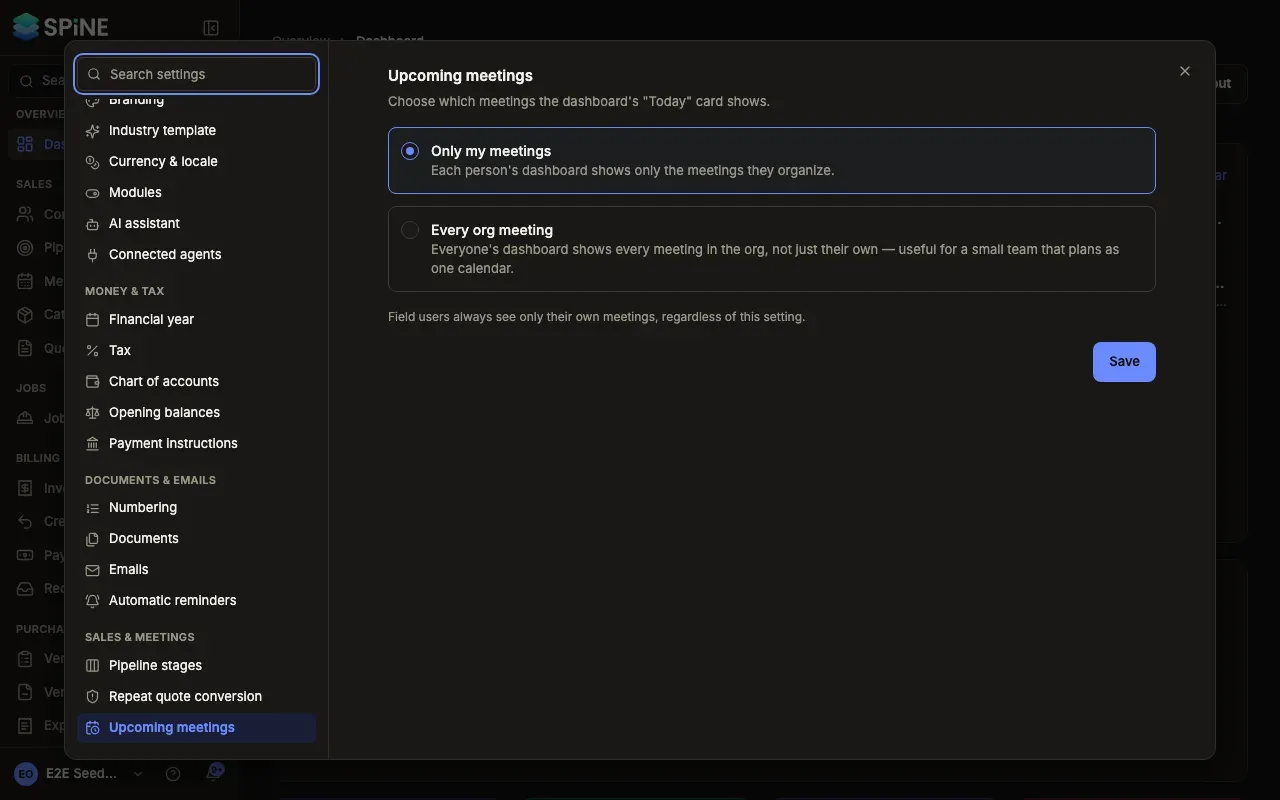
Section titled “Choose which meetings Today shows”- Open Settings › Upcoming meetings — Open your account menu, choose Settings, then Upcoming meetings.
- Choose a scope — Only my meetings: each person’s dashboard shows only the meetings they organise. Every org meeting: everyone’s dashboard shows every meeting in the business, which suits a small team that plans as one calendar.
On a wide screen (1440 pixels or more), Needs your attention, Today and Recent activity sit in a column on the right that stays in view while the rest of the page scrolls. On a smaller screen they sit at the top.
For booking and managing meetings, see Meetings.
Last updated with Spine 1.0.0-beta.2