

Team and permissions
Everyone who works in Spine has their own sign-in and one of three roles. Owners run the business and can open everything. Staff work in the office and can do what their Teams allow. Field crew use the phone app and see only the jobs they’re assigned to, without money. The Team section of the sidebar is where Owners invite people, put Staff on Teams, choose what each Team can do and check who changed what.
The main ideas
Section titled “The main ideas”- Three roles. Owner, Staff and Field. Owners can do everything, including Users, Teams and Settings. Field access is fixed and can’t be changed. Staff get their access from Teams.
- Teams decide what Staff can do. A Team is a named group of Staff with a list of permissions. Someone on several Teams gets everything any of them allows. A Staff member on no Team can’t open anything.
- Sections open and close. Each part of Spine — Contacts, Quotes, Invoices and so on — has an Open permission. With it off, the section leaves that Team’s sidebar.
- One Primary Owner. The person who set up Spine is the Primary Owner. Nobody else can demote or deactivate them, and the status only moves when they transfer it.
- Nothing is deleted. You deactivate people instead of deleting them, so their name stays on everything they did.
- Every change is recorded. The Audit log lists every change to records, people and Teams, newest first.
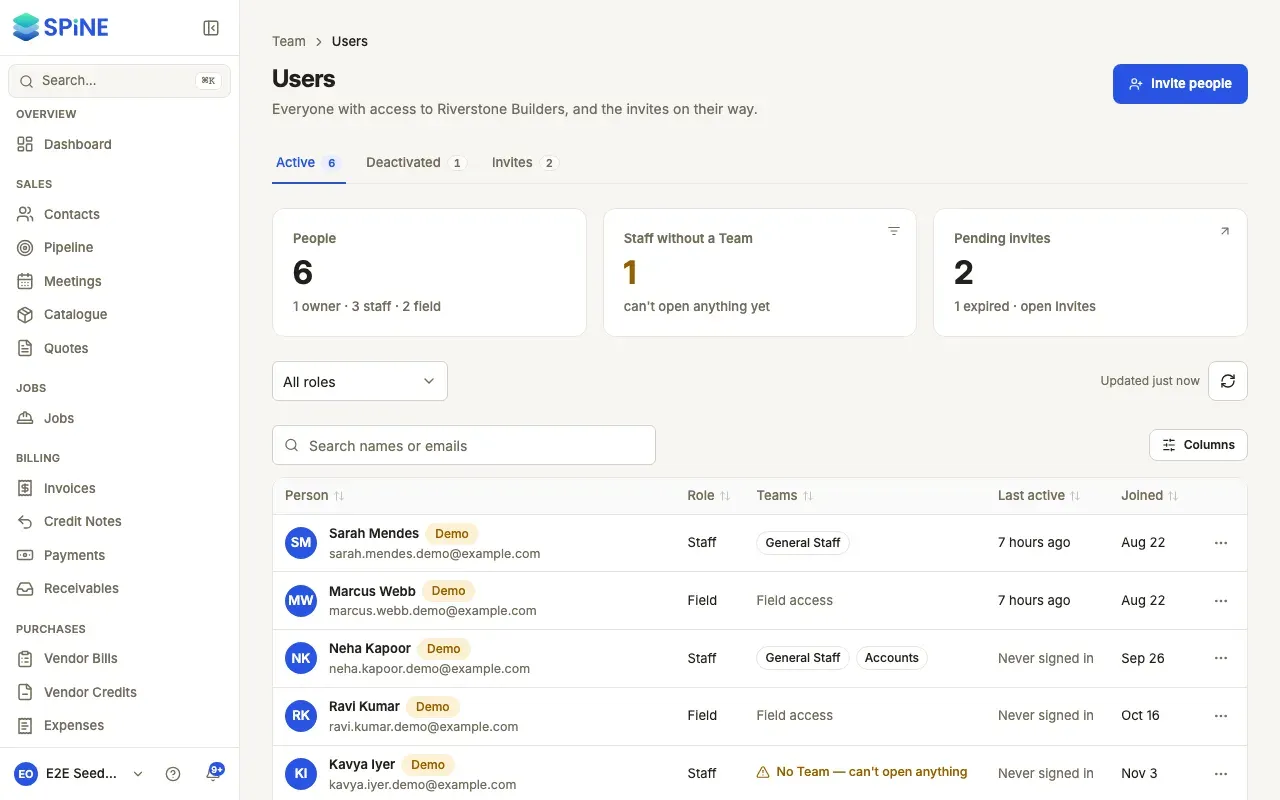
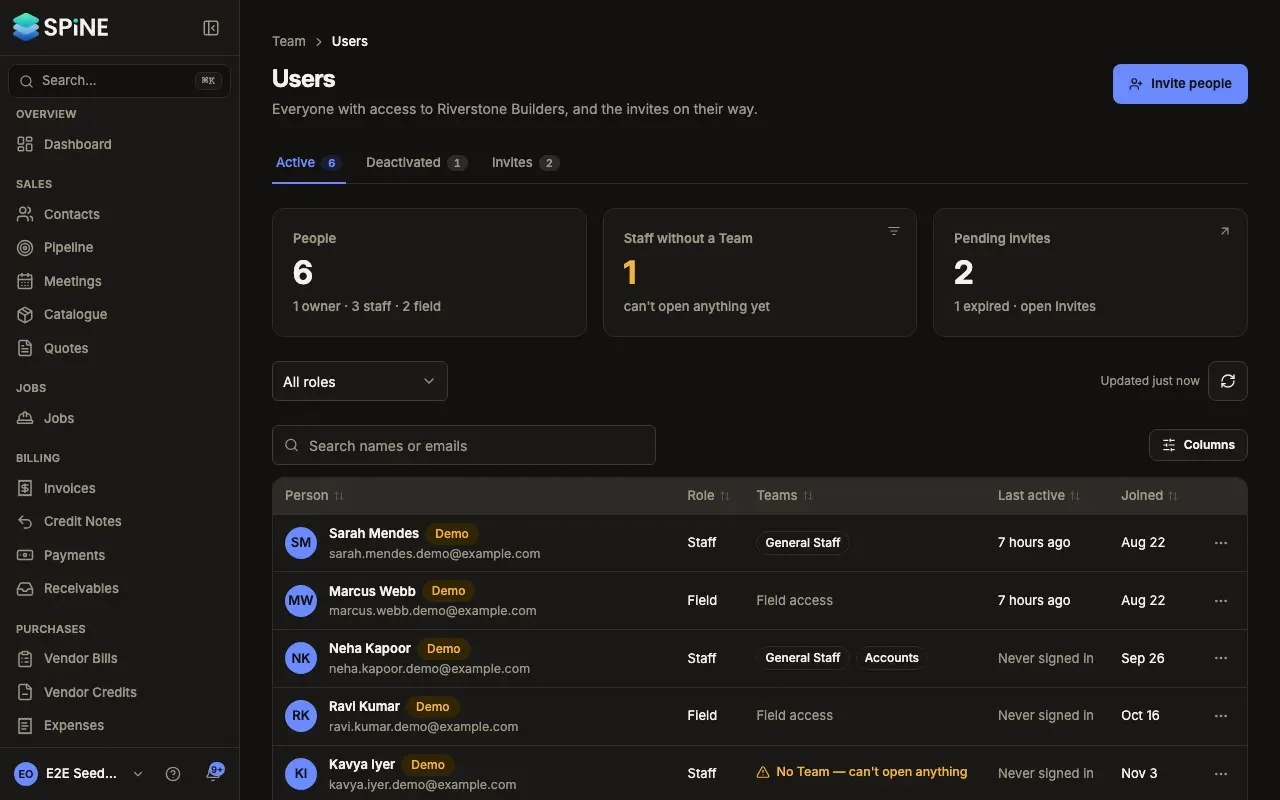
- Understand roles: Owner, Staff and Field — what each role can open.
- Invite people — send invites, with a role and Teams.
- Resend or cancel an invite — the Invites tab.
- Create a Team — start from nothing or from another Team, rename or duplicate one.
- Add and remove people on a Team — from the Team’s page or from Users.
- Choose what a Team can do — sections and permissions, reviewed before saving.
- Check what someone can open — one person’s access at a glance.
- Change someone’s role — Staff and Field, promote to Owner, demote to Staff.
- Transfer primary ownership — hand the Primary Owner status to another Owner.
- Deactivate or reactivate someone — remove access and keep their history.
- Set a new password for someone — when a Staff or Field member is locked out.
- Delete a Team — and what happens to its people.
- Use the audit log — every change, who made it and when, and a Team’s history.
Related
Section titled “Related”- Settings and data export — the rest of the Owner-only settings.
- Notifications — what people hear about, by role.
Last updated with Spine 1.0.0-beta.2