

Reports
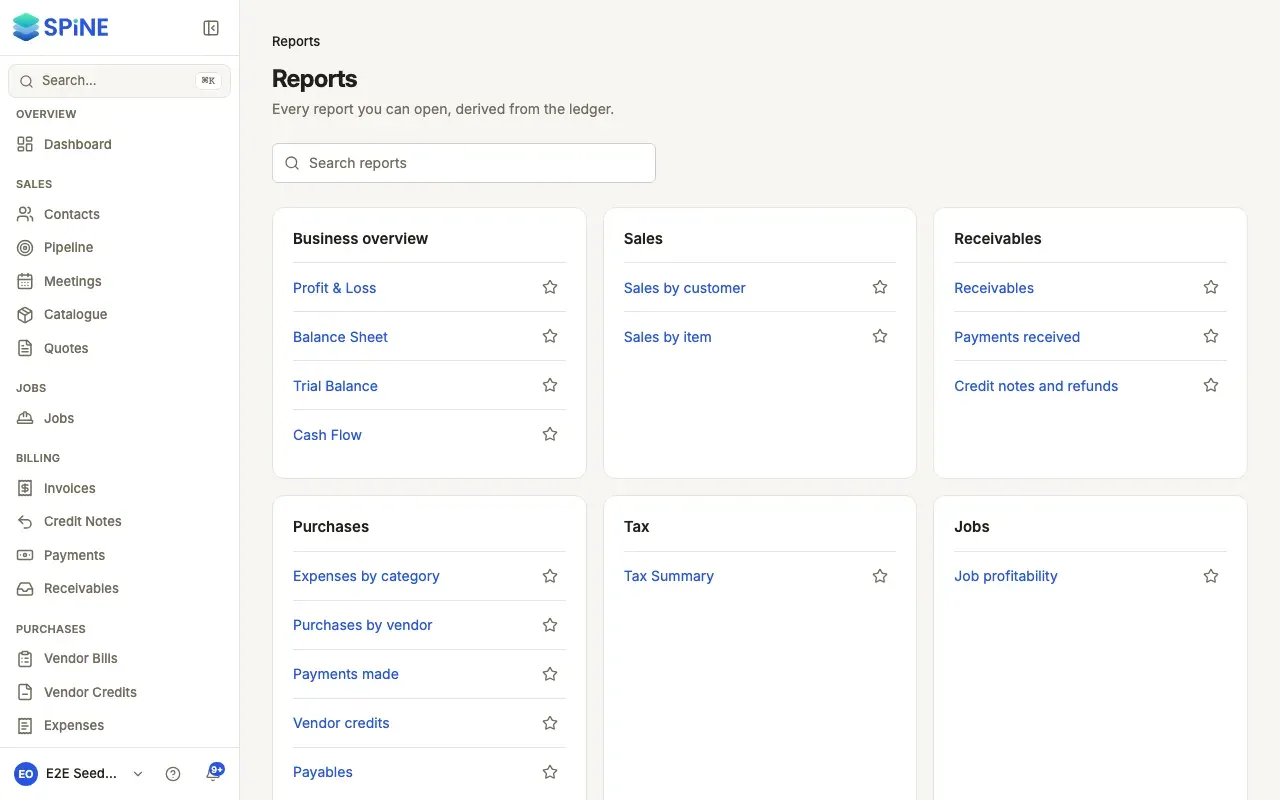
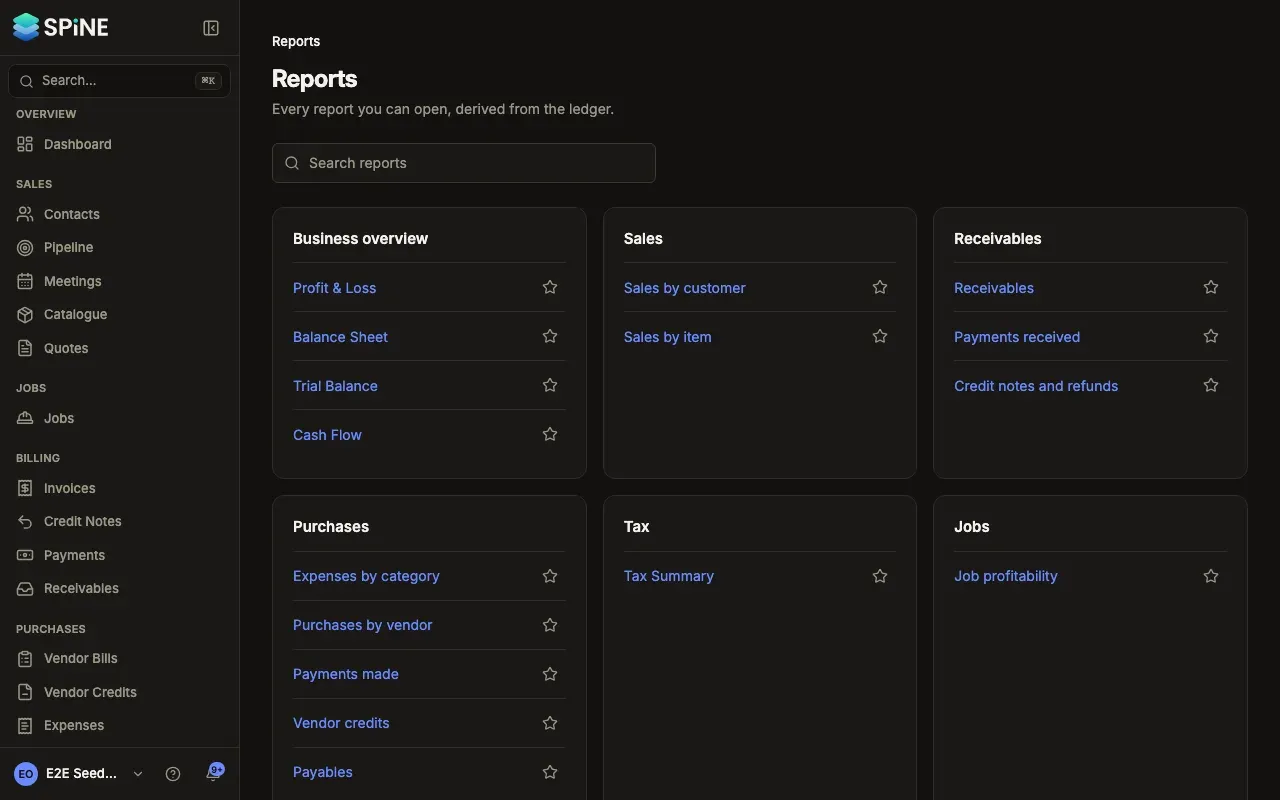
Every report in Spine is worked out from your books, the journal entries that each invoice, payment, bill, expense and journal posts. Nobody types figures into a report, so Profit & Loss, the Balance Sheet, the Tax Summary and job profitability always agree with each other and with the documents behind them. Click a figure to see the entries that make it up.
The main ideas
Section titled “The main ideas”- The ledger. Every business event posts a balanced journal entry: debits equal credits. Reports read those entries.
- Accrual and cash basis. Accrual counts income when you invoice and costs when you’re billed. Cash counts them when money moves. Profit & Loss offers both; other statements are accrual.
- Periods. Most reports cover a range from From to To; the Balance Sheet and Trial Balance are As of one date. The default range is your financial year to date.
- Drill-down. Clicking an account opens the entries behind its figure, and each entry opens its document.
- Journals. Adjustments no document covers, such as depreciation, posted by an Owner and never edited, only reversed.
- Closed periods. Once a period is closed, nothing can be posted with a date inside it. Closing periods, adding accounts and opening balances are covered in Chart of accounts and opening balances.
- Find a report
- See profit and loss
- See the balance sheet
- See where cash came from and went
- Check the trial balance
- See the entries behind a figure
- Audit the general ledger and day book
- See sales and purchases
- See payments and credits in a period
- Compare profitability across jobs
- Export or print a report
- Export your books for Tally
- Post an adjusting journal
- Review and reverse journals
- Give your accountant access to reports
The Tax Summary and GSTR-1 are covered in Tax, Receivables in Payments, Payables in Purchases, and the dashboard’s report cards in Dashboard.
Last updated with Spine 1.0.0-beta.2