

Contacts and pipeline
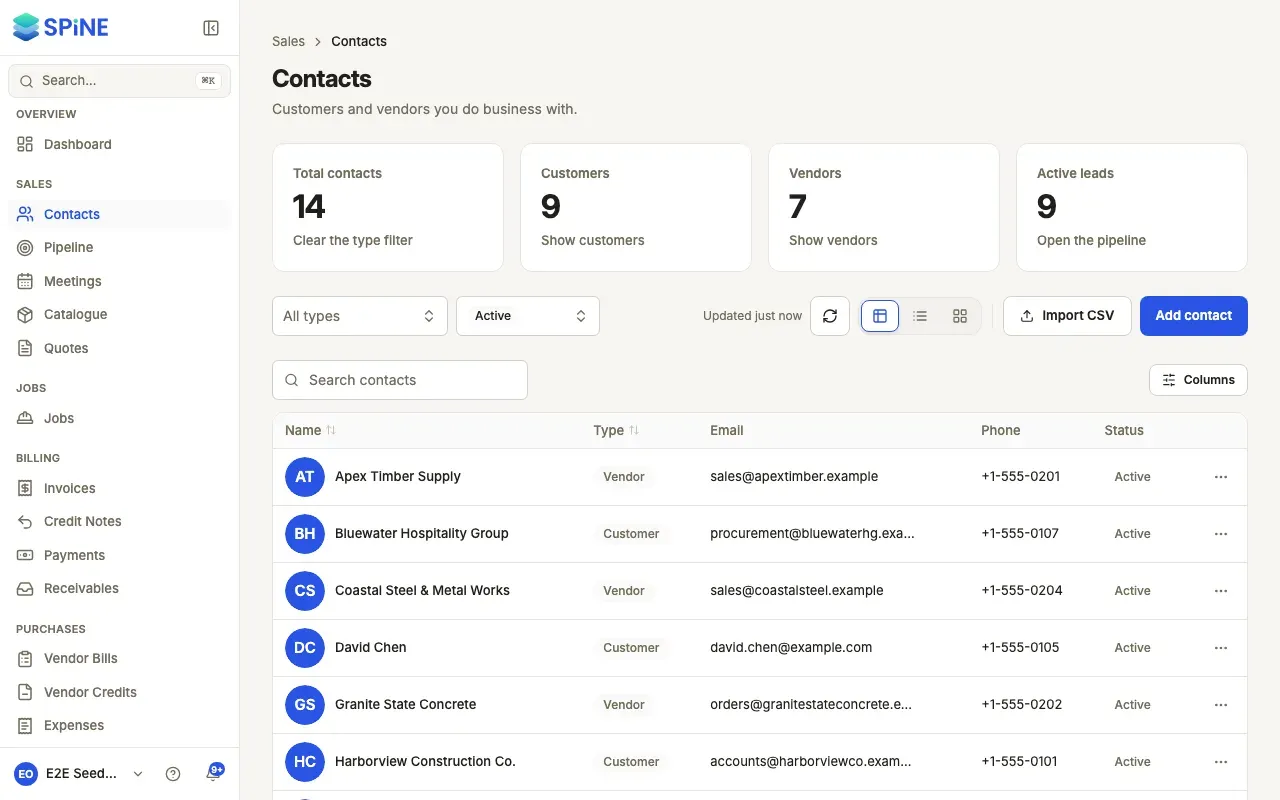
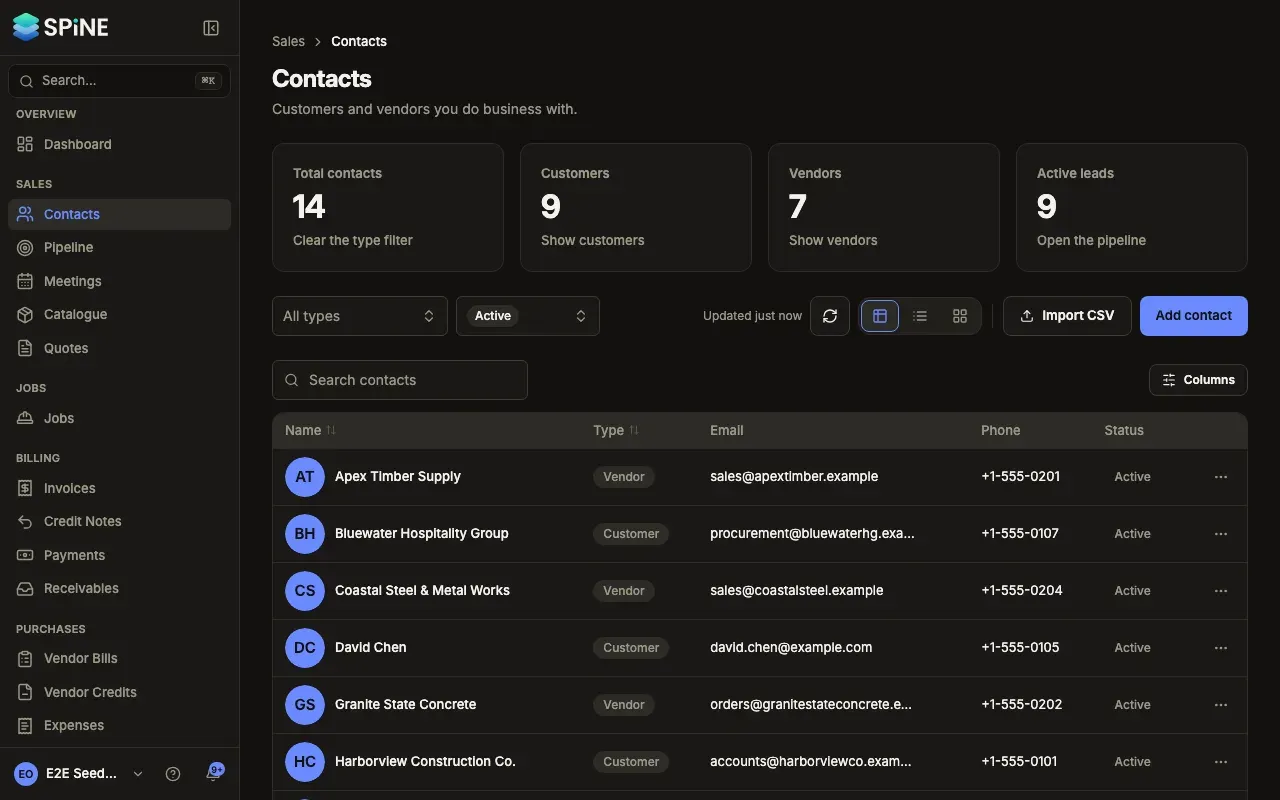
Contacts are the customers and vendors you do business with. Each contact has its own page with the people who work there, its addresses, a timeline, the activities and follow-ups you log, and its leads. The pipeline is a board of leads: the jobs you might win, by stage, with what each one is worth.
The main ideas
Section titled “The main ideas”- Contact type. A contact is a Customer, a Vendor, or a Customer & vendor. A customer appears when you pick who a quote or invoice is for; a vendor appears when you record a bill. A Customer & vendor appears in both, so a business that buys from you and sells to you is one record.
- Company or individual. A contact is either a company (with people at it) or a single person.
- Contact persons and addresses. The people you deal with at a company, and its billing, shipping, site and other addresses.
- Timeline. The contact’s quotes, logged activities and meetings, newest first.
- Activities and follow-ups. A call, meeting, note or task you log against a contact or lead, with an optional date to follow up.
- Leads. A possible piece of work for a contact, with an estimated value, a source, an owner and a stage.
- Stages. The columns of the pipeline board. Open stages are leads still in play. Won and Lost stages close a lead.
- Archive or delete. Archiving hides a contact you no longer use but keeps its history. Deleting removes it for good, and only works for a contact with no financial documents.
- Add a contact
- Find a contact
- Edit, archive or delete a contact
- Add contact persons and addresses
- Read a contact’s timeline
- Log an activity or follow-up
- Import contacts from a CSV file
- Send a customer a statement
- Add a lead
- Move a lead through the pipeline
- Work a lead from its drawer
- Find leads on the pipeline board
- Set up your pipeline stages
- Choose who can change contacts and leads
Last updated with Spine 1.0.0-beta.2