

Set a cost budget and track billing progress
A cost budget is what you expect a job to cost. Spine compares it with what the job has actually cost and warns you as it gets close. Alongside it, the Billing card shows how much of the contract you’ve claimed, and whether billing is keeping up with the work.
- Open the job — Go to Jobs, open the job and press Edit job. On the Costing tab you can also press Set a budget or Edit budget.
- Enter the budget — Under Budget and progress, type the Cost budget. Leave it blank if you don’t budget the job.
- Enter percent complete — Type your estimate of how much of the work is done in Percent complete, from 0 to 100.
- Save — Press Save. The change is recorded in the job’s history with who made it and when.
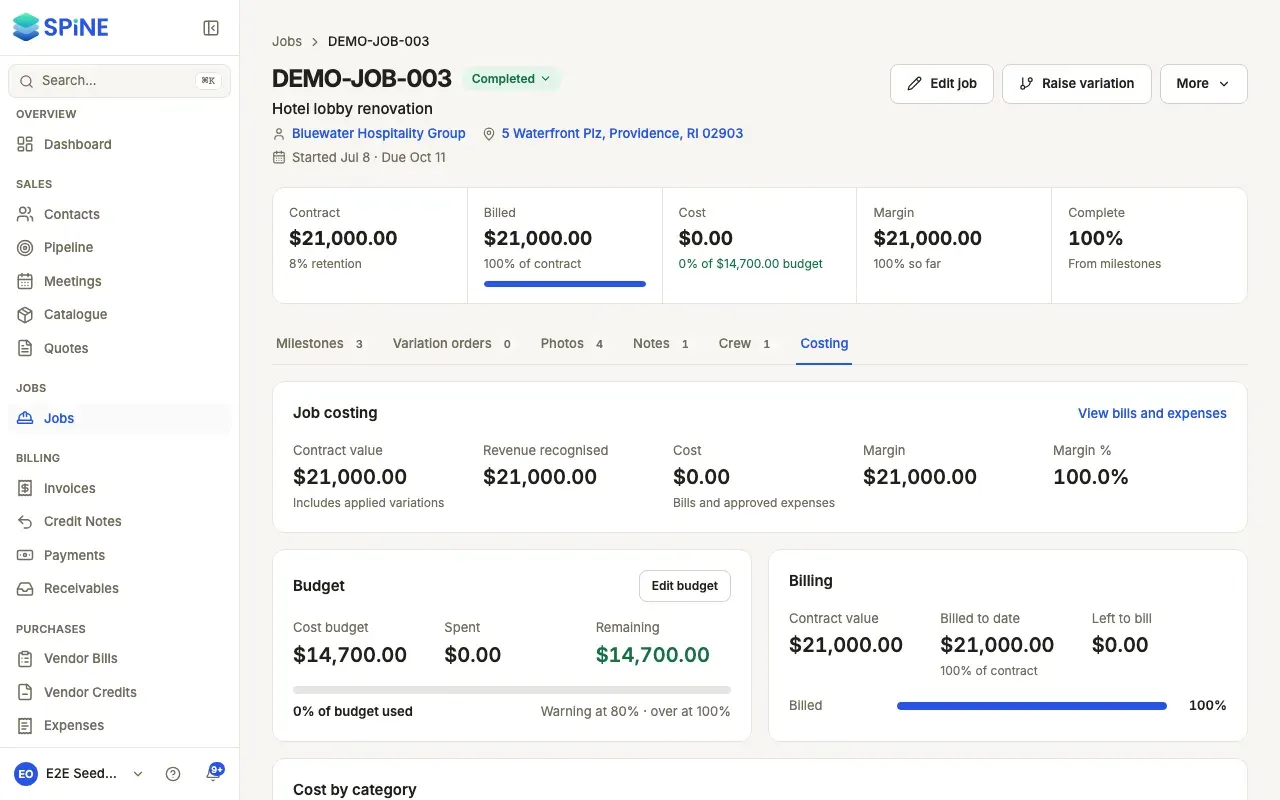
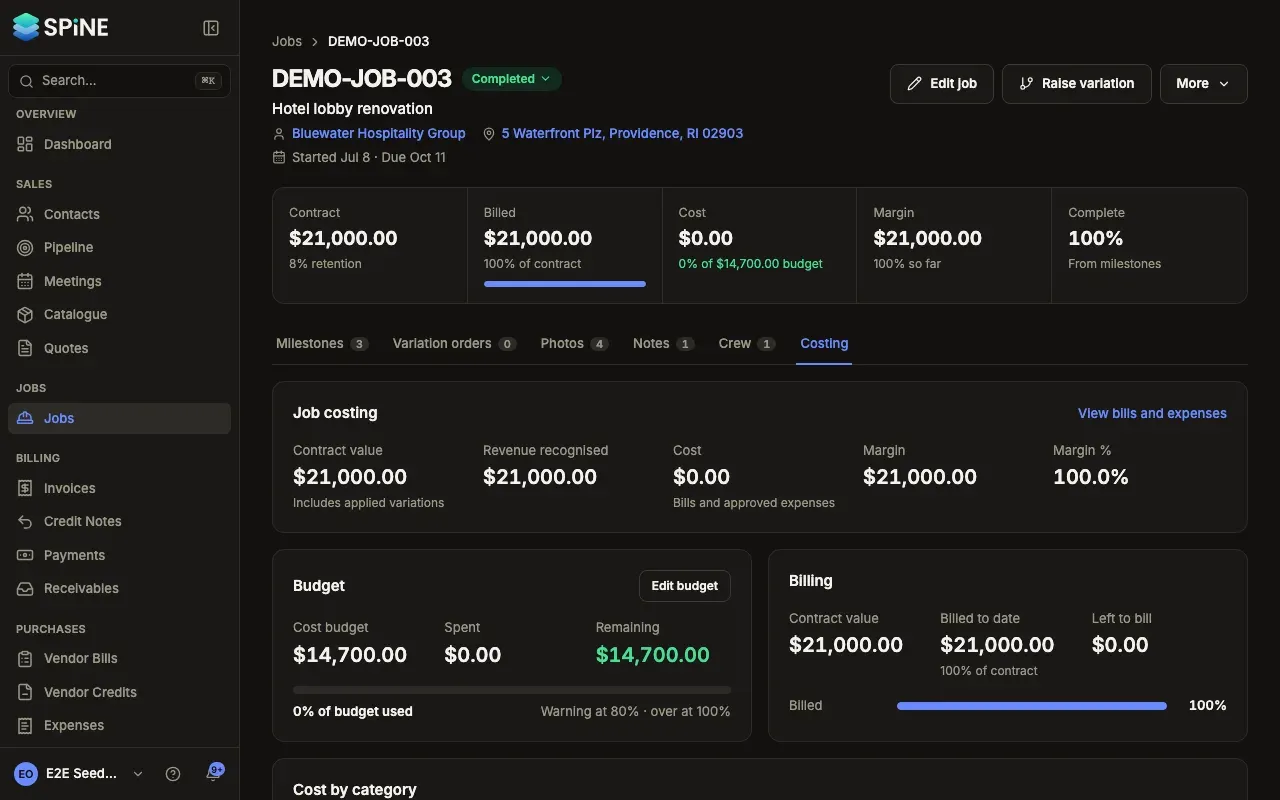
The Budget card
Section titled “The Budget card”On the Costing tab, the card shows Cost budget, Spent and Remaining, with a bar:
- Under 80%: “78% of budget used”.
- From 80%: the bar turns to the warning colour with a warning icon, “Nearing budget — 85% used”.
- Over 100%: “Over budget by 1,450.00” in the danger colour with its icon, and Remaining shows a negative amount.
The card reminds you of the limits: “Warning at 80% · over at 100%”. A job without a budget shows “No budget set” with Set a budget. Spent is the same figure as Cost. The budget is a target only: nothing is posted to your books when it changes.
Jobs over budget also show on the Over or near budget card in the Jobs list, in its Budget used column, and on the dashboard’s “Needs your attention”.
The Billing card
Section titled “The Billing card”The card shows Contract value, Billed to date (with its percentage of the contract) and Left to bill, with a bar.
- Billed to date counts issued progress invoices on the job, including tax and before retention. A credit note against one of them lowers it.
- Advance invoices and retention-release invoices don’t count. A deposit counts once it’s offset on a progress invoice.
- If you’ve billed more than the contract, Left to bill reads “Billed over contract by amount”. This often means a variation order hasn’t been applied yet.
When you’ve set Percent complete, the card also shows Work complete and, with a gap of 10 points or more, a comparison such as “Billing is 15 points behind the work — check for a milestone to invoice.” or “Billing is 10 points ahead of the work.”
Last updated with Spine 1.0.0-beta.2