

Combine rates into a tax group
Some taxes are charged in parts: CGST and SGST in India, or a state surcharge on top of a sales tax. A tax group puts those rates under one name. On a line, you pick the group once and Spine works out each part.
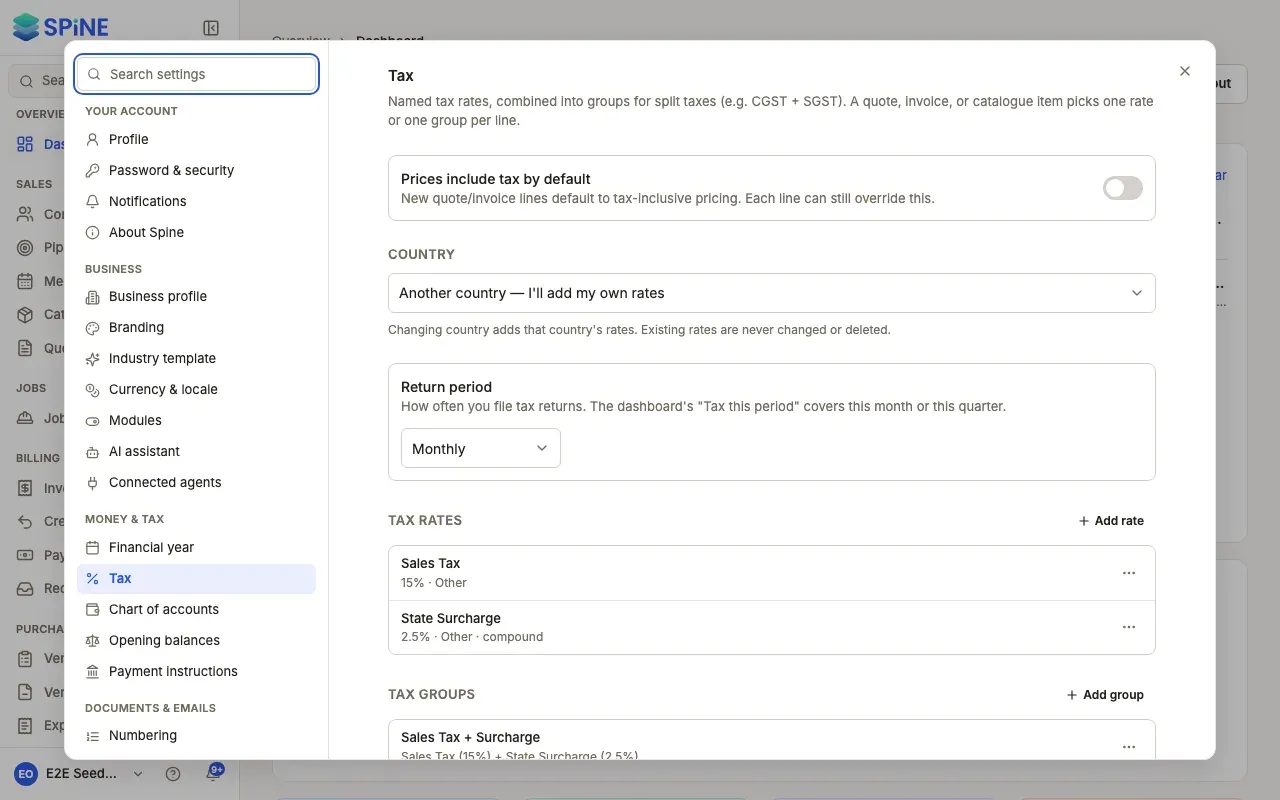
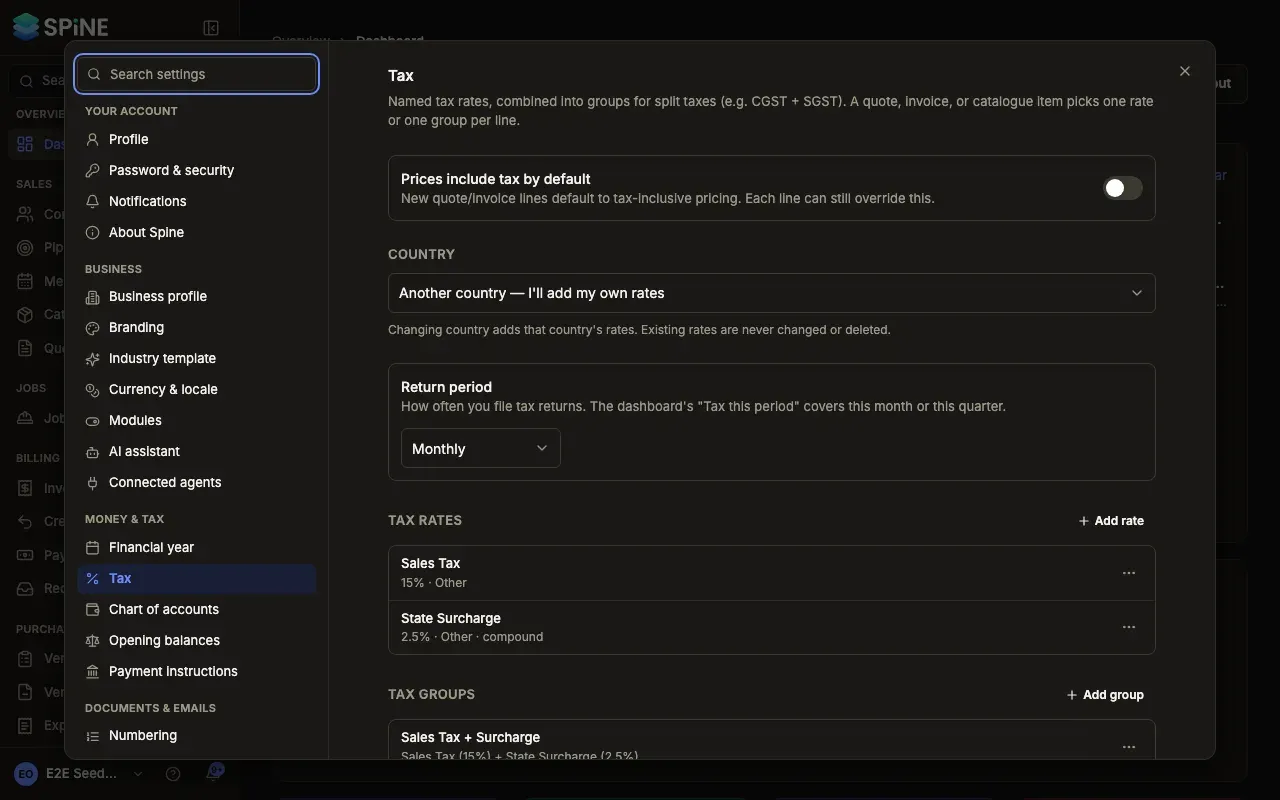
- Open Settings › Tax — Scroll to Tax groups. If you have no rates yet, you see “Add at least one tax rate before creating a group.” Add the rates first.
- Add a group — Press Add group. The Add tax group dialog opens.
- Name it and pick the rates — Enter a Name (for example “CGST + SGST”) and choose the Rates to include.
- Save — The group is listed with its parts, for example “Sales Tax (15%) + State Surcharge (2.5%)”.
How a group works out tax
Section titled “How a group works out tax”Each rate in the group is applied to the line’s amount. A rate marked Compound is applied to the amount plus the rates before it.
For a 1,000.00 line with a group of 15% and 2.5% compound:
- Sales tax: 15% of 1,000.00 = 150.00
- Surcharge: 2.5% of 1,150.00 = 28.75
- Tax 178.75, line total 1,178.75
The line’s tax is rounded once, half-up. A line uses either one rate or one group, never both.
GST groups in India
Section titled “GST groups in India”When your tax country is India, a group must be CGST with SGST (or UTGST) at the same rate, optionally with cess, or a single IGST rate. Any other mix shows “A GST group is CGST + SGST (or UTGST) at the same rate, optionally with cess.”
Edit, archive or restore a group
Section titled “Edit, archive or restore a group”Use the group’s menu to Edit, Archive or Restore it, the same as a rate. An archived group no longer appears in line pickers, and issued documents keep the tax they were issued with.
If saving fails you see “Could not save tax group.” Try again.
Last updated with Spine 1.0.0-beta.2