

Find credit notes and see where the credit went
The Credit Notes list shows every correction you’ve made to issued invoices, and where each one’s money went: off the invoice, applied to another, refunded, or still waiting as credit. Use it to see what customers can still use or be paid back.
-
Open Credit Notes — Go to Billing › Credit Notes.
-
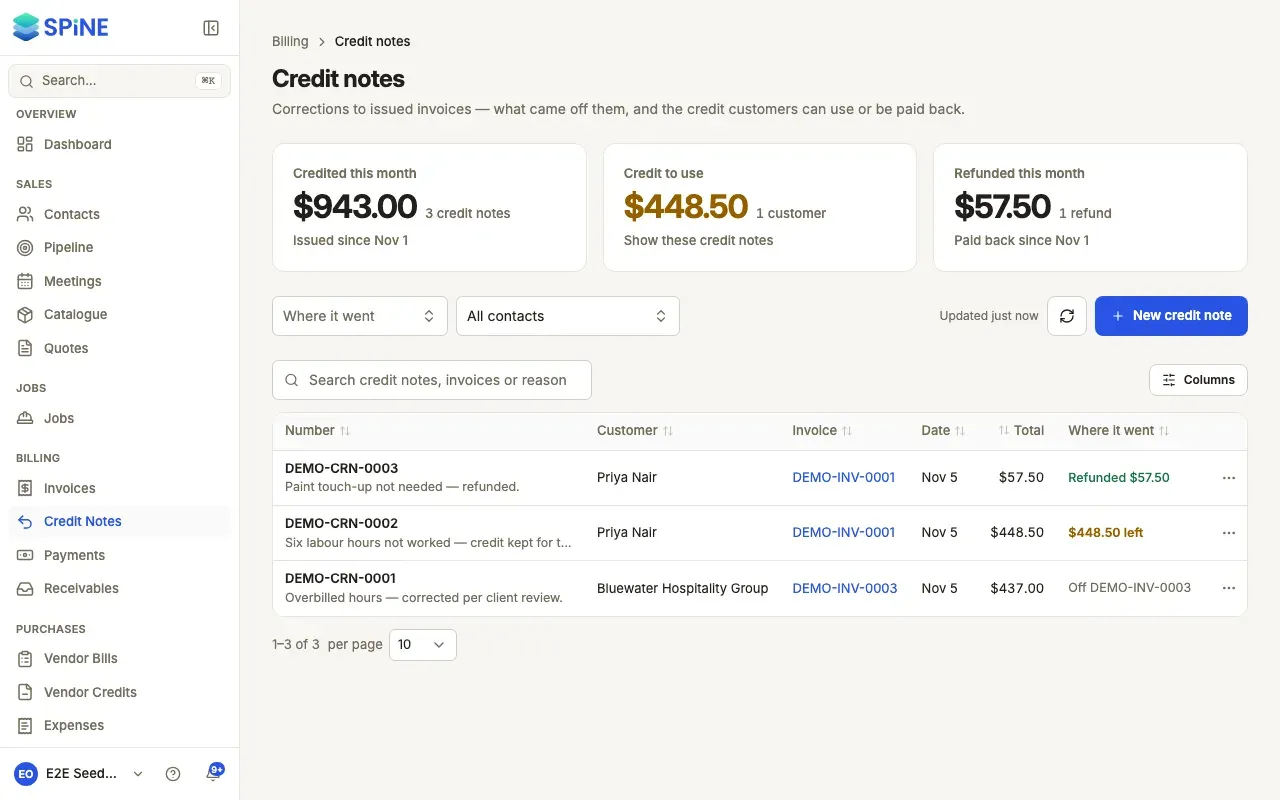
Read the cards — Credited this month is the total of credit notes issued this month. Credit to use is the credit customers still hold from credit notes, and how many customers hold it. Refunded this month is credit-note credit paid back this month.
-
Show credit still to use — Press Credit to use to list only credit notes with credit left. Press it again to clear it.
-
Filter — Use Where it went (Off the invoice, Credit left, Applied, Refunded) and Contact.
-
Search — Type in Search credit notes, invoices or reasons. It matches the number, customer, invoice number, reason and line names.
-
Open one — Click its row to open its page.
Reading a row
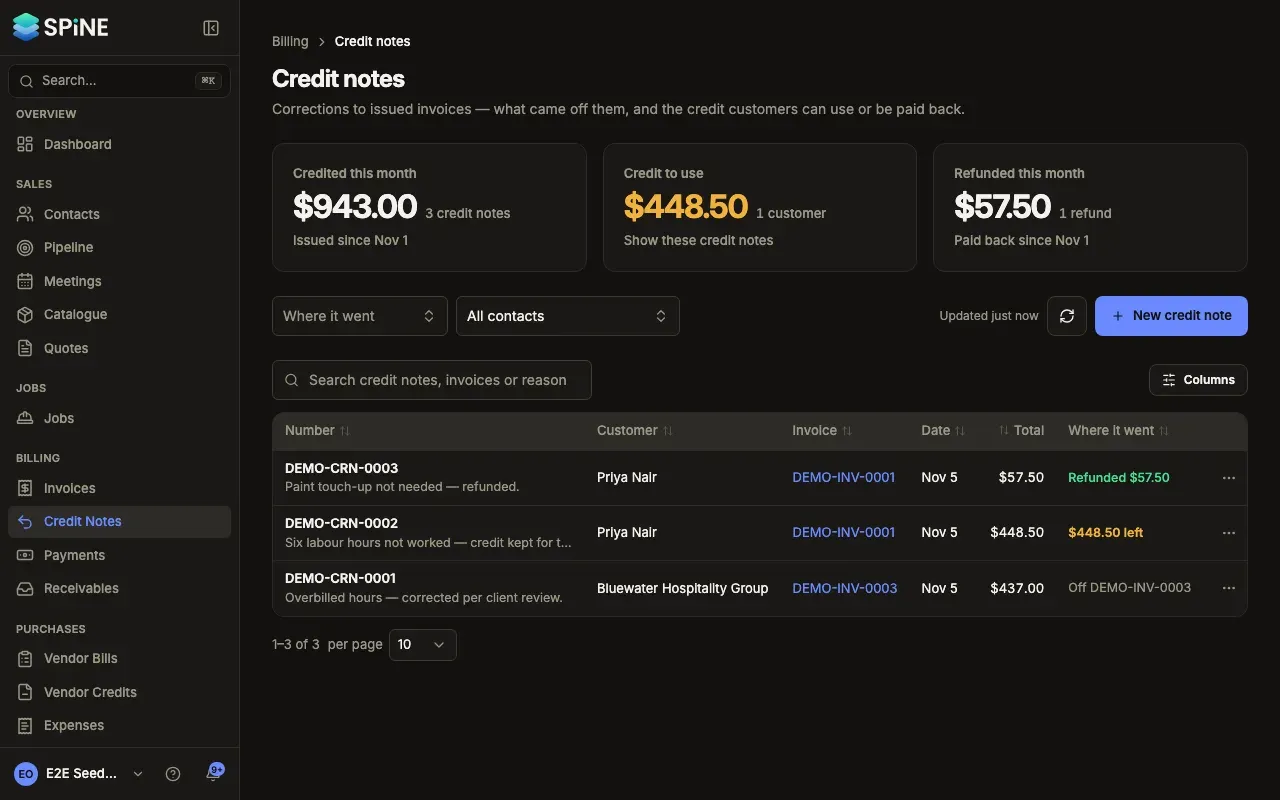
Section titled “Reading a row”Each row shows the number with the reason under it, the customer, the invoice (a link), the date, the total, and Where it went: “Off INV-0016”, “Applied $1,000.00”, “Refunded $500.00”, “$4,000.00 left”, or a mix such as “Off INV-0016 · $4,000.00 left”. There’s no status badge; a credit note left unissued shows “Draft”.
The row’s menu offers View, Apply credit and Refund (while credit is left), Email credit note and Download PDF. Apply, refund and email open the credit note’s page with that step’s dialog. See Use a credit note’s credit.
What happened to a credit note
Section titled “What happened to a credit note”On its page, Activity lists, newest first: issued against the invoice (and by whom), emailed (or “Email failed”), credit applied to an invoice, refunded, and refund deleted, with who and when. View history shows every field change.
You can also find a credit note from the global search, or from the Credit notes section of the invoice it corrects.
Last updated with Spine 1.0.0-beta.2