

Reconcile an account
Reconciling proves that an account in Spine matches the bank up to a date. You match each statement line to the entries in Spine until the difference is zero, then finish. Spine suggests the obvious matches, and saves your work as you go.
-
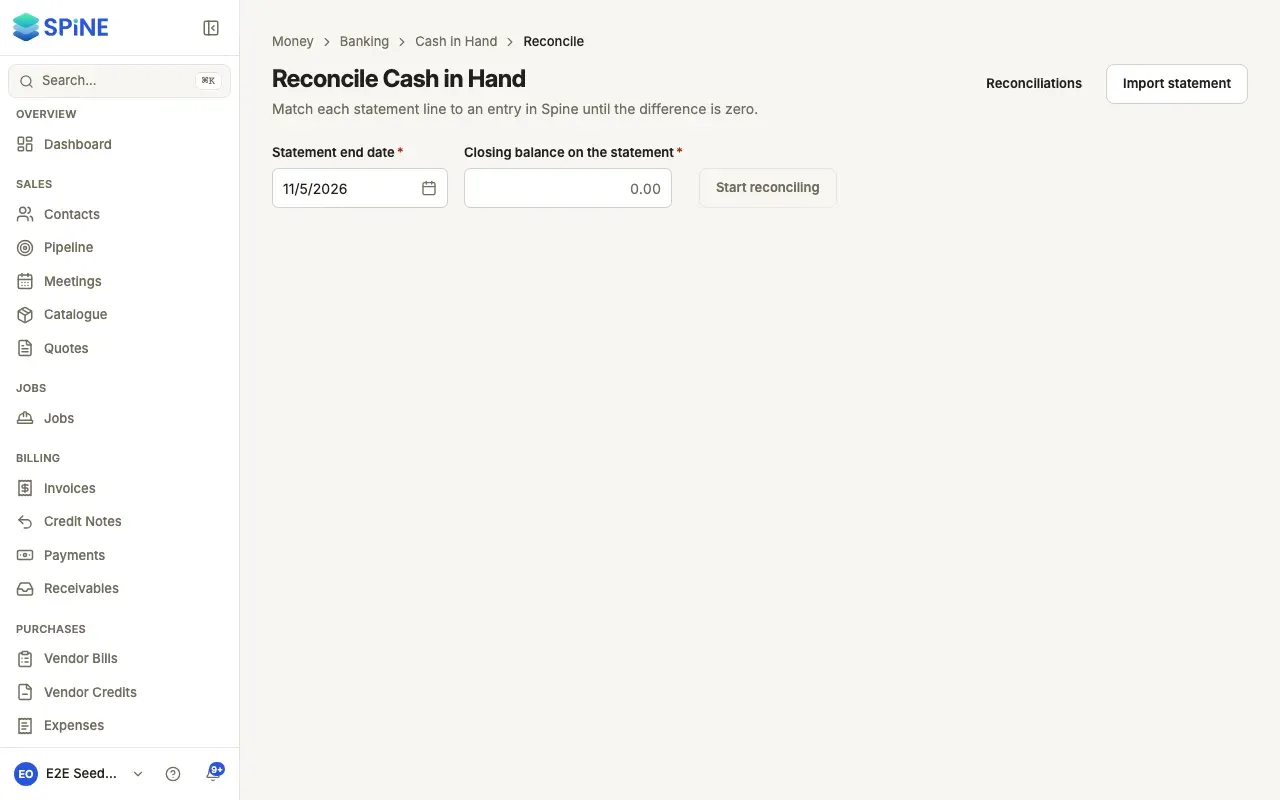
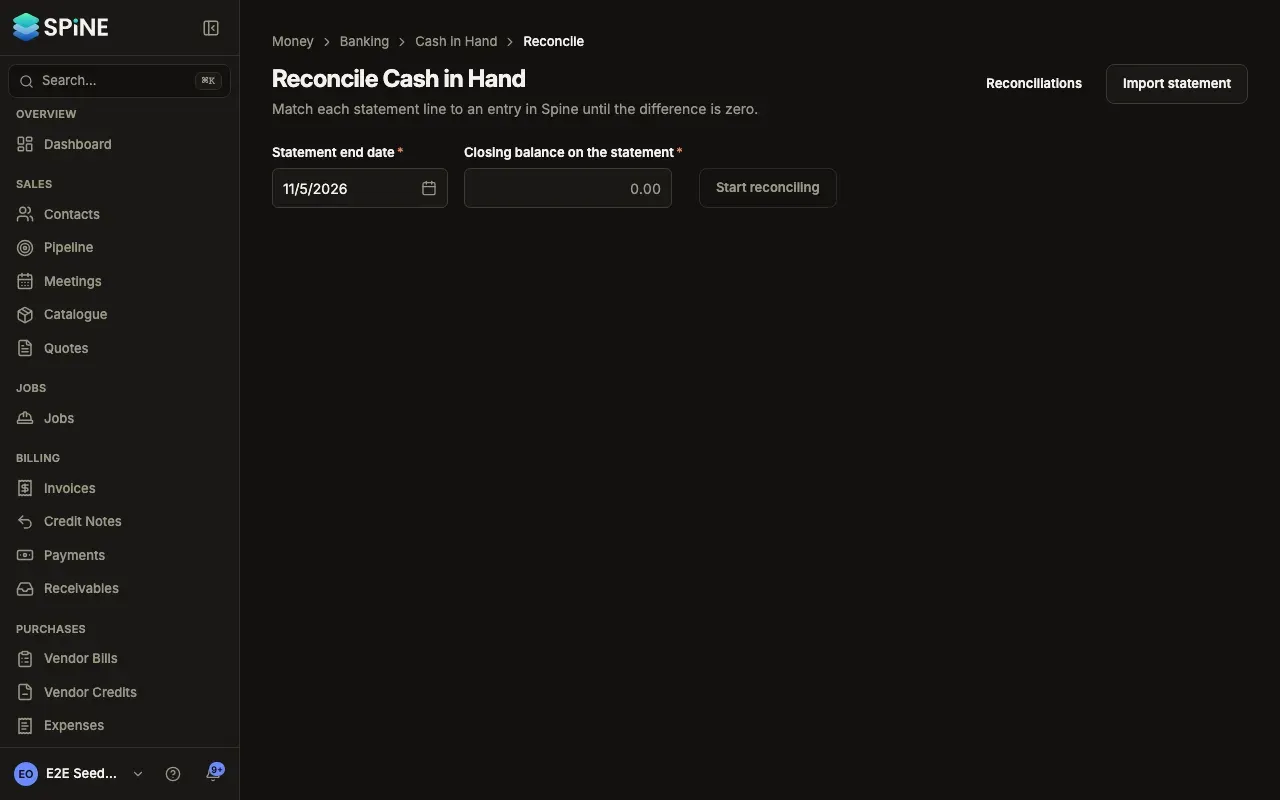
Start — Import the statement first. Then press Reconcile in the account’s register or row menu. Enter the Statement end date and the Closing balance on the statement — if you imported a balance column, they’re filled in from the newest line — and press Start reconciling.
-
Accept the suggestions — A line with one Spine entry of the same amount within 3 days shows as Suggested match. Press Match, or Not this one. To accept them all, press Match all suggested and confirm Match … lines.
-
Match the rest — Select a statement line. Under Unreconciled in Spine, entries with the Same amount come first, then the nearest dates. Tick the entries that make up the line — one or several — and press Match.
-
Exclude lines that don’t belong — For a line that shouldn’t be in the books, such as a bank reversal that cancels out, press Exclude, add a Note and press Exclude line.
-
Create what’s missing — If Spine has no entry for a line, press Create. See Create missing entries from a statement line.
-
Finish — When Difference reads 0.00, press Finish reconciliation and confirm.
Keep track as you go
Section titled “Keep track as you go”Above the panels, “… of … lines done” counts matched and excluded lines. The statement panel has tabs To do, Suggested, Matched and Excluded, and a search for description, reference or amount. The cards show Statement closing balance, Cleared in Spine and Difference. Unmatch or Include puts a line back.
Leave whenever you like: when you come back, it says “Saved as you go — pick up where you left off.”
When it’s finished
Section titled “When it’s finished”The matched entries get the Reconciled tick, and the account shows the date it’s reconciled to. While the difference isn’t zero, Finish reconciliation stays off and the footer says to match or create entries until it’s zero.
Last updated with Spine 1.0.0-beta.2