

Meetings
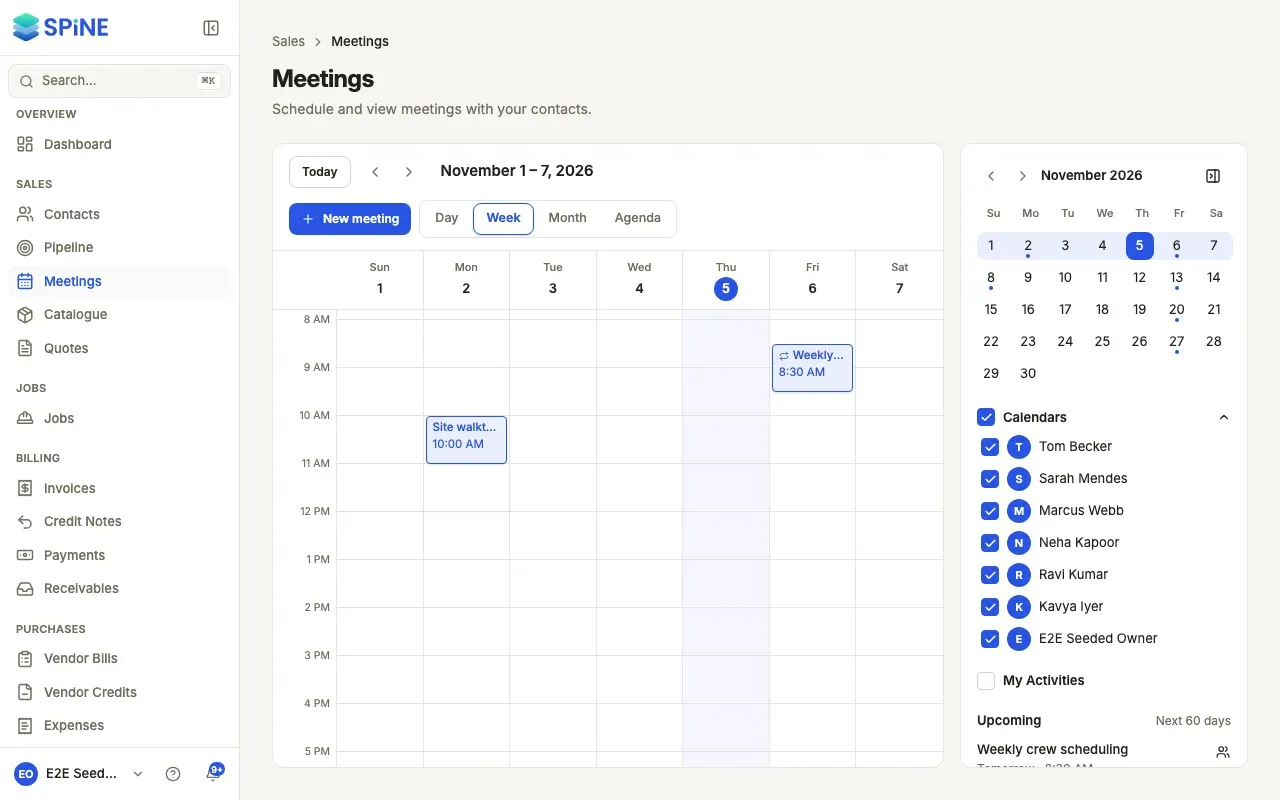
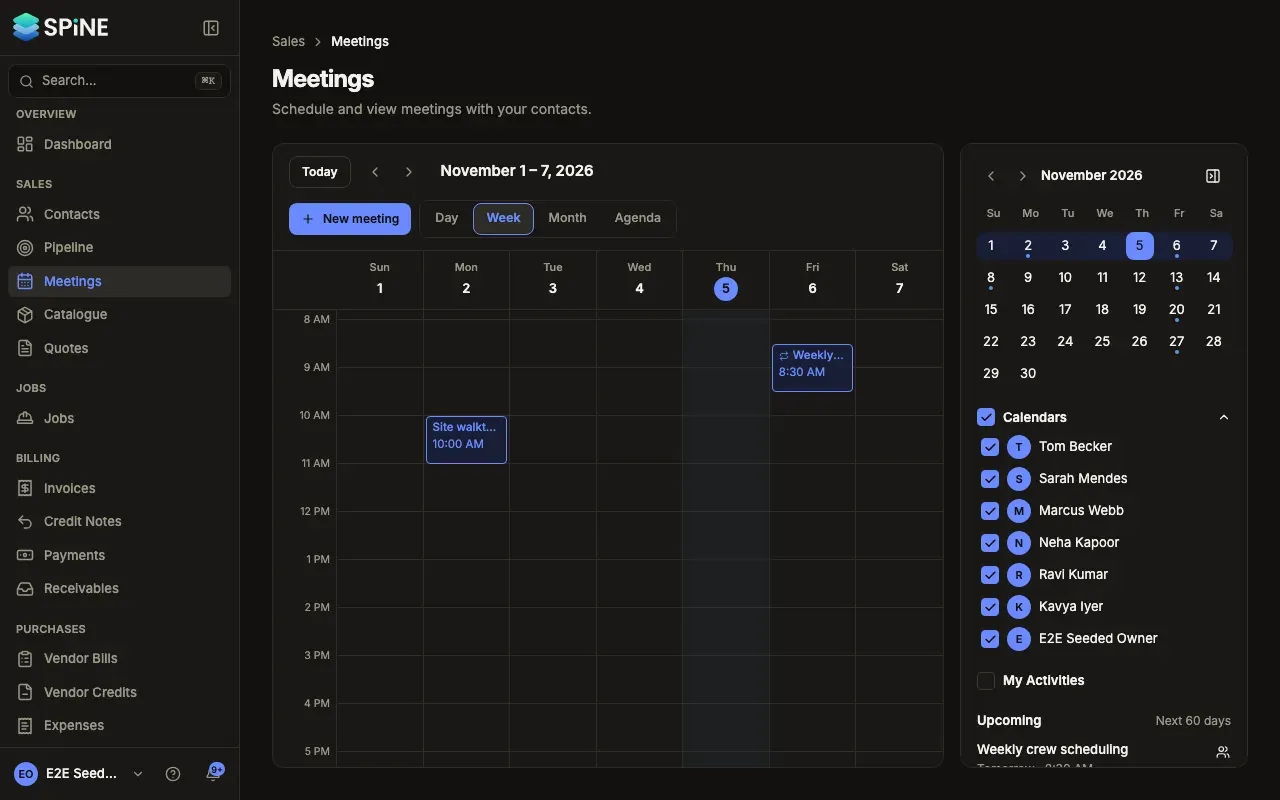
Meetings is your team’s calendar: site visits, customer calls and internal catch-ups, in day, week, month and agenda views. Link a meeting to a contact and it shows on their timeline. Invite colleagues, choose who can see it, and Spine reminds everyone before it starts.
The main ideas
Section titled “The main ideas”- Views. Day, Week, Month and Agenda (a list of what’s coming up). The address in your browser keeps the view and date.
- Organiser. The person who created the meeting. “Own meetings” are the ones you organise.
- Contact. A meeting can be linked to a customer or vendor, or be internal with no contact.
- Visibility. A meeting is private (only you and the people you invite can see it) or visible to everyone in the organisation. Owners see every meeting.
- Invitations and responses. Invitees are told by email and in Spine, and answer Accepted, Tentative or Declined.
- Recurring meetings. A meeting can repeat daily, weekly or monthly. You can change one occurrence or the whole series.
- Reminders. Spine reminds the organiser and everyone who accepted shortly before a meeting starts.
- My Activities. Your follow-ups from contacts and leads can show on the calendar beside your meetings.
Last updated with Spine 1.0.0-beta.2