

Read the Tax Summary
The Tax Summary puts the figures for your tax return on one page: what you collected on invoices, what you paid on bills and expenses, and the difference. Every figure comes from your books, so it matches the ledger exactly.
- Open the report — Go to Reports and choose Tax Summary under Tax.
- Pick the period — Set From and To. The report reloads as soon as you change them.
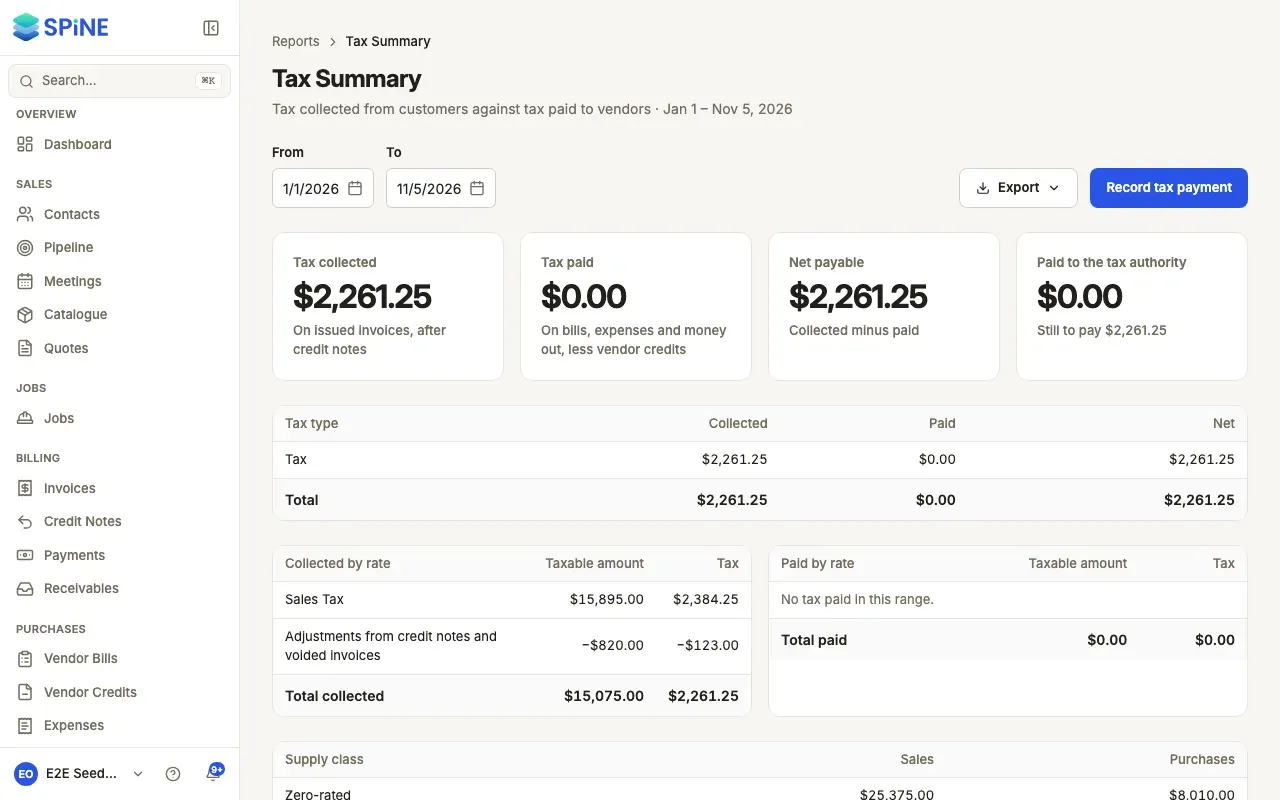
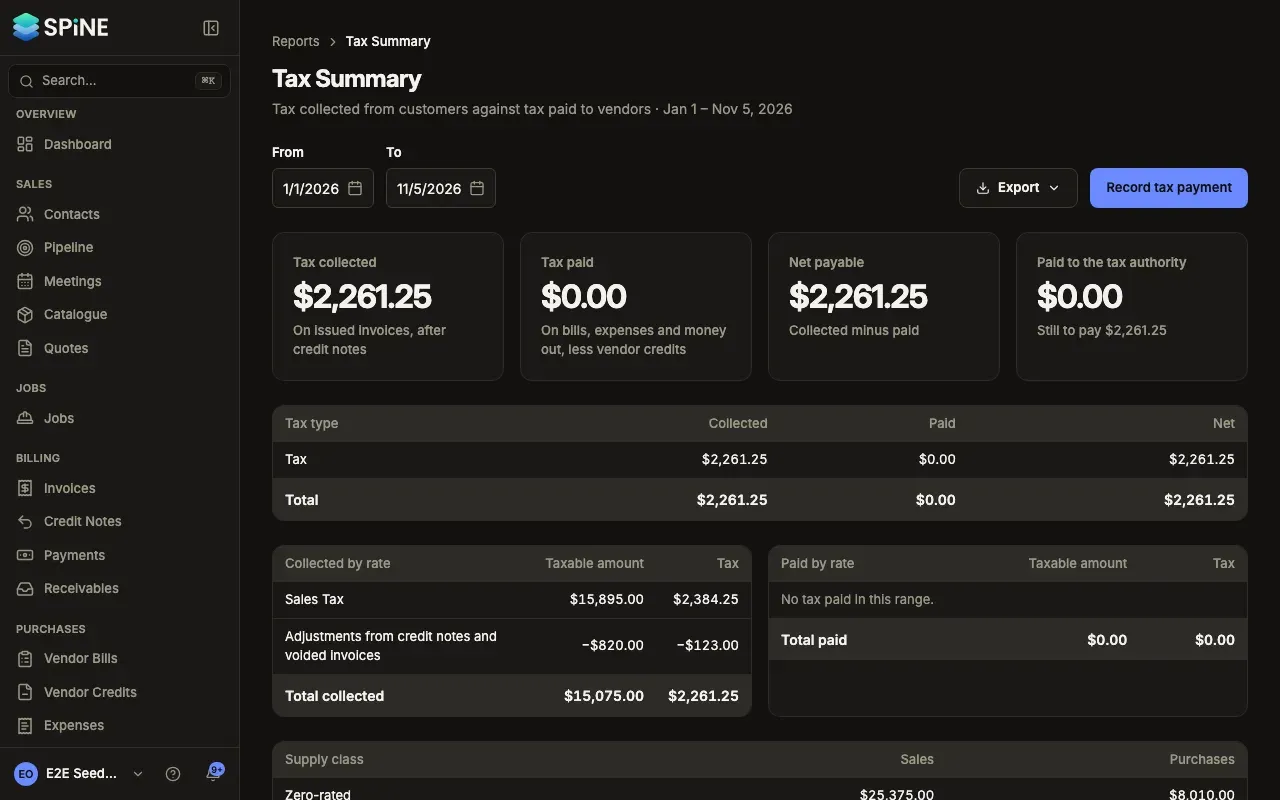
- Read the cards — Tax collected (on issued invoices, after credit notes), Tax paid (on bills, expenses and money out, less vendor credits), Net payable (collected minus paid) and Paid to the tax authority, with “Still to pay” underneath.
The tables
Section titled “The tables”- By tax type: collected, paid and net for each type, such as CGST, SGST/UTGST, IGST and cess, or VAT or GST.
- Collected by rate: the taxable amount and tax for each rate or group, with a row for “Adjustments from credit notes and voided invoices” when there are any, and Total collected.
- Paid by rate: the same for bills, expenses and money out, with “Adjustments from voided bills and removed documents” when there are any, and Total paid.
- Supply class: zero-rated, exempt and non-taxable sales and purchases with their values.
Total collected equals the credits to Output Tax Payable for the period, and total paid equals the debits to Input Tax Receivable.
Export it
Section titled “Export it”Press Export and choose CSV, Excel (.xlsx), PDF or Print. The file has exactly what’s on screen. See Reports for how exports look.
The footnote says it plainly: “Spine produces the numbers for your return; it doesn’t file it.” When you’ve paid, record the tax payment so Net payable goes back to zero. The dashboard’s Tax this period card opens this report for the current month or quarter.
Last updated with Spine 1.0.0-beta.2