

Jobs and milestones
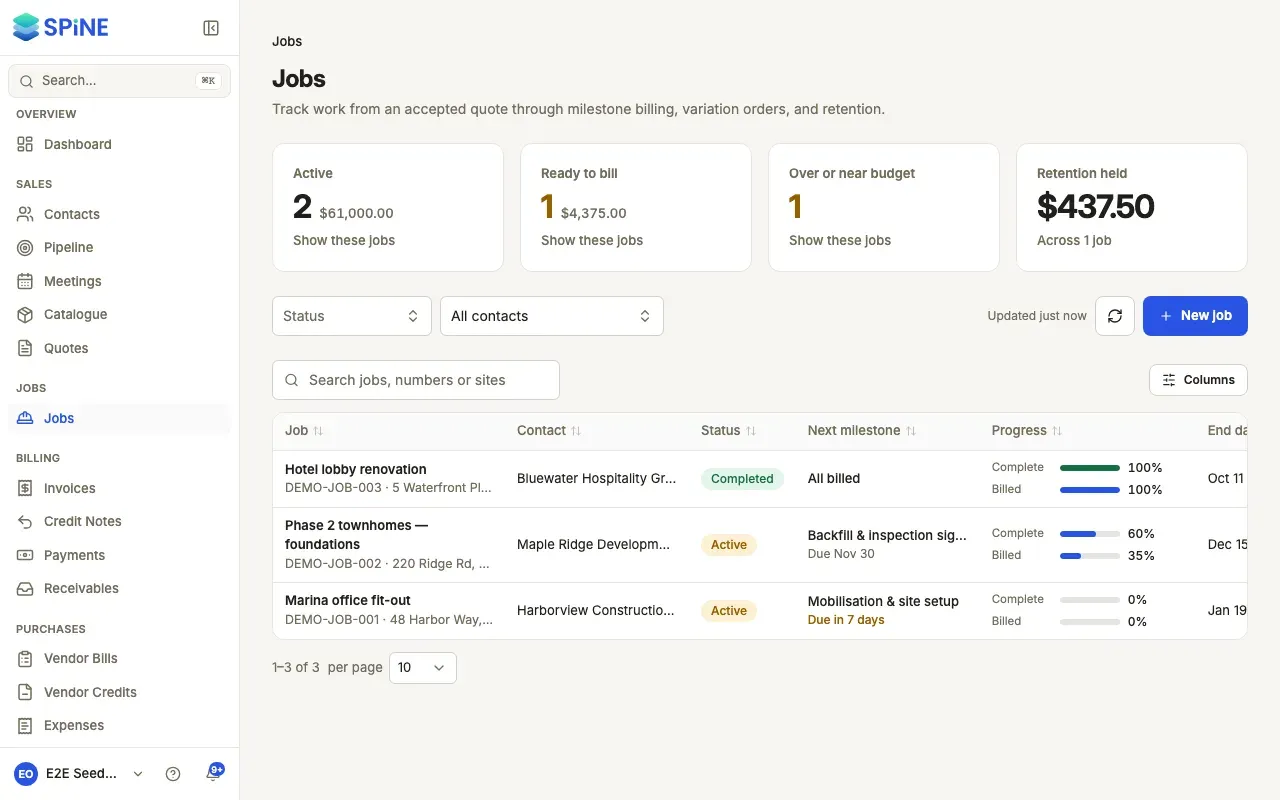
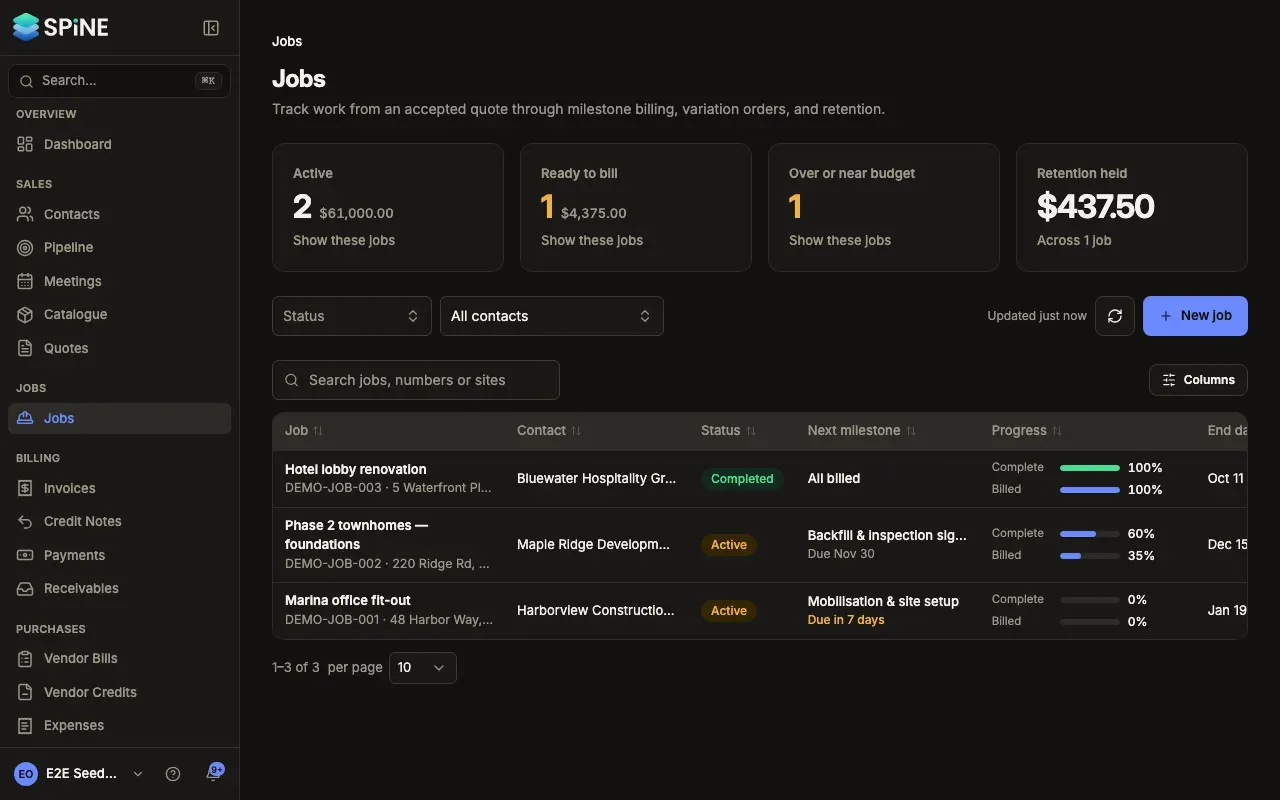
A job is the work behind an agreed price. It holds the contract value, the billing milestones you invoice as the work is done, the retention held back from each progress invoice, the variation orders that change the scope, site photos and notes, the crew working on it, and live costing from your books.
The main ideas
Section titled “The main ideas”- Contract value. What the customer agreed to pay. A job started from an accepted quote takes the quote’s total. Afterwards it changes only when you apply an accepted variation order.
- Job number. Every job gets a permanent number, such as JOB-007, from the Job sequence in Settings › Numbering.
- Status. A job is Active, On hold, Completed or Cancelled.
- Milestones. Stages of the work, each a share of the contract or a fixed amount, with a due date. A milestone goes from Pending to Completed to Invoiced.
- Progress invoices. The invoice you raise from a completed milestone. Each issued one gets a progress claim number on the job.
- Retention. A percentage held back from each progress invoice. It sits in Retention Receivable, not in what the customer owes now, until you release it.
- Variation orders. A quote for a change to the job, linked to it. Once the customer accepts it, you apply it to add its total to the contract value.
- Costing. Cost, revenue and margin for the job, worked out from bills and approved expenses tagged to it and the invoices raised on it.
- Start a job
- Find jobs in the jobs list
- Edit a job’s details
- Change a job’s status or close it
- Set up billing milestones
- Mark a milestone complete
- Raise a progress invoice from a milestone
- Hold and release retention
- Raise a variation order
- Apply an accepted variation order
- Assign crew to a job
- Add site photos to a job
- Add notes to a job
- See a job’s cost and margin
- Set a cost budget and track billing progress
- See what happened on a job
Jobs start from accepted quotes, so you may also want the Quotes guide.
Last updated with Spine 1.0.0-beta.2