

Use the audit log
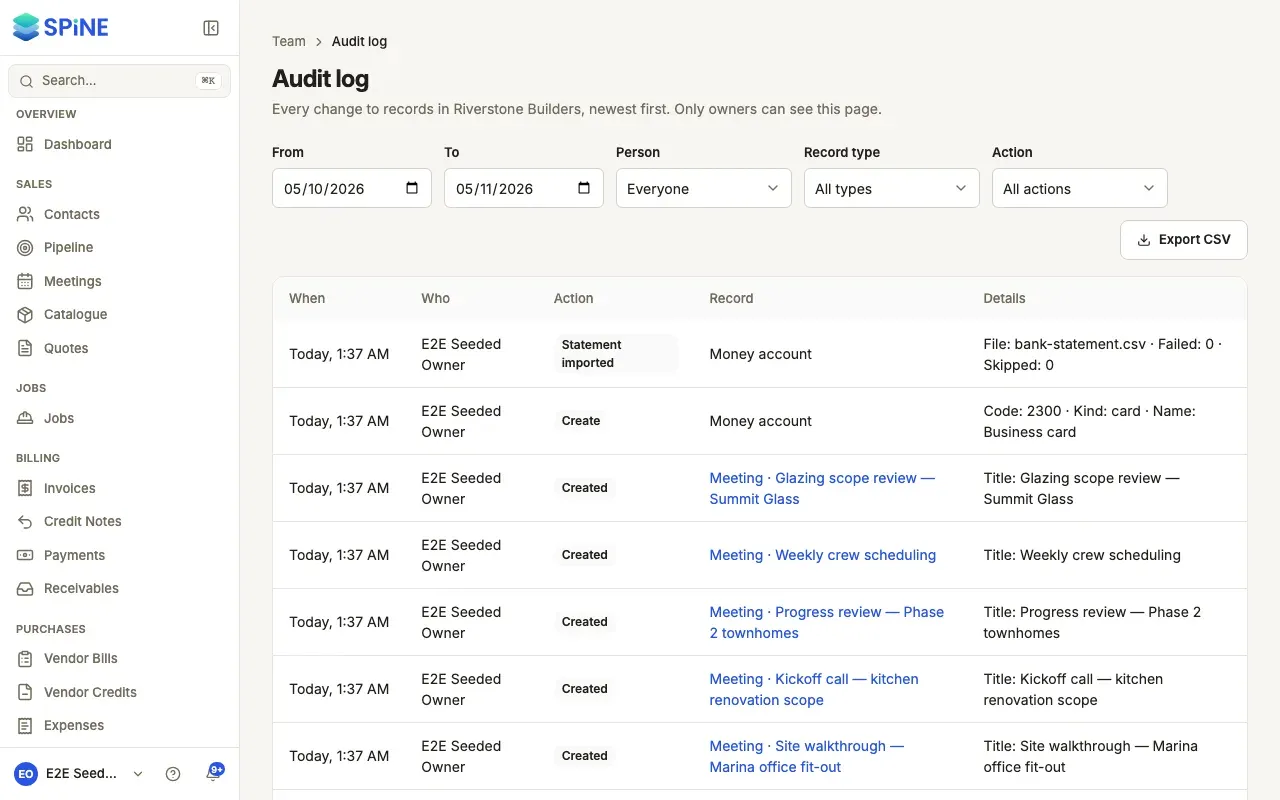
The audit log lists every change to records in your business, newest first — documents, payments, people, Teams, settings, AI requests and agent requests. Use it to find out who did something, or why someone can or can’t do something. Entries can’t be edited or deleted.
-
Open the audit log — In the sidebar, go to Team › Audit log.
-
Filter it — Use From and To for dates, Person for who made the change, Record type (such as User, Team, AI request or Agent request) and Action.
-
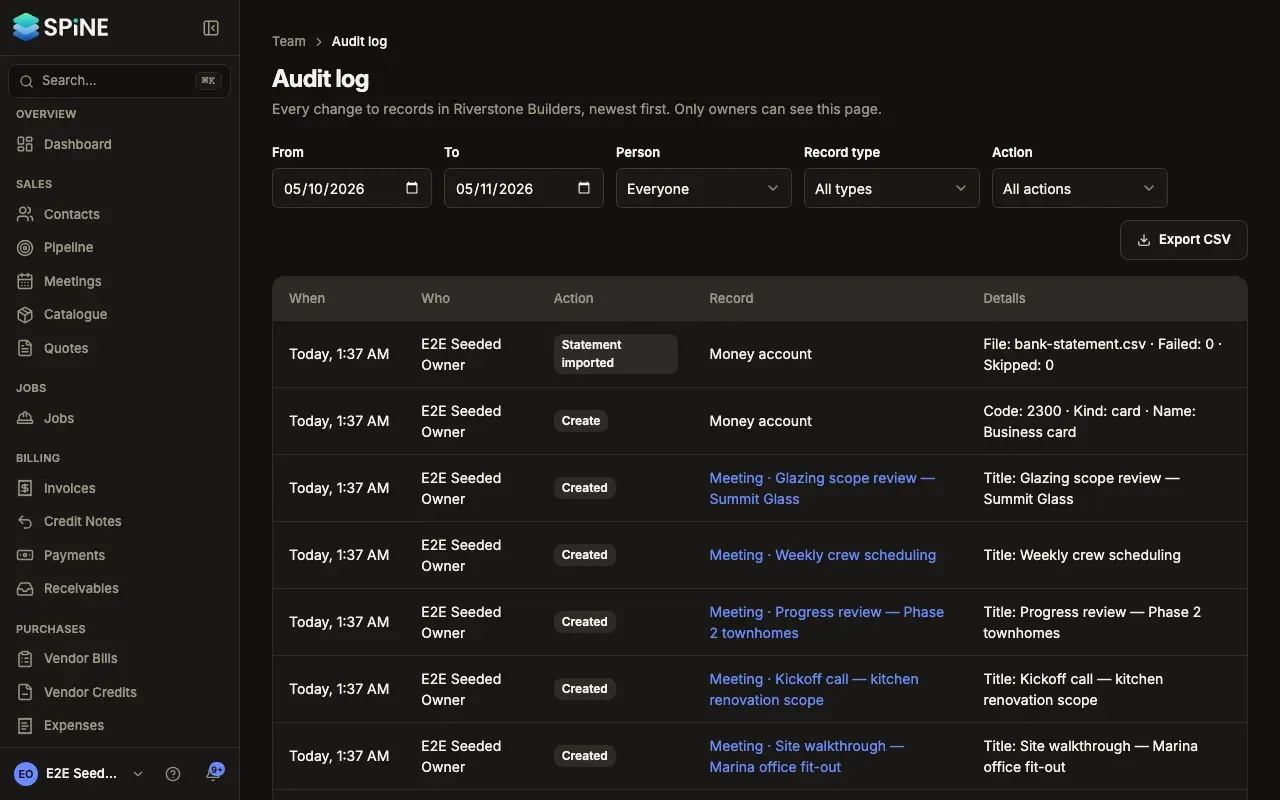
Read the entries — Each row has When, Who, Action, Record and Details. Press a record to open it. Changes made by a customer, such as accepting a quote online, or by Spine itself show “Customer or system”.
-
Page through — The log shows 50 entries at a time, such as “1–50 of 312 entries”, with Previous and Next.
-
Export it — Press Export CSV to download the entries that match your filters, for an accountant or auditor.
What’s recorded about people and Teams
Section titled “What’s recorded about people and Teams”- People — promotions, demotions, Staff and Field changes, deactivations and reactivations, transfers of primary ownership and passwords set by an Owner (never the password), as record type User.
- Teams — created (and from which Team), renamed, people added or removed, permissions turned on or off, and deleted, as record type Team.
See a Team’s history
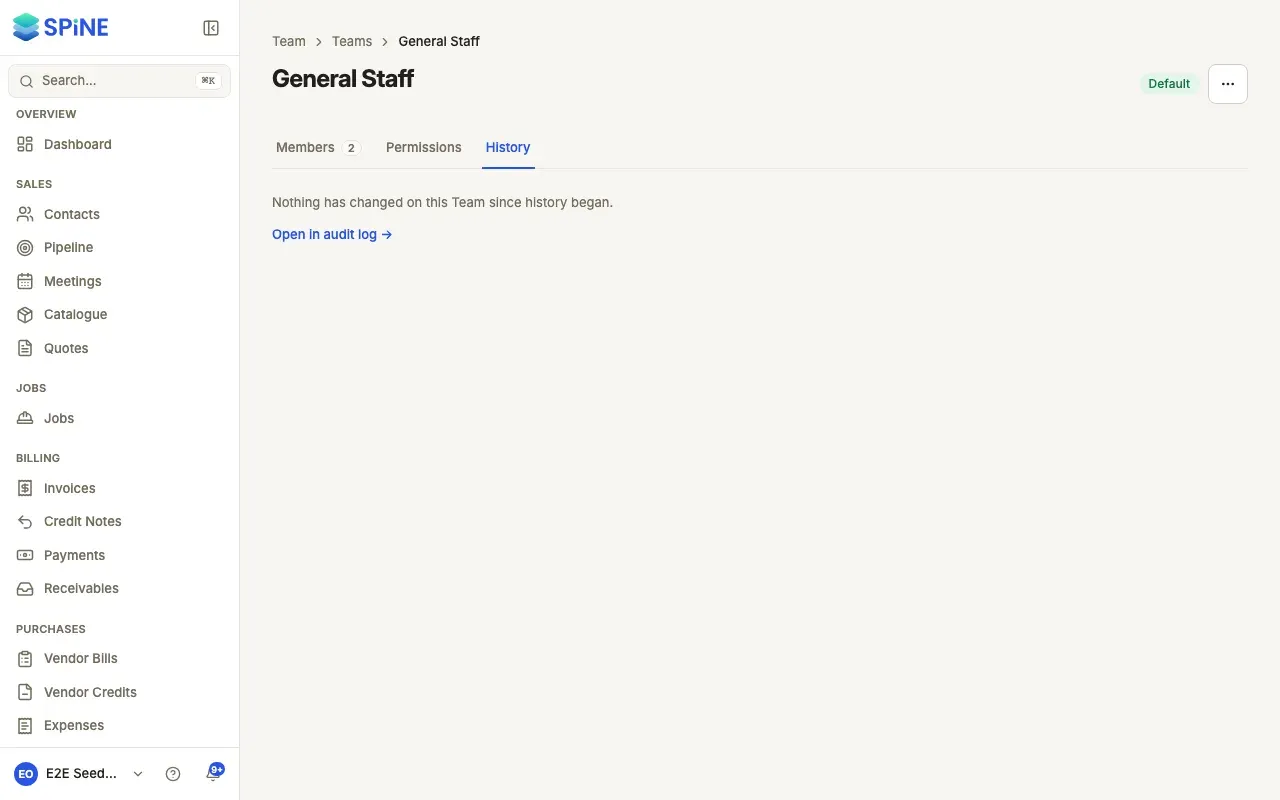
Section titled “See a Team’s history”Open the Team from Team › Teams and choose the History tab. It lists the changes newest first, such as “Priya Raman turned on Reconcile accounts and View bank balances · 12 Oct, 10:42”. Press Open in audit log → for the full log filtered to this Team.
Last updated with Spine 1.0.0-beta.2