

Audit the general ledger and day book
The general ledger and the day book are the two reports accountants audit from. The general ledger goes account by account: what each one started with, every entry in the period, and what it ended with. The day book goes date by date: every journal entry in the order it was posted.
Read the general ledger
Section titled “Read the general ledger”- Open the report — Go to Reports and choose General ledger under Accountant.
- Set the range — Choose From and To.
- Pick accounts — Under Accounts, keep All accounts with activity or choose the ones you want. Hide accounts with no activity is on by default; untick it to list every account.
- Read each account — Its Opening balance, one row per entry (date, source and number, contact, job, description, Debit, Credit and running Balance), then Closing balance.
- Open a document — Click a row to open the invoice, payment, bill or journal behind it.
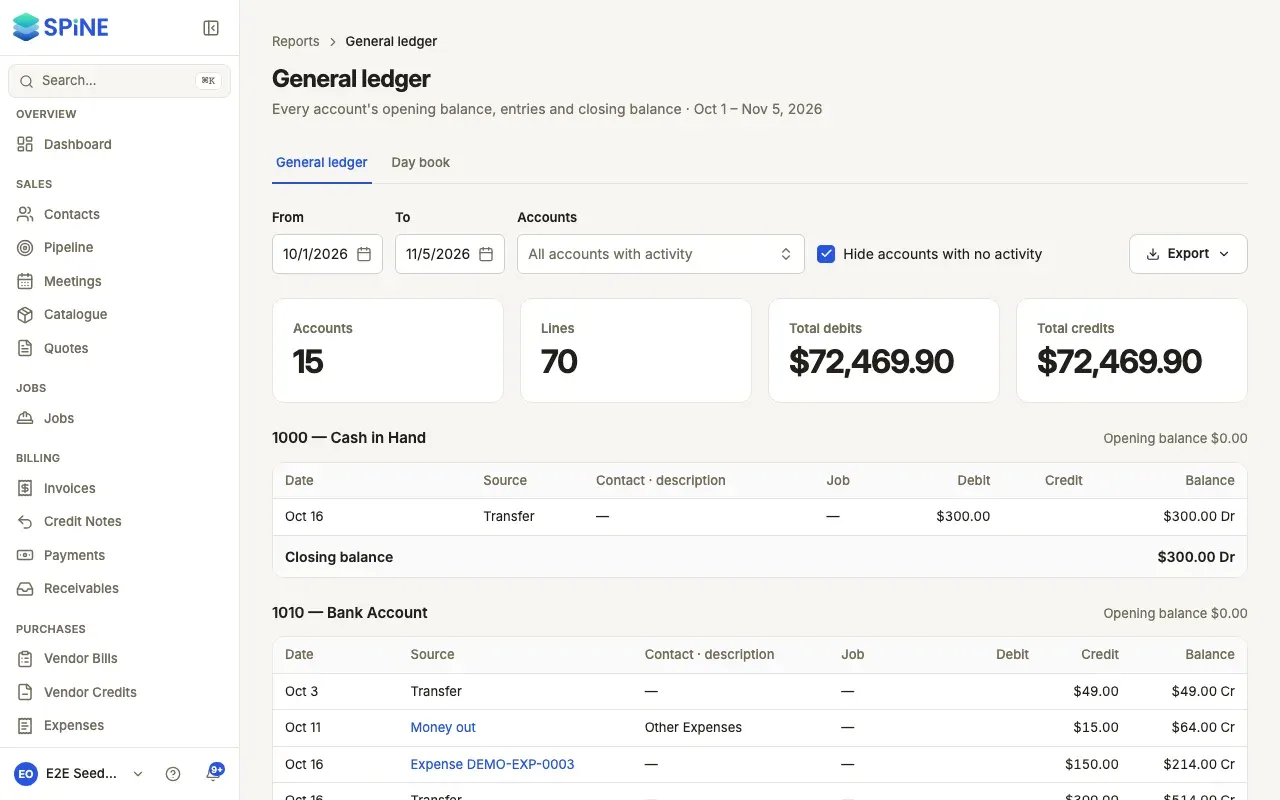
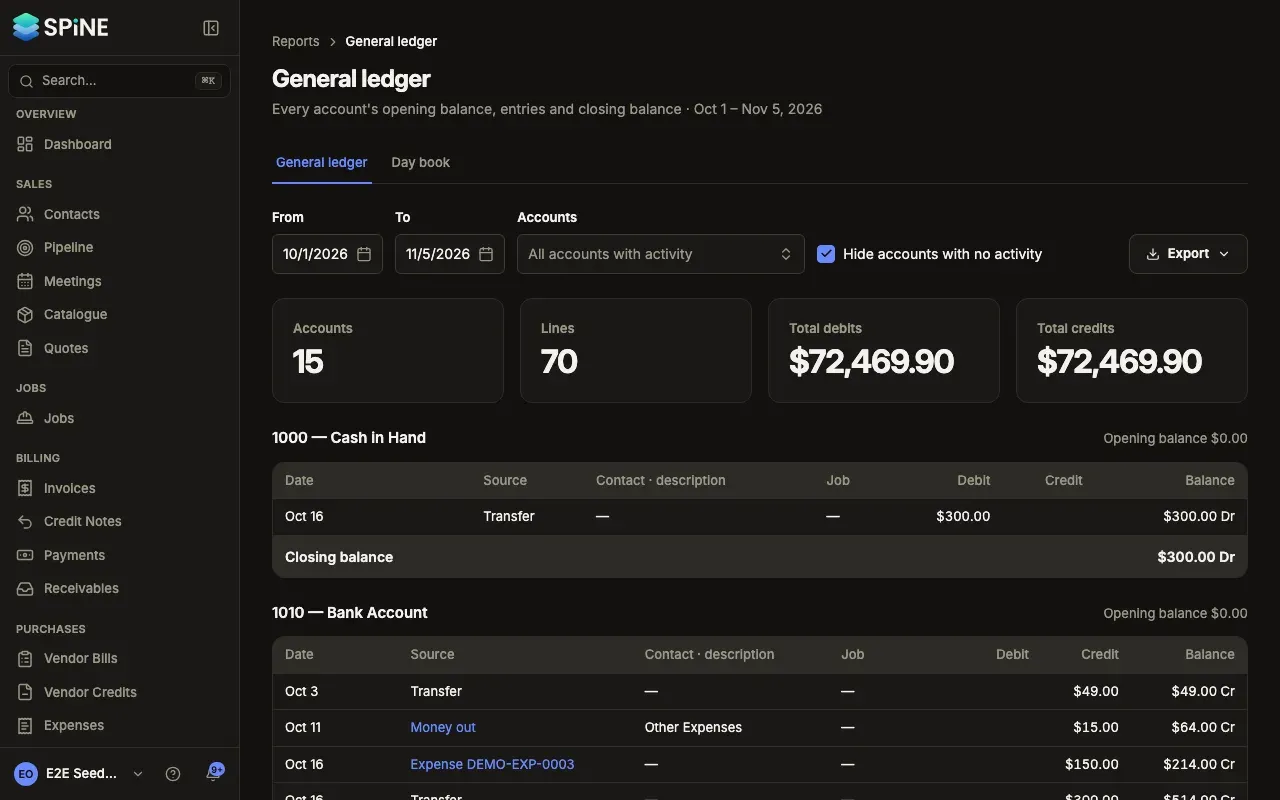
If nothing was posted, you see “Nothing posted in this period”. Pick other dates, or untick Hide accounts with no activity.
Read the day book
Section titled “Read the day book”- Open the report — Choose the Day book tab from the General ledger, or Day book under Accountant. It opens on today.
- Set the dates — Change From and To to cover more days.
- Filter by source — Under Source, choose one kind of document instead of All sources.
- Read each entry — Its date, number, source (such as “Invoice INV-0042” or “Journal JNL-0003”), narration, and its lines with account, debit and credit.
- Open a document — Click an entry to open it.
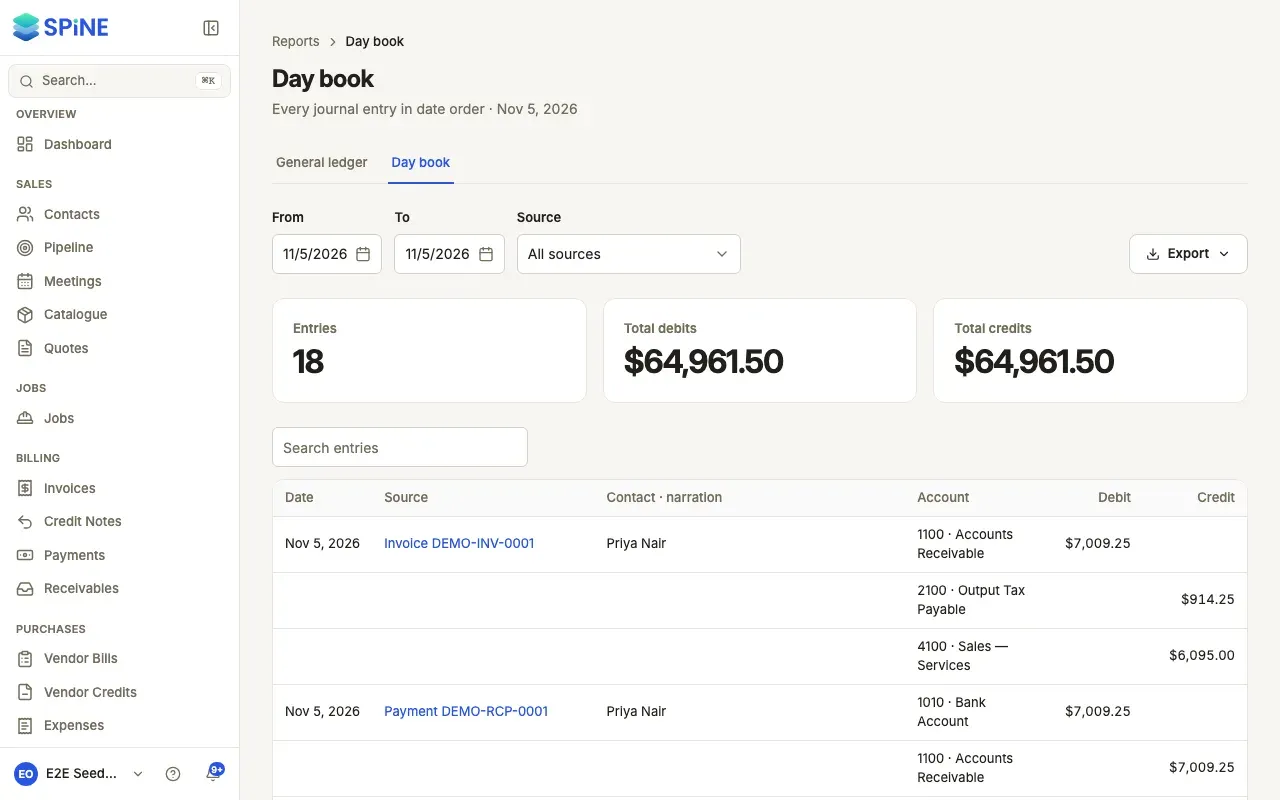
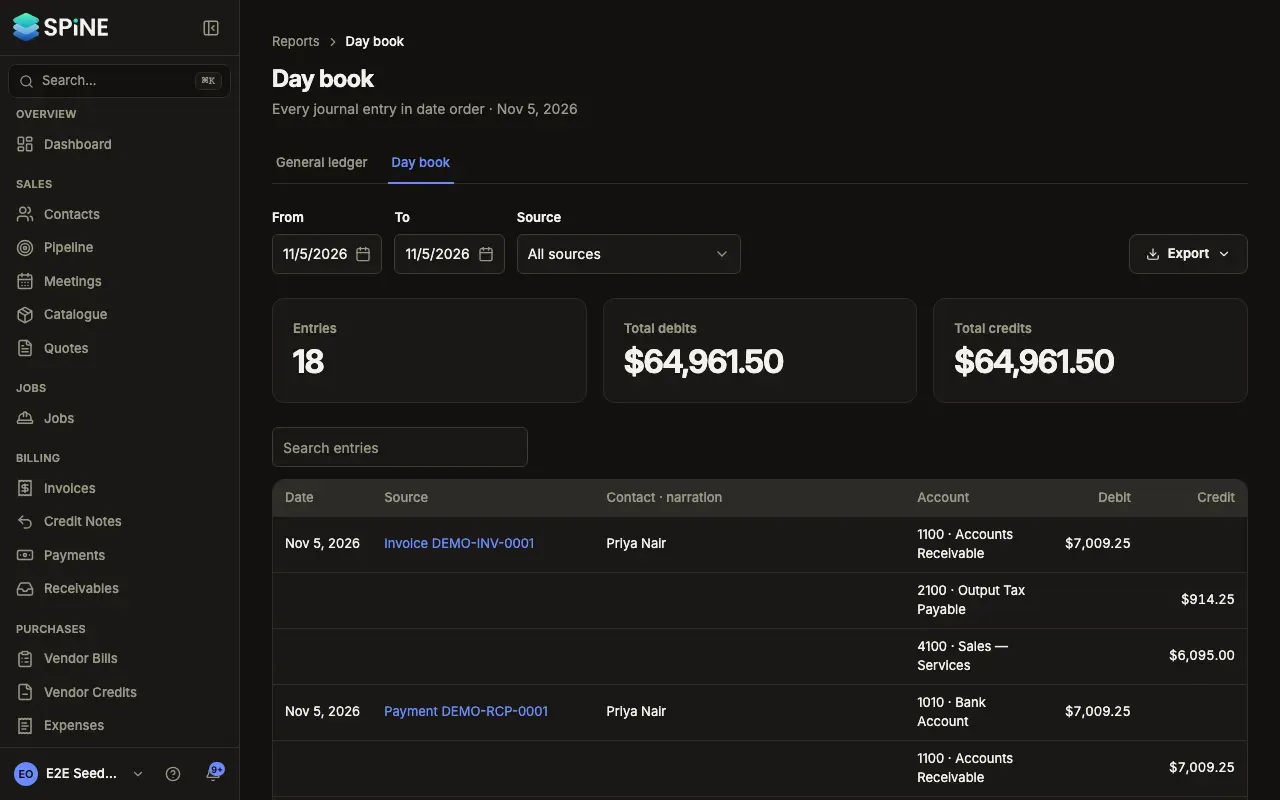
Use Search entries to find one entry. If nothing was posted on those dates, you see “Nothing posted on these dates”.
Last updated with Spine 1.0.0-beta.2