

See what you owe vendors
Payables adds up every recorded bill that still has a balance, grouped by how late it is, so you know who to pay first. The figures come straight from your books, so they agree with your reports.
-
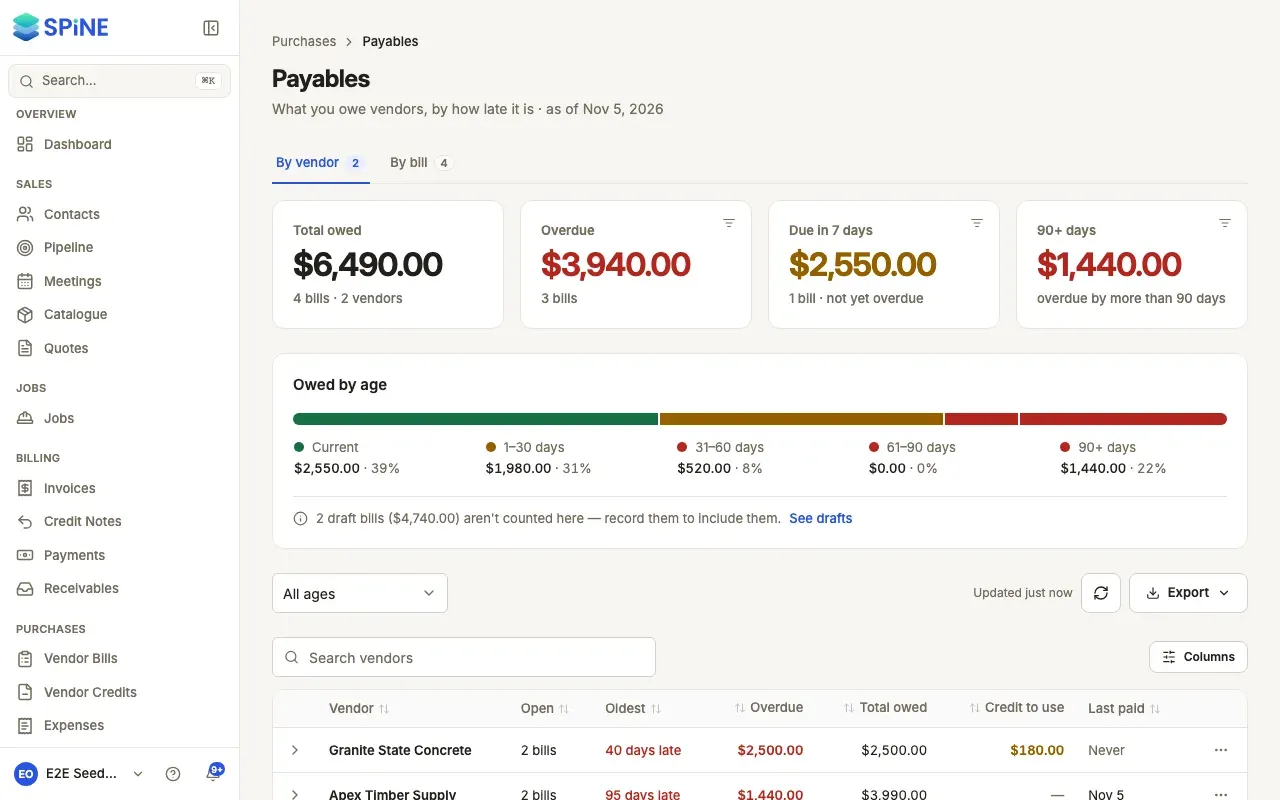
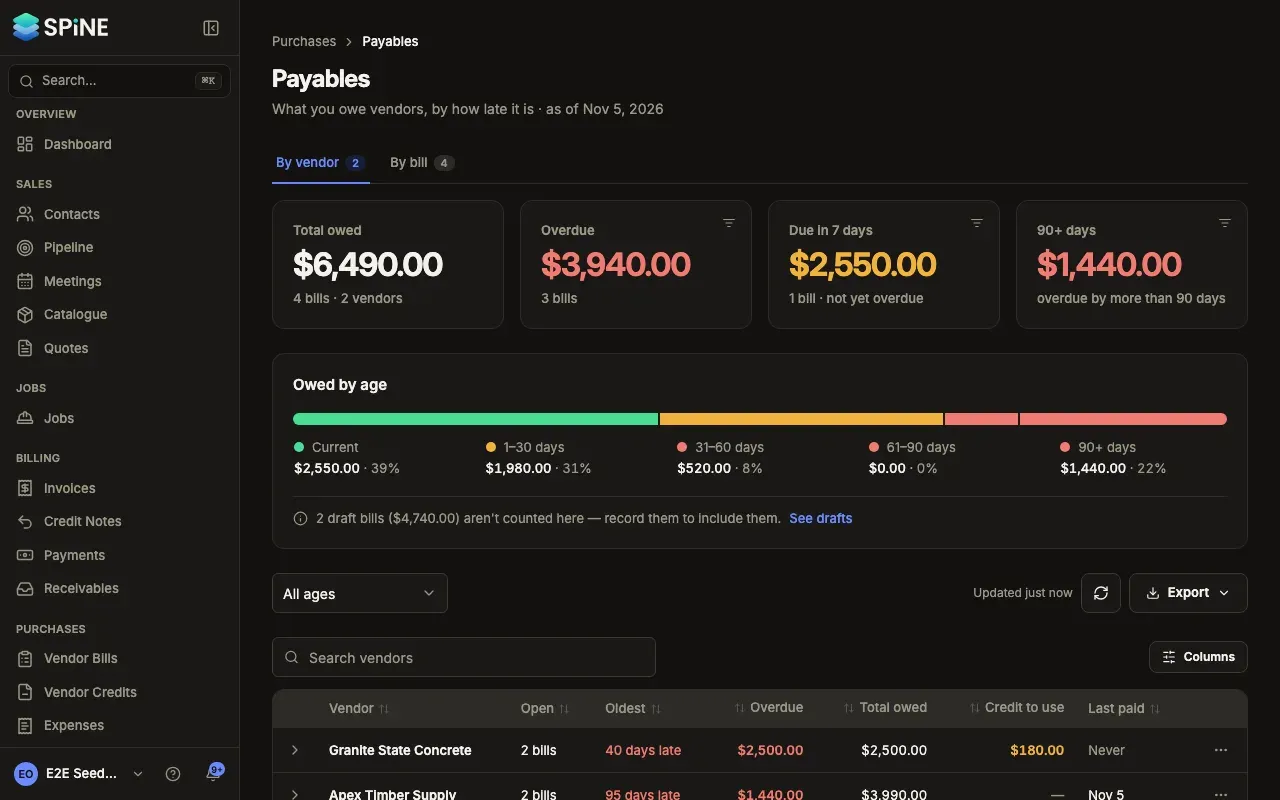
Open Payables — Go to Payables. The description reads “What you owe vendors, by how late it is · as of” today’s date.
-
Read the cards — Total owed (with how many bills and vendors), Overdue, Due in 7 days (not overdue yet, due within a week) and 90+ days.
-
Read the age bar — Owed by age splits what you owe into Current, 1–30 days, 31–60 days, 61–90 days and 90+ days.
-
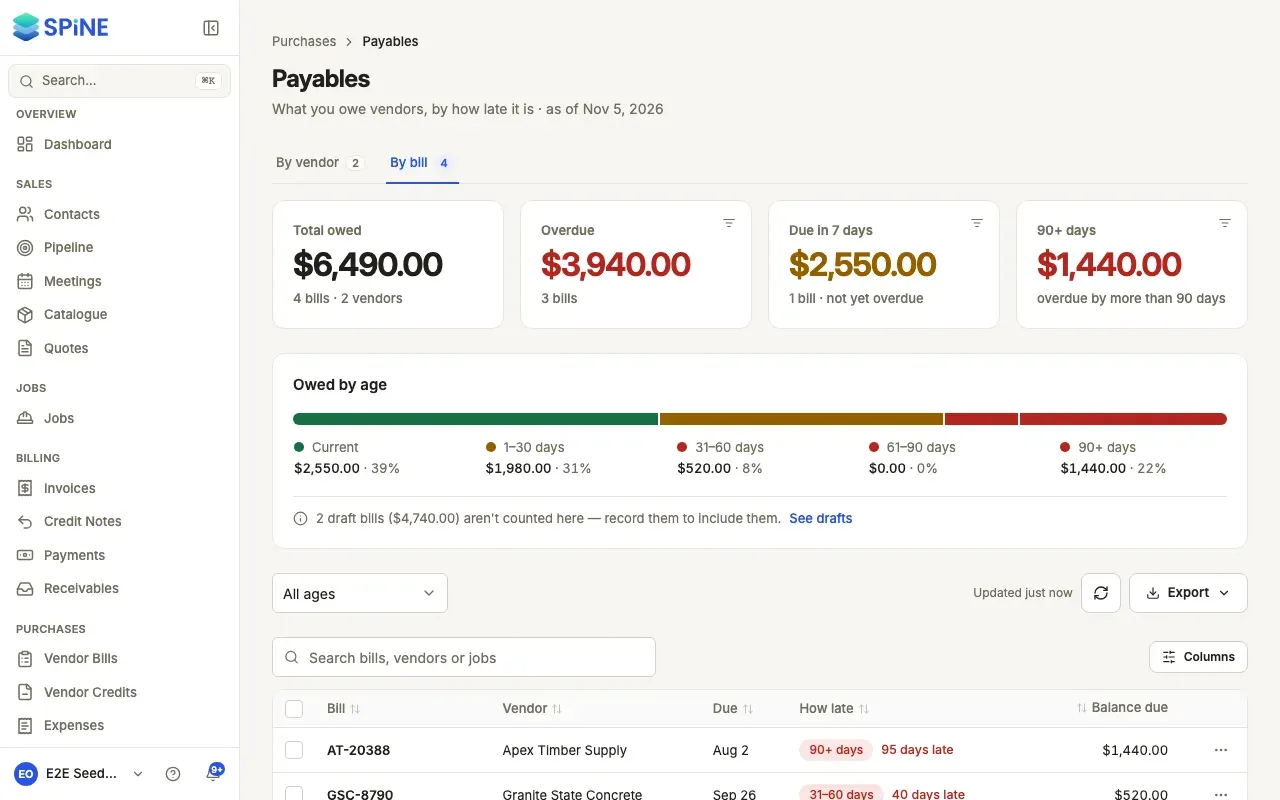
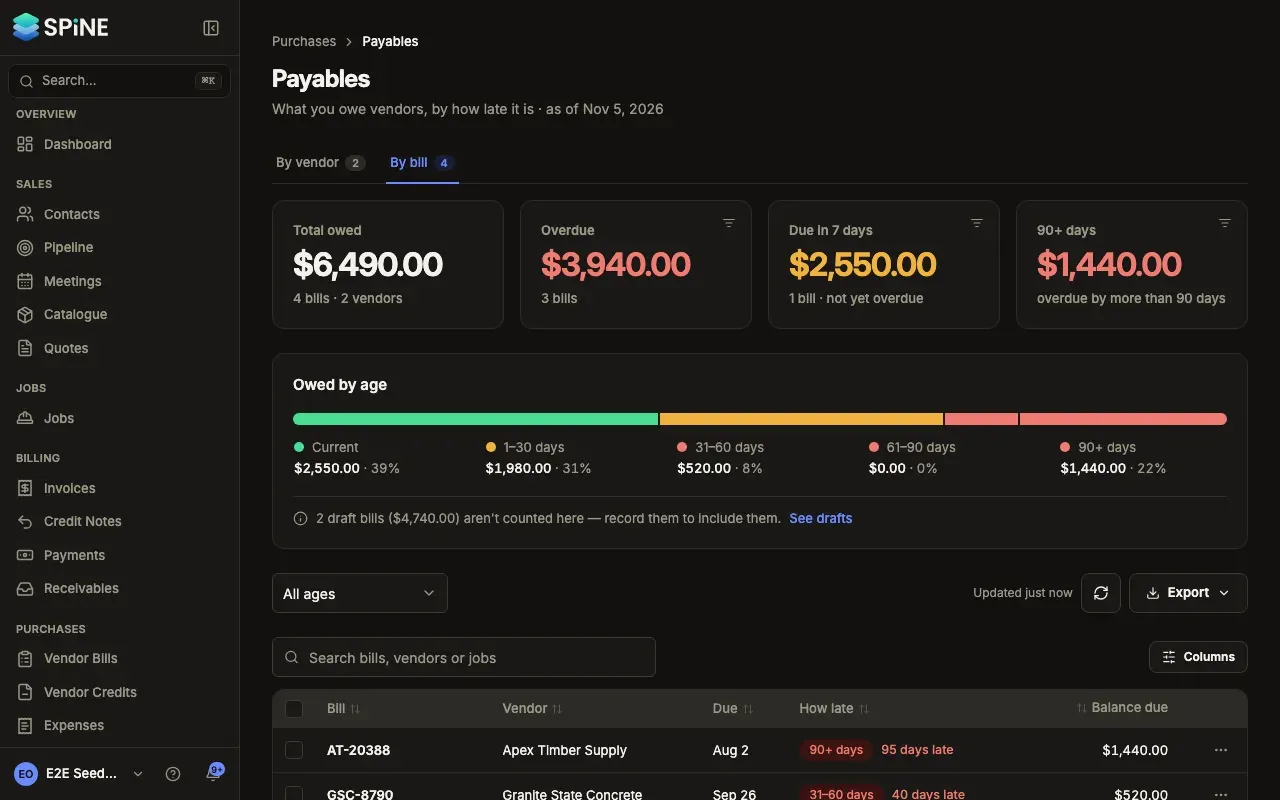
Choose a tab — By vendor has one row per vendor. By bill has one row per open bill.
By vendor
Section titled “By vendor”Each row shows the vendor, how many open bills, the oldest (“45 days late”, “Due in 5 days” or “No due date”), the overdue amount, the total owed, Credit to use (their open vendor credits) and when you last paid them (“Never” if you haven’t). The most overdue money comes first, then the most owed, with a totals row at the end. Expand a vendor to see their open bills, oldest due first, each opening the bill.
By bill
Section titled “By bill”Each row shows the bill number with its job under it, the vendor, the due date, how late it is in words (“12 days late”, “Due today”) beside its age, and the balance due. The most days late comes first. Columns can also show Bill date, Bill total and Paid so far.
Show one age
Section titled “Show one age”Press Overdue, Due in 7 days or 90+ days, or an age in the bar, to show only that on both tabs. Press it again to show all. The age filter in the filter bar also offers All ages, Current and each age range. If nothing is in it, you see, for example, “Nothing due in the next 7 days.” with Show all.
Search finds vendors on By vendor, and bill numbers, vendors or jobs on By bill.
Export
Section titled “Export”Press Export and choose CSV (or Excel or PDF). The file has one row per open bill on screen, with its age. Amounts are plain numbers with the currency in its own column. With an age chosen, only that age is exported. With nothing owed, the CSV has only the header row.
When every recorded bill is paid, Payables says “Nothing outstanding” and “Every recorded vendor bill has been paid in full.”. The page refreshes itself after you’ve been away for 30 seconds; Updated shows when it last did.
Last updated with Spine 1.0.0-beta.2