

Start a job
Most jobs start from a quote the customer has accepted, so the job begins with the real contract value and links back to the quote. When work was agreed on the phone or on a site visit, you can start a job without a quote.
From an accepted quote
Section titled “From an accepted quote”- Open the quote — Go to Quotes and open a quote with the status Accepted.
- Convert it — Press Convert to job. “Convert to a job?” says who the job is for and its contract value. Press Convert to job again to confirm.
- Set up billing — The new job opens. A toast says the quote was converted. Add its milestones next: see Set up billing milestones.
From the jobs list
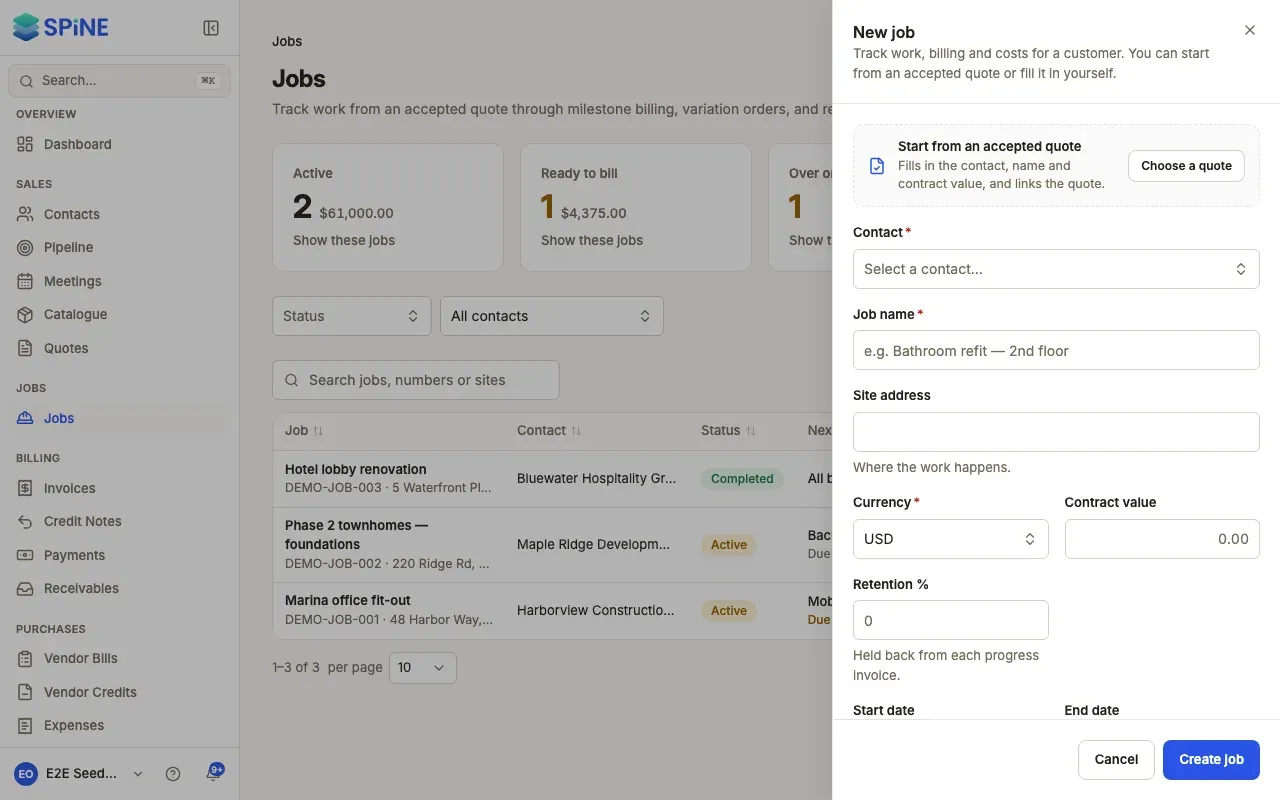
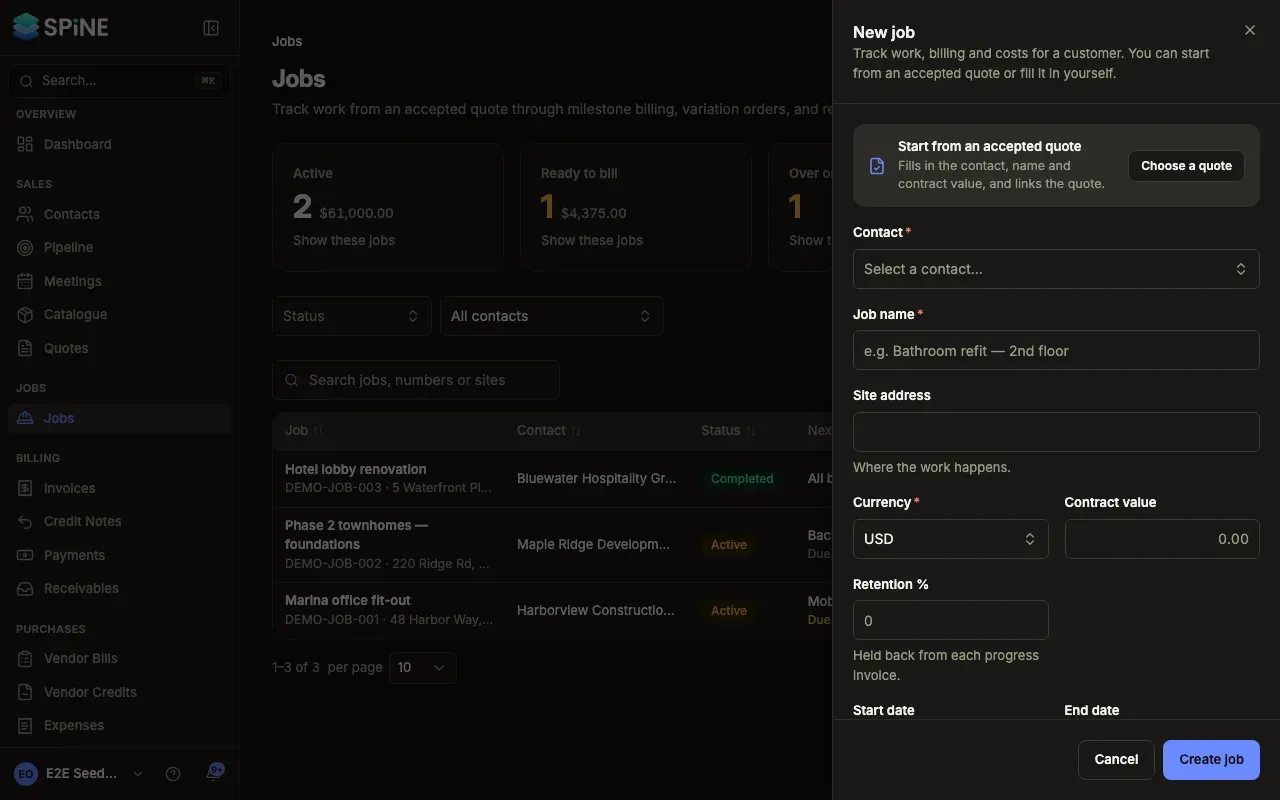
Section titled “From the jobs list”- Open the drawer — Go to Jobs and press New job.
- Choose how to start — Under Start from an accepted quote, press Choose a quote and pick one in Accepted quote: it fills in the contact, name and contract value, and links the quote. Quotes that already have a job aren’t offered. Or press Fill it in myself.
- Fill in the job — Enter Contact, Job name, Site address, Currency (your business’s, to start with), Contract value, Retention %, Start date, End date and Notes. Contact and Job name are required.
- Create it — Press Create job. A toast says “Job JOB-007 created” (with your number), and the job opens on Milestones.
What the job gets
Section titled “What the job gets”- A permanent number from the Job sequence (“JOB” by default; change it in Settings › Numbering).
- A name. From a quote, it’s the quote’s first item followed by the customer’s name. You can rename it.
- The site address, from the contact’s site address, else their billing address.
- The contract value. From a quote, it’s the quote’s total and can’t be typed over. It changes only when you apply a variation order.
If the job won’t save
Section titled “If the job won’t save”The drawer says what to fix beside the field, and nothing is saved until you do: “Choose who the job is for.”, “Give the job a name.”, “Enter a contract value of zero or more.”, “Enter a percentage from 0 to 100.” (for retention) or “End the job on or after its start date.”
Last updated with Spine 1.0.0-beta.2