

Set meeting defaults for the business
Two settings shape meetings for everyone: which meetings each person’s dashboard shows, and the default reminder before a meeting starts. Each person can still pick their own reminder time.
Choose which meetings the dashboard shows
Section titled “Choose which meetings the dashboard shows”-
Open Settings › Upcoming meetings — Open your user menu, choose Settings, and pick Upcoming meetings under Sales & meetings. It says “Choose which meetings the dashboard’s “Today” card shows.”
-
Pick one — Only my meetings: “Each person’s dashboard shows only the meetings they organize.” Or Every org meeting: “Everyone’s dashboard shows every meeting in the org, not just their own — useful for a small team that plans as one calendar.”
-
Press Save — A “Saved” message appears.
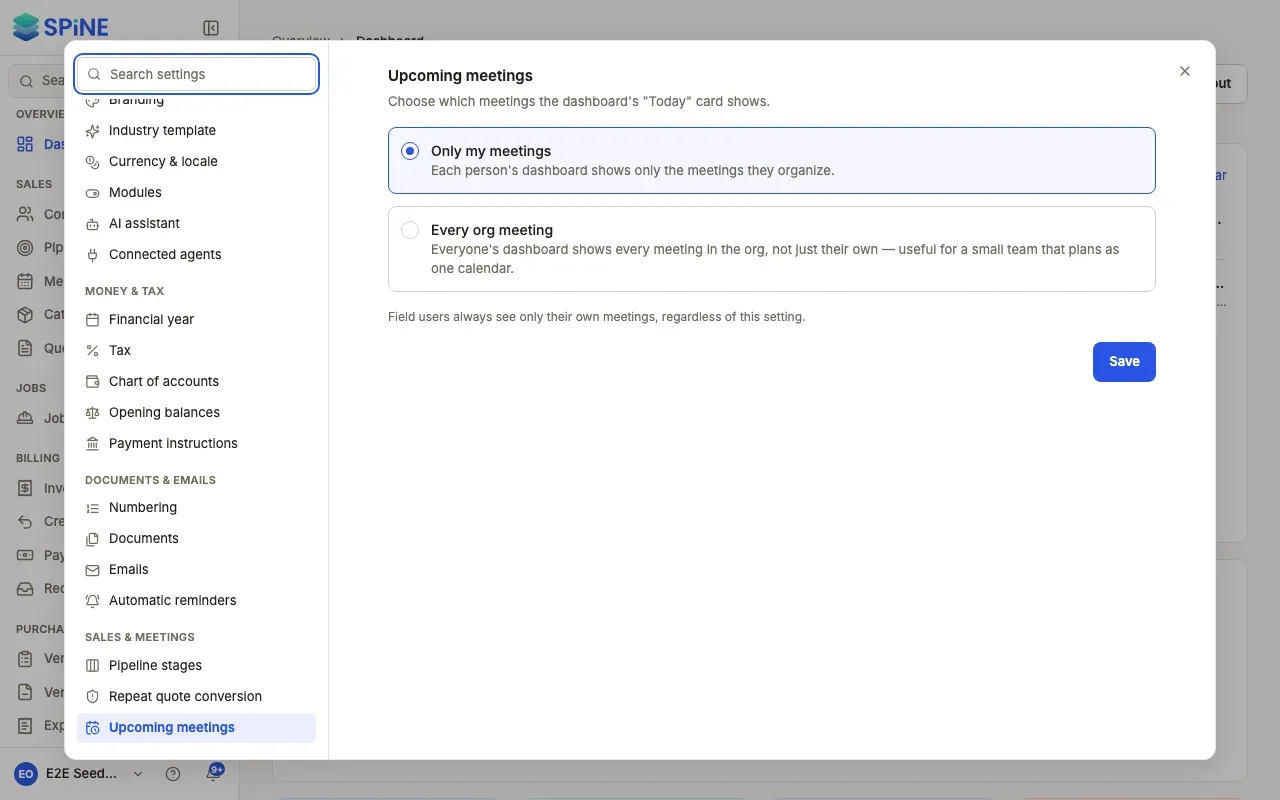
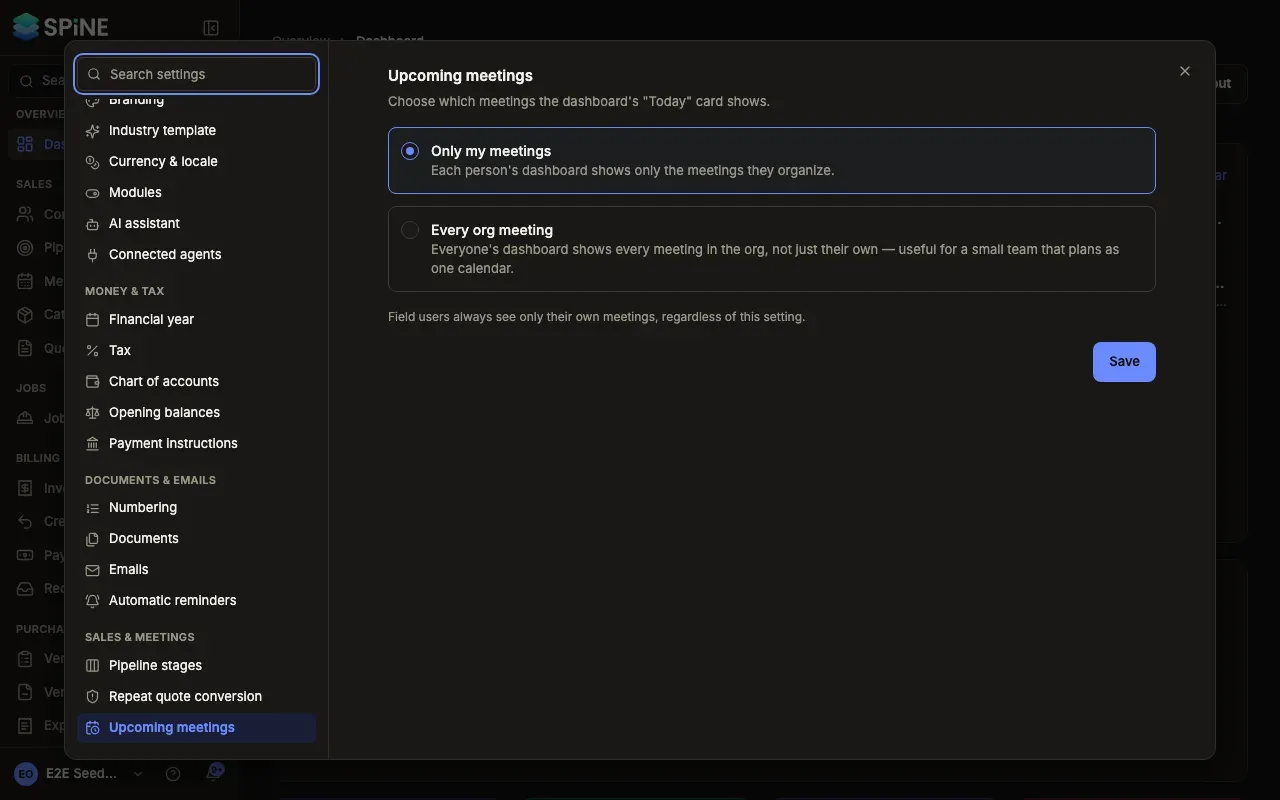
“Field users always see only their own meetings, regardless of this setting.”
Set the default meeting reminder
Section titled “Set the default meeting reminder”-
Open Settings › Meeting reminders — Pick Meeting reminders under Sales & meetings. It sets the “Default lead time for the “meeting starting soon” notification, before someone has set their own override.”
-
Pick a time — 5 minutes before, 15 minutes before, 30 minutes before or 60 minutes before. It’s 15 minutes until you change it.
-
Press Save — A “Saved” message appears.
For the calendar itself, see Meetings.
Last updated with Spine 1.0.0-beta.2