

Find quotes and see what needs chasing
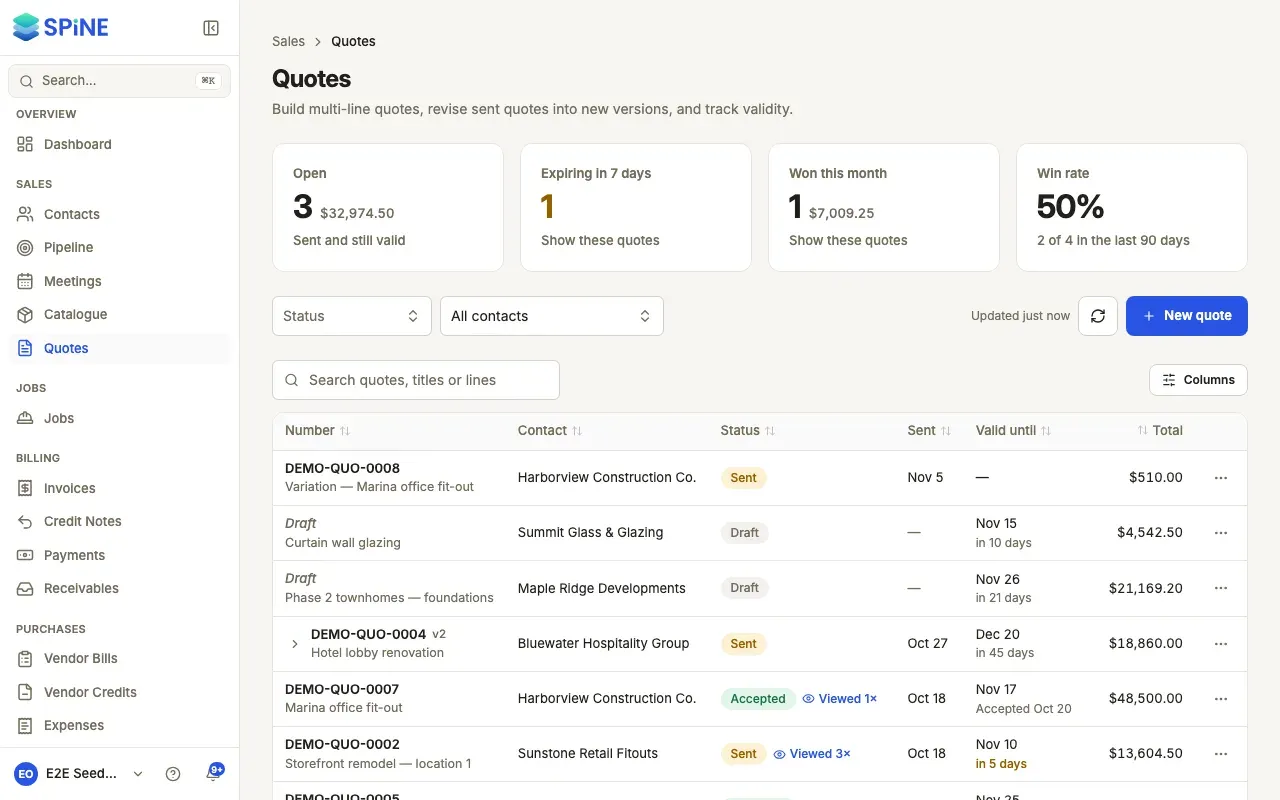
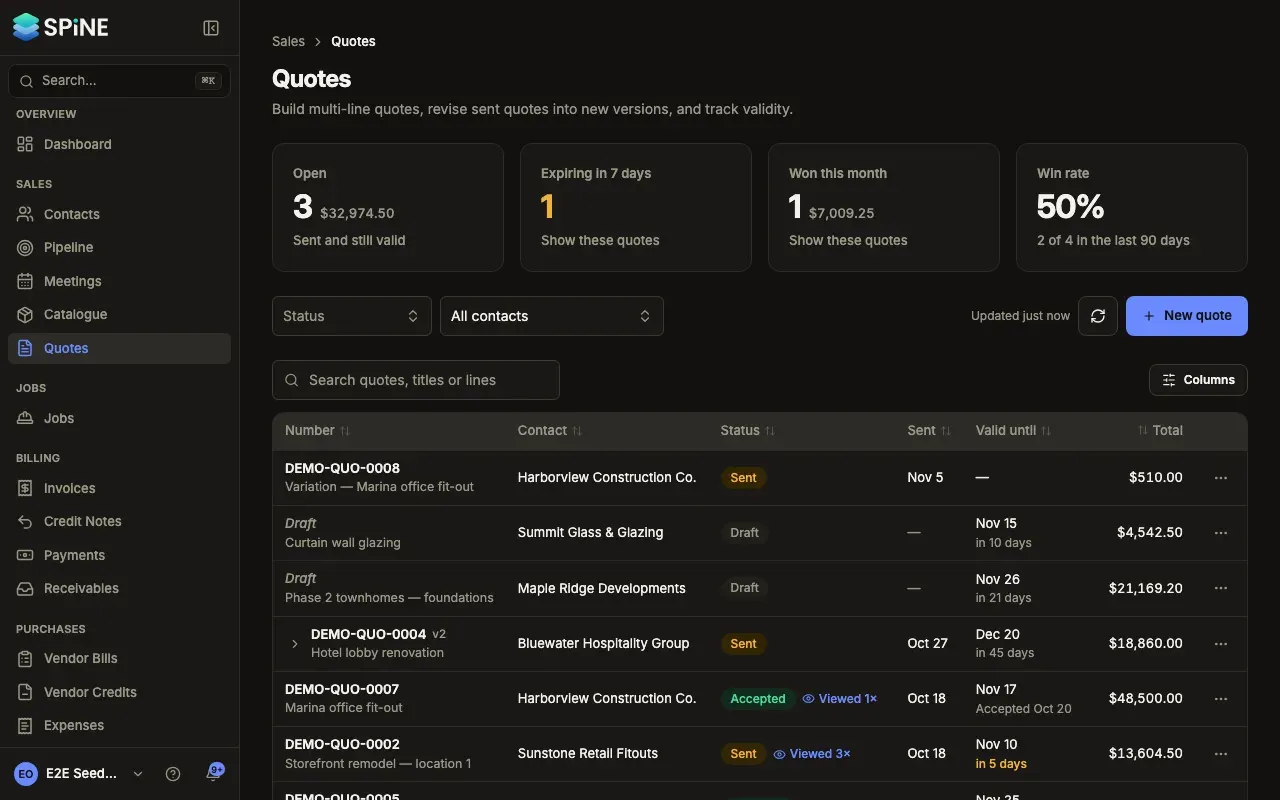
The Quotes list shows every quote, newest first, with what’s in play and what’s about to go cold. Each row tells you when the quote was sent, how long it has left and whether the customer has opened it, so you know whom to call.
-
Open the list — Go to Quotes in the sidebar.
-
Read the cards — Open is every sent quote that’s still valid, with its total value. Expiring in 7 days is the open quotes whose validity ends this week. Won this month is the quotes accepted this calendar month, with their value. Win rate is how many quotes were accepted out of those answered or expired in the last 90 days.
-
Press a card to filter — Press Open, Expiring in 7 days or Won this month to show just those quotes. The card reads “Showing these · press again to clear”. Press it again to show everything.
-
Filter or search — Choose a Status (Draft, Sent, Accepted, Declined or Expired) or a contact. Type in Search quotes, titles or lines to match a quote’s number, title, contact or line names. Clear filters resets them.
-
Act from the row — Open a row’s … menu to do what the quote allows: View, Edit and Send a draft, Copy customer link for a sent quote, Preview PDF (for a draft) or Download PDF, Duplicate, Revise, Convert to invoice and Convert to job for an accepted quote, and Delete a draft. You only see the actions you’re allowed to take.
Reading a row
Section titled “Reading a row”- Number shows the quote number with its title under it. A draft has no number yet and reads Draft.
- Sent is the date it went out, or “—” for a draft.
- Valid until has a reminder under the date, such as “in 3 days”, “today” or “Expired 2 days ago”.
- Viewed 2× beside the status means the customer has opened the link twice. Hover over it to see when they last looked.
When a quote has several versions, the list shows one row for it (its newest version), and the cards count it once.
If there are no quotes yet, you see No quotes yet with a New quote button. If your filters match nothing, you see No quotes match these filters.
Last updated with Spine 1.0.0-beta.2