

Choose the account on a payment
Every form that moves money asks which account it used. Choosing the right one keeps each account’s balance in Spine the same as the bank’s, and makes reconciling quick.
-
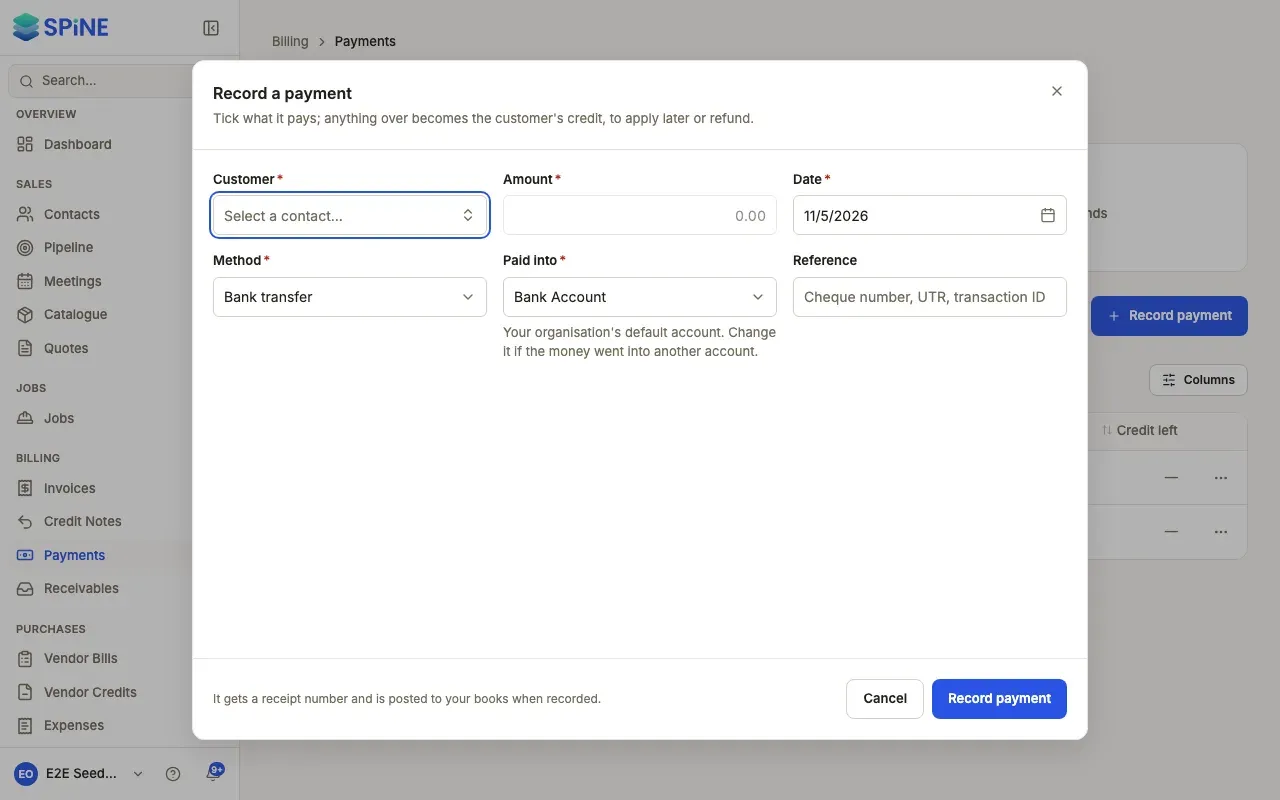
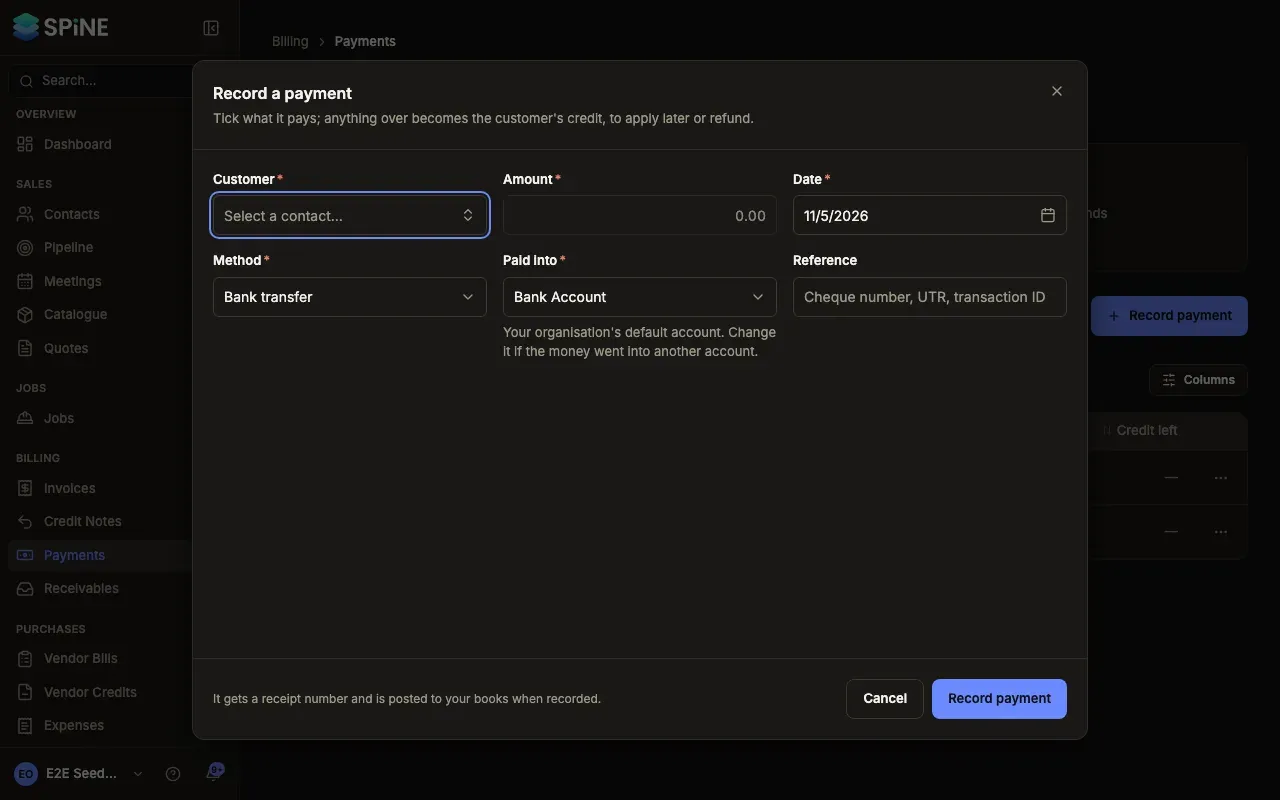
Open the form — For example Record payment, a vendor payment, Pay bill, an expense, a customer refund or a tax payment.
-
Find the account field — Money coming in has Paid into. Money going out has Paid from. Each lists your active money accounts.
-
Check the suggestion — If you’ve used an account on this kind of form before, it’s already chosen, with “Last used by you” under it. Otherwise your organisation’s default account is chosen.
-
Change it if needed — Pick the account the money really went into or came out of, then finish the form as usual.
What happens next
Section titled “What happens next”The money shows in that account’s register and its balance changes. On a recorded payment, the account is shown next to the method, for example “Paid into First Coastal — Operating”. It can’t be changed afterwards.
Expenses from the field app
Section titled “Expenses from the field app”Expenses submitted on the phone use your organisation’s default account. Whoever approves the expense can change the account before approving it.
Archived accounts aren’t offered. See Archive or restore an account.
Last updated with Spine 1.0.0-beta.2