

Enter your opening balances
If you’re moving from other software, opening balances bring in “what your business had on the day you start using Spine. Your old software’s trial balance on that date has every figure you need.” Starting a brand-new business? You may only need your bank balance and the owner’s capital.
-
Open Opening balances — In Settings, pick Opening balances under Money & tax and press Bring in opening balances (or Open opening balances once you’ve started). You can also press Set up on the Opening balances card on the Set up Spine page.
-
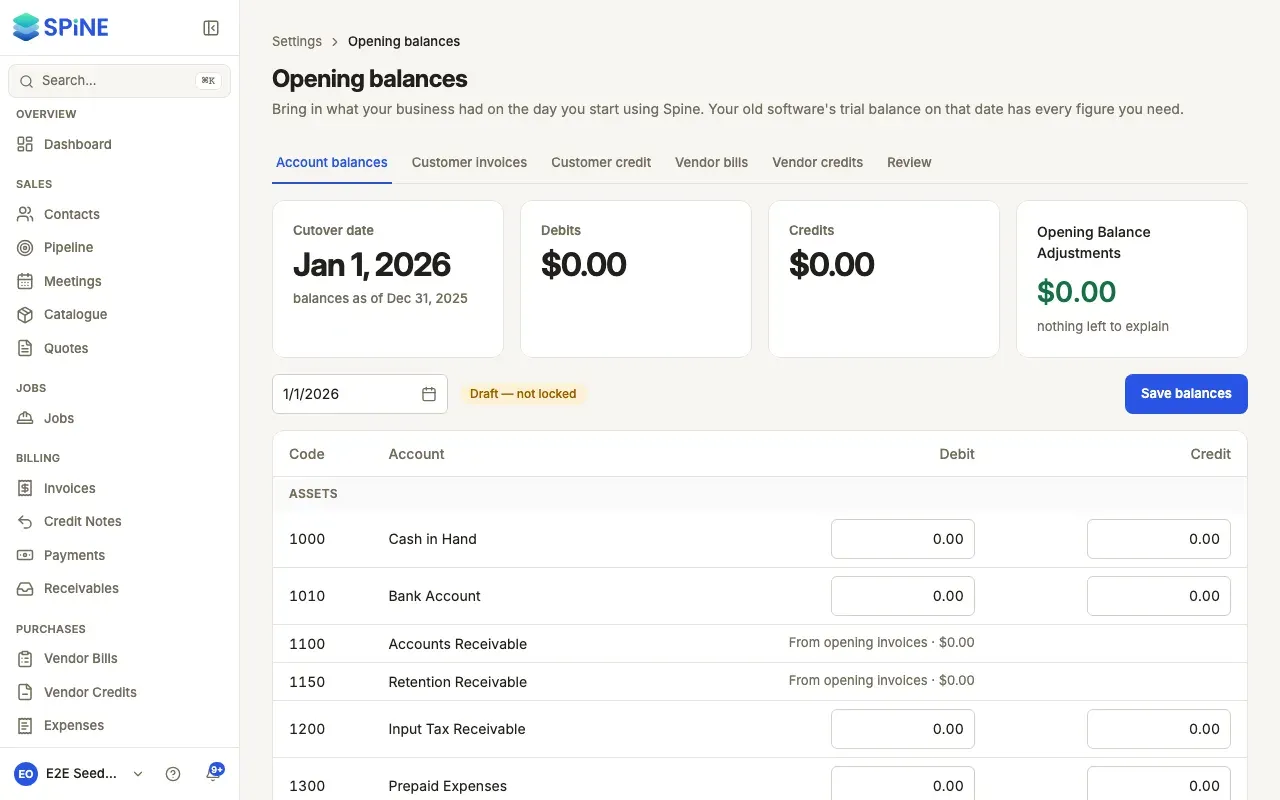
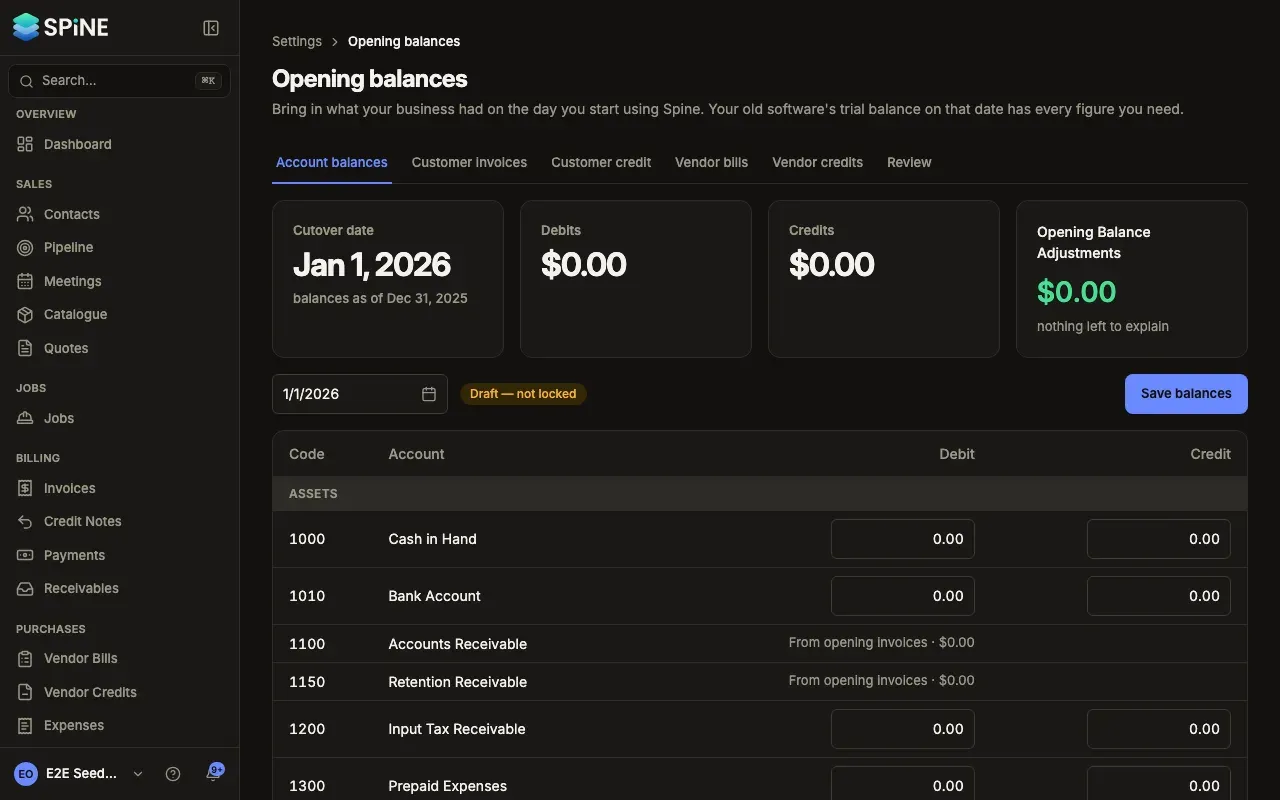
Choose the cutover date — On Account balances, set Cutover date: the first day you use Spine for real. It starts at the beginning of your current financial year. The balances you enter are “as of” the day before.
-
Enter each balance — Every account has a Debit and a Credit box, grouped by type. Copy the figures from your old trial balance on the day before the cutover date: assets and expenses are usually debits; liabilities, equity and income are usually credits.
-
Check the difference — The cards show your total Debits, Credits and Opening Balance Adjustments. “nothing left to explain” means they match.
-
Press Save balances — “Saved. The Balance Sheet on … shows these balances.”
Accounts you don’t type into
Section titled “Accounts you don’t type into”Accounts Receivable and Retention Receivable show “From opening invoices”, Accounts Payable shows “From opening bills” and Customer Advances shows “From opening credit”, each with its total. Their balances are built from the unpaid documents you bring in one by one — see Bring in unpaid customer invoices and credit and Bring in unpaid vendor bills and credits.
If the totals don’t match
Section titled “If the totals don’t match”You can still save. The difference sits in Opening Balance Adjustments: “Your old books didn’t balance, or a figure is missing. The difference sits in Opening Balance Adjustments until you fix it.” Find the missing figure, correct it and save again.
What Spine does
Section titled “What Spine does”Saving posts one entry dated the day before the cutover date. Each save replaces the last one until you lock. When everything matches, check and lock your opening balances.
Last updated with Spine 1.0.0-beta.2