

Setting up your business
When the first owner creates an account on a new Spine, a short setup runs before anything else. It asks for the things every quote, invoice and report depends on: your business name and logo, the kind of work you do, your currency, financial year and tax, how documents are numbered, your accounts and your team. Nothing in it is permanent — every answer can be changed later in Settings.
The main ideas
Section titled “The main ideas”- Four short stages. Setup is grouped into Business, Money, Documents and Books & team, about six minutes in all. A preview beside the form shows the start of your first invoice as you type.
- Skip anything. Every step has Skip to dashboard. Spine works with sensible defaults, and the steps are all in Settings for later.
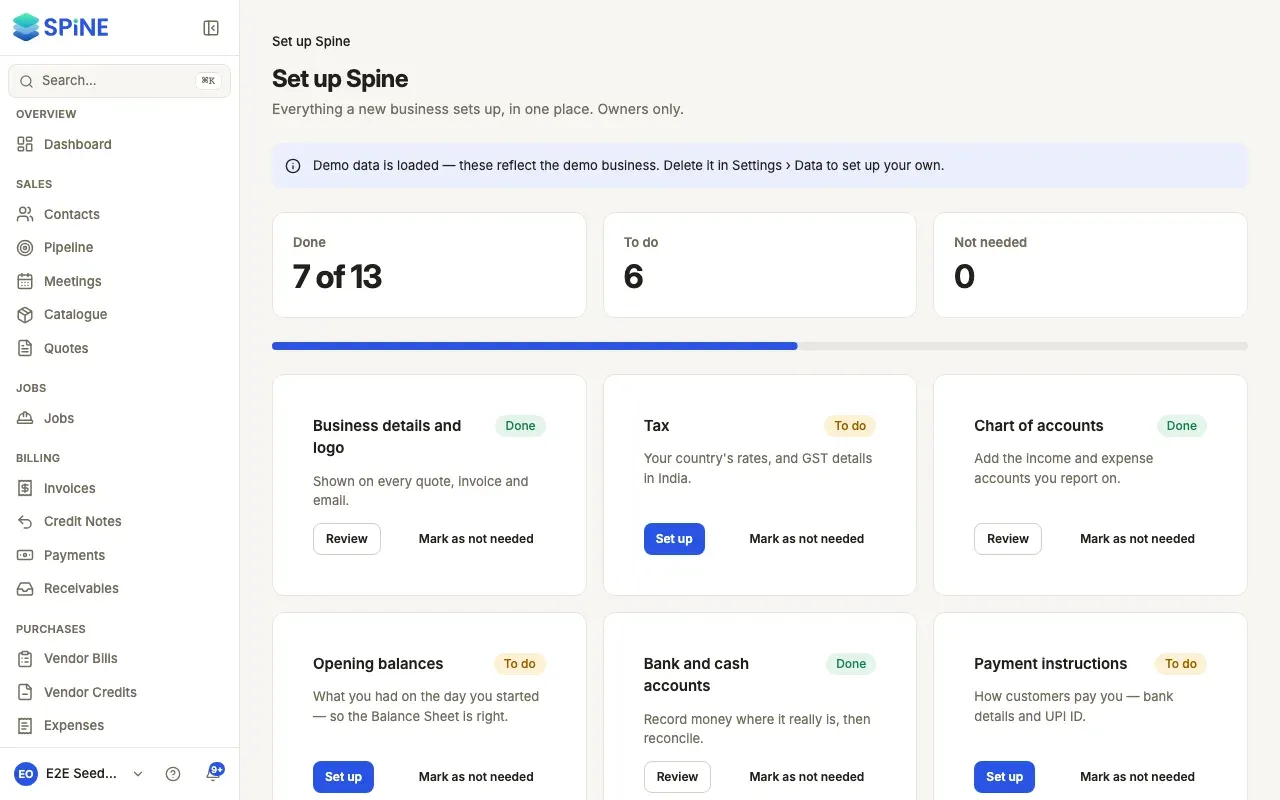
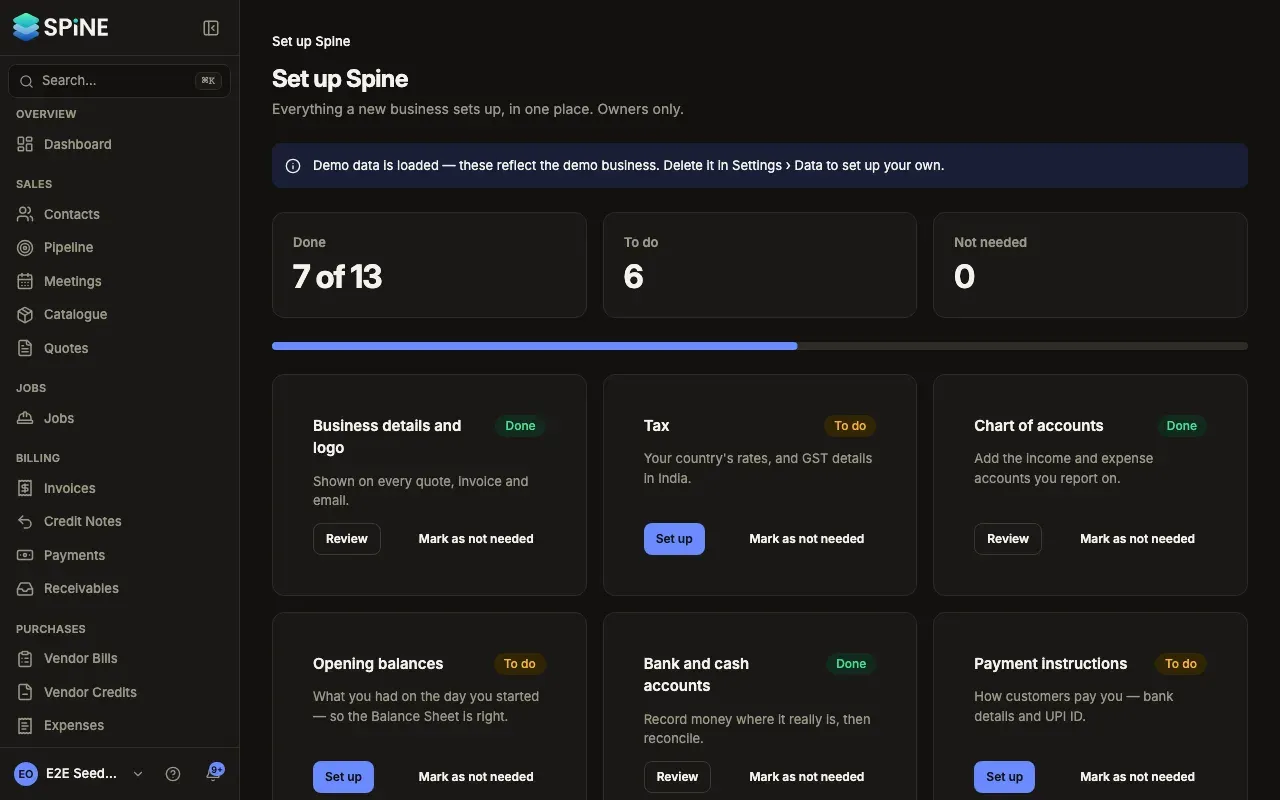
- The Set up Spine page lists everything a new business sets up — 14 cards from business details to the field app — and shows which are done. It’s in your user menu.
- Demo data is a sample business you can load to look around before you enter your own. It’s kept apart from your records, numbered from its own series and deleted in one step.
- Start setting up your business — the welcome screen, your business details and your industry template.
- Set your currency, tax and numbering — the Money and Documents stages.
- Review your accounts and invite your team — the last stage and the finish screen.
- Skip setup and come back later — what happens when you skip, and where each step lives in Settings.
- Finish setting up from the Set up Spine page — the cards, what “Done” means and the dashboard checklist.
- Explore Spine with a demo business — load a sample business in your country and industry.
- Delete the demo data — remove the demo and keep your own records.
Related
Section titled “Related”- Settings and data export — every setting the wizard sets, and the rest.
- Chart of accounts and opening balances — the accounts Spine posts to, and what your business had on the day you started.
Last updated with Spine 1.0.0-beta.2