

Duplicate a quote
When a new job is like one you’ve quoted before, duplicate that quote. You get a new draft with the same contact, title, lines, notes and terms, ready to change. It’s a separate quote, not a new version of the old one.
-
Open the quote to copy — Go to Quotes and open any quote, in any status.
-
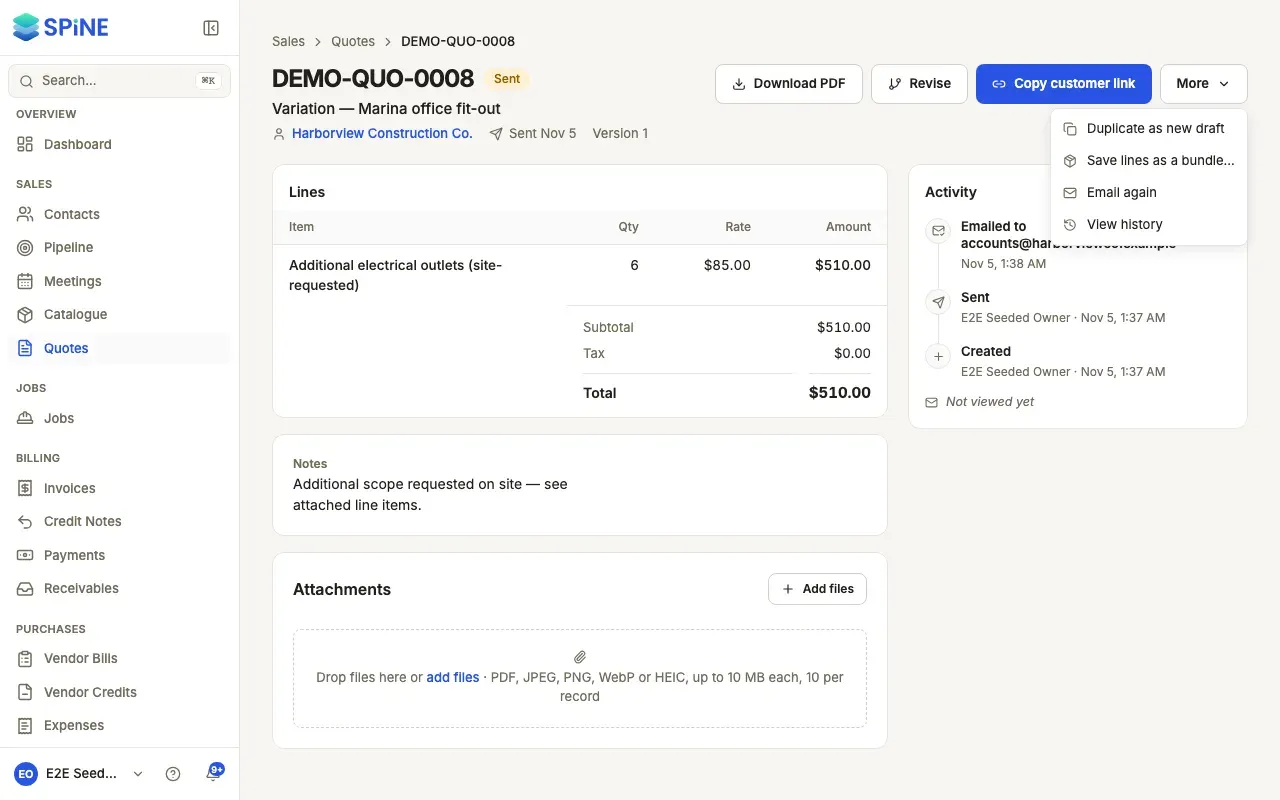
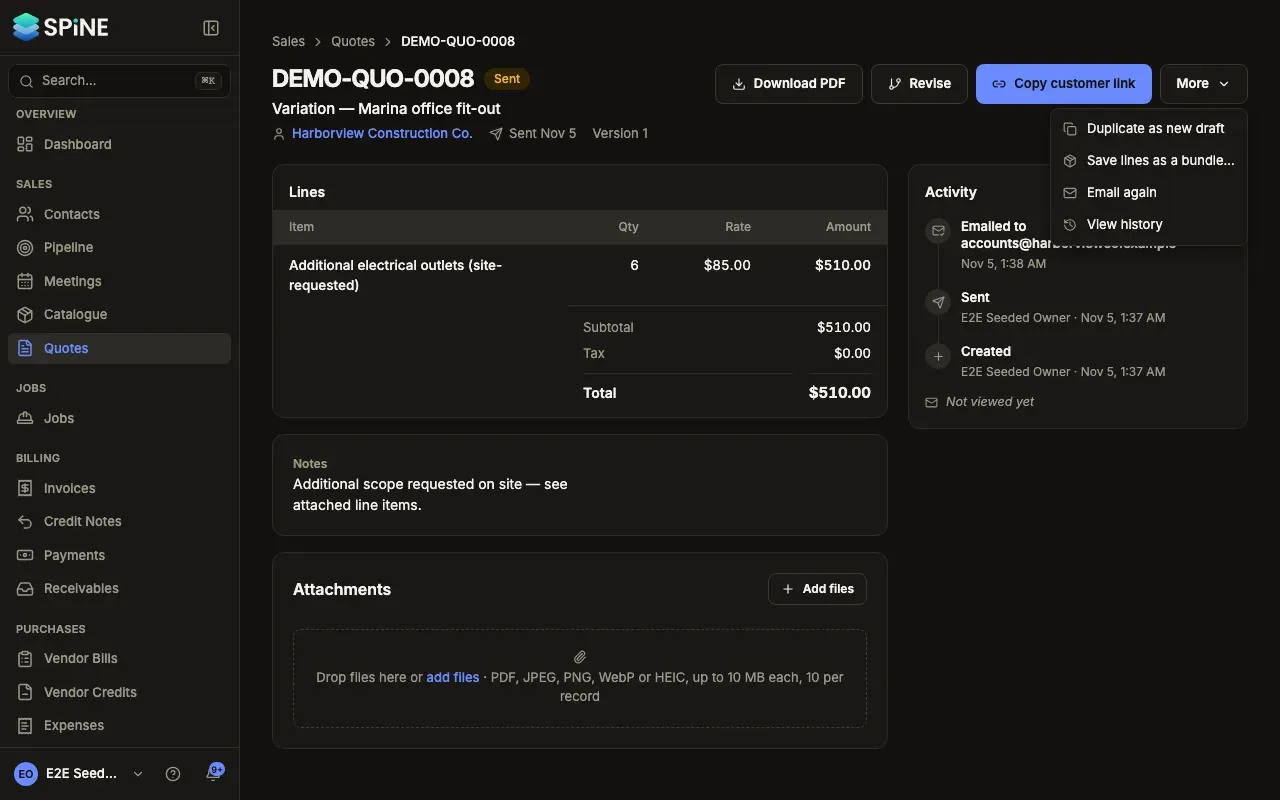
Choose Duplicate as new draft — Press More and choose Duplicate as new draft. On the Quotes list, choose Duplicate from the row’s … menu.
-
Change what you need — The new draft opens. A toast says Quote duplicated. Change the contact, lines or anything else, and save.
-
Send it — When it’s ready, press Send quote.
What the copy gets
Section titled “What the copy gets”- The same contact, title, lines, notes and terms.
- No number until you send it, and today’s date.
- A fresh Valid until date, from your usual validity.
- Prices and tax from the original quote’s lines, not today’s catalogue prices. If your prices have changed, update the lines.
- Its Activity starts with Duplicated from the original quote’s number.
Duplicating is different from revising: a revision replaces the earlier version for the same customer, while a duplicate leaves the original as it is.
Last updated with Spine 1.0.0-beta.2