

Change your currency and locale
Spine uses one currency for every quote, invoice, bill and report. The locale decides how dates and numbers are written — ₹1,25,000.00 in India, $125,000.00 in the US. Both were set during setup; you can change them here.
-
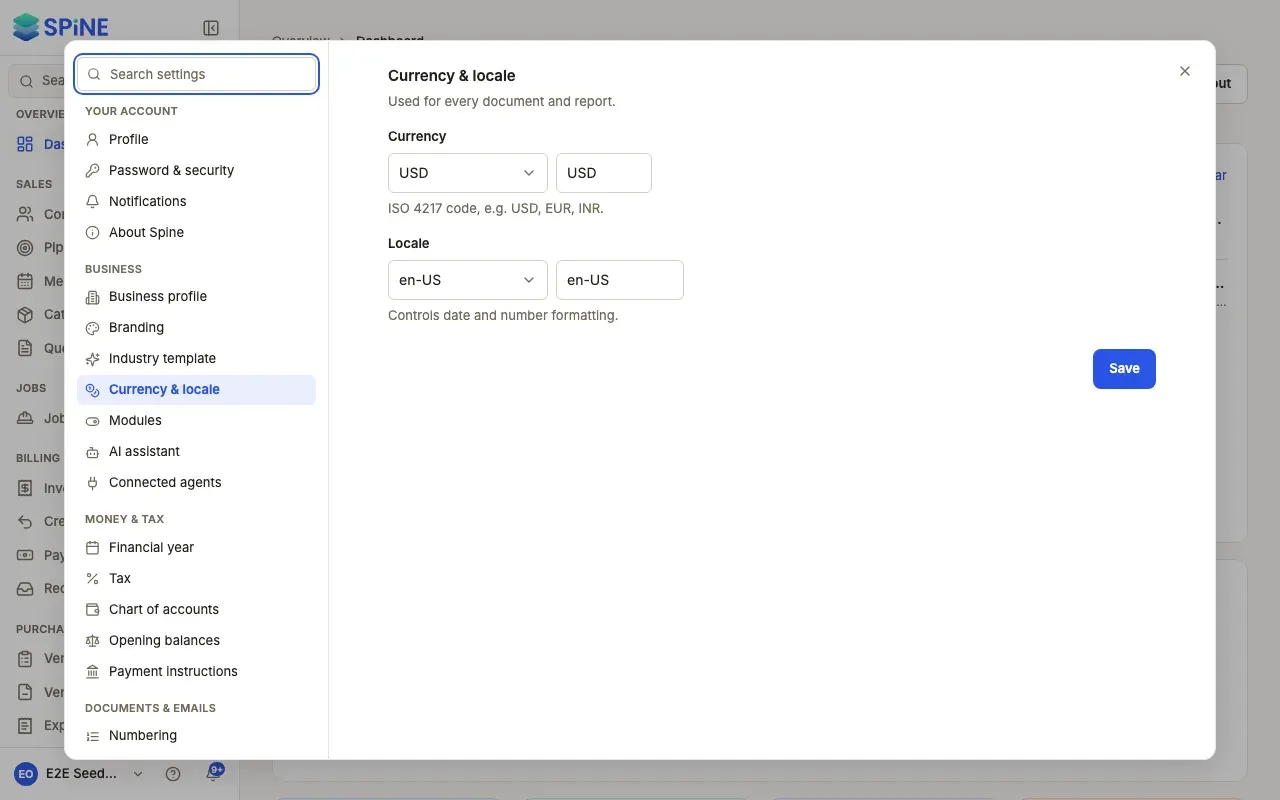
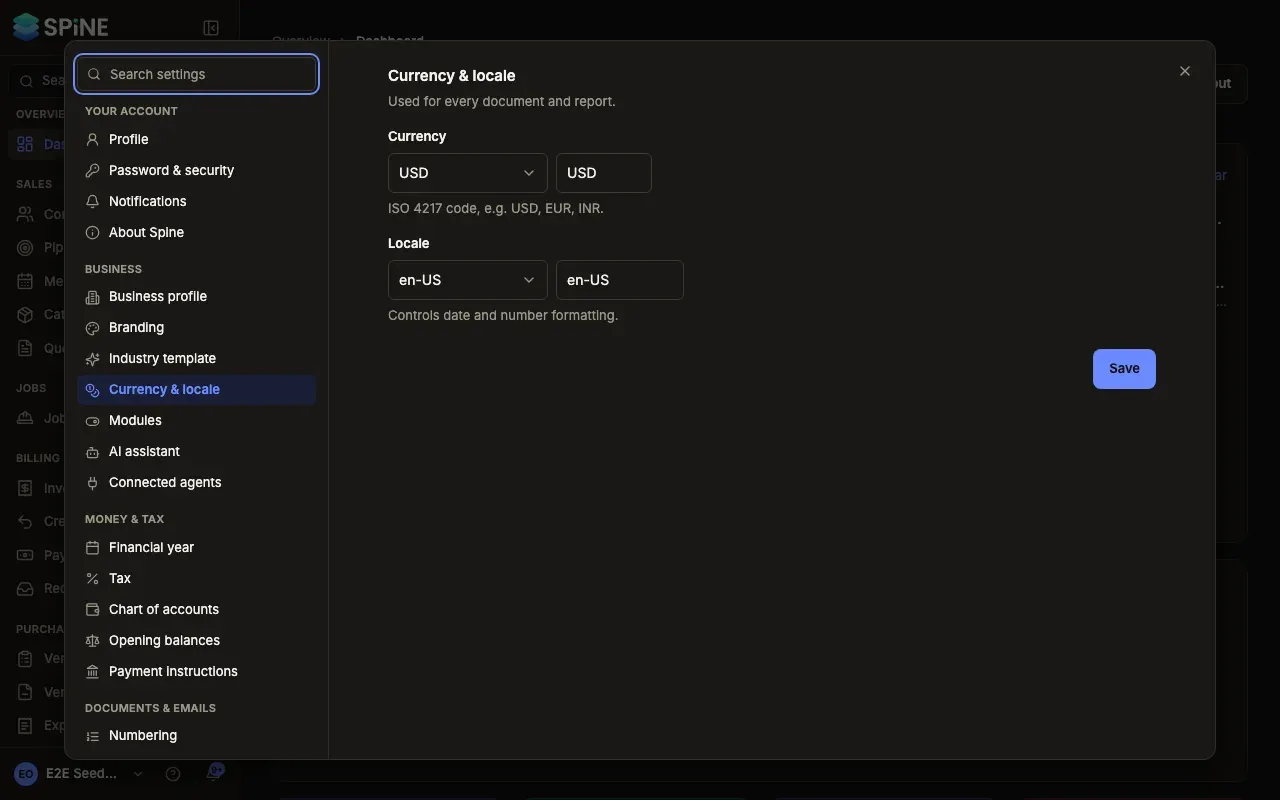
Open Settings › Currency & locale — Open your user menu, choose Settings, and pick Currency & locale under Business. It says “Used for every document and report.”
-
Choose the currency — Pick from Common currencies (USD, EUR, GBP, AUD, CAD, INR, AED, SGD, NZD, ZAR) or type a Currency code. It’s a three-letter ISO 4217 code, such as USD, EUR or INR.
-
Choose the locale — Pick from Common locales (for example en-US, en-GB or en-IN) or type a Locale. It “Controls date and number formatting.”
-
Press Save — A “Saved” message appears. New documents and reports use the new settings.
Good to know
Section titled “Good to know”- One currency only. Spine doesn’t do multi-currency. Pick the currency you invoice and keep your books in.
- Issued documents keep their currency. An issued quote or invoice keeps the amounts and currency it was issued with.
- The locale is about how things look. It doesn’t change any amount, tax or date — only how they’re written on screen and on documents.
Your financial year is a separate setting: see Set your financial year.
Last updated with Spine 1.0.0-beta.2