

Dashboard
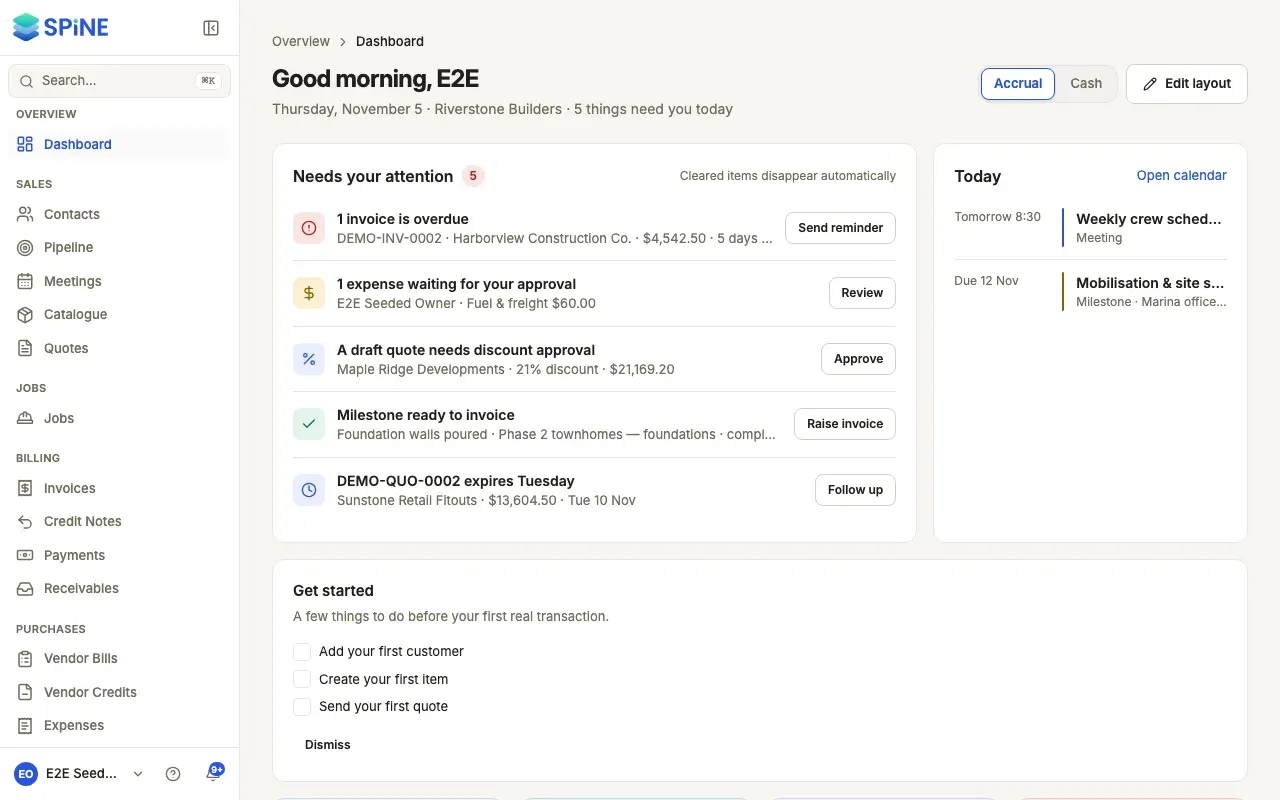
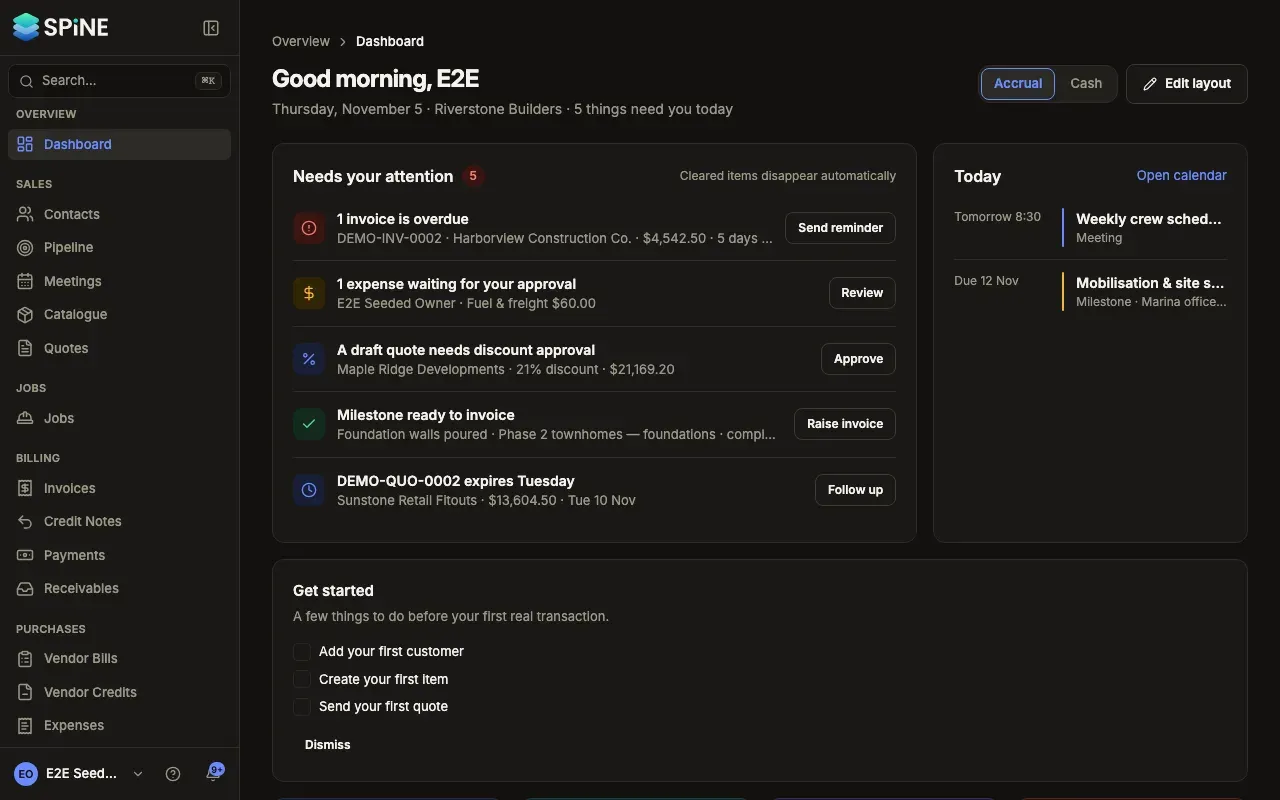
The dashboard is the first page you see when you sign in. It opens with what’s waiting on you, then today’s schedule, your key figures and a set of cards about money, sales and jobs. It adapts to who’s looking: each person sees only what their role and Teams allow, so nobody gets locked or empty panels.
The main ideas
Section titled “The main ideas”- Needs your attention. One row for each kind of thing waiting on you, such as overdue invoices or expenses to approve, each with the button that deals with it. Rows clear themselves once the work is done.
- Today. Your meetings, milestones coming due and follow-ups, in time order.
- Key figures. Cash position, Profit this month, Receivables and Overdue, each with an 8-week line and a comparison with last month. They stay at the top.
- Cards. Money in and out, Receivables aging, Payables, Accounts, Ready to bill, Tax this period, Top expenses, job cards and Recent activity. Each one links to its full report.
- Accrual or cash. Profit and the money chart can be shown on either basis.
- Your layout. You choose the order of the cards and which are hidden. Your layout follows you to every device.
While the dashboard loads, you see grey outlines of its cards in the places they’ll fill, so nothing jumps as the figures arrive.
- Act on what needs your attention
- Read your key figures
- Plan your day with Today
- See money in and out
- Check the books cards
- Follow receivables, sales and jobs
- Read recent activity
- Switch between accrual and cash
- Edit your dashboard layout
- Dashboards for Staff and Field crew
Every figure on the dashboard comes from the same books as Reports. The Tax this period card is explained further in Tax.
Last updated with Spine 1.0.0-beta.2