

Turn on automatic payment reminders
Automatic reminders email customers about unpaid invoices on the days you choose around the due date. Once they’re on, every issued invoice with a balance due is covered. You set them up once, and Spine sends them each day at the time you pick.
-
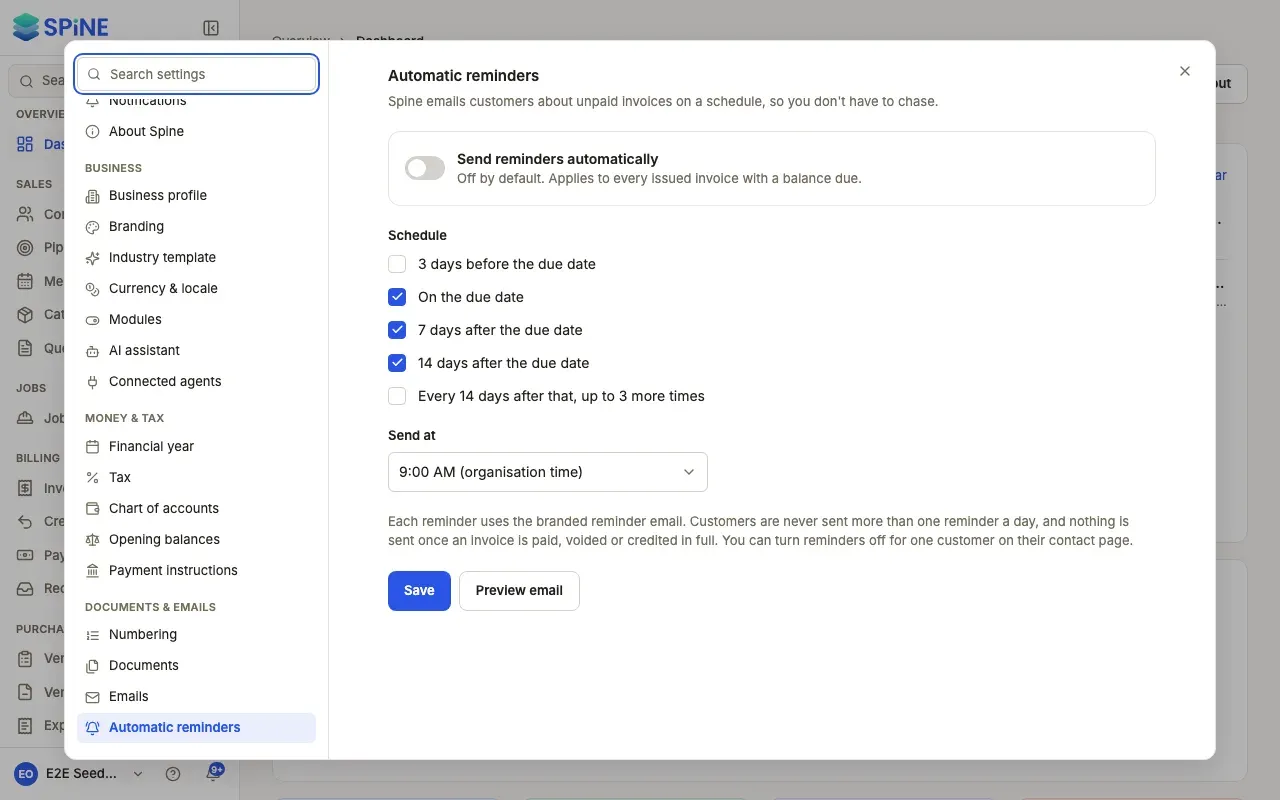
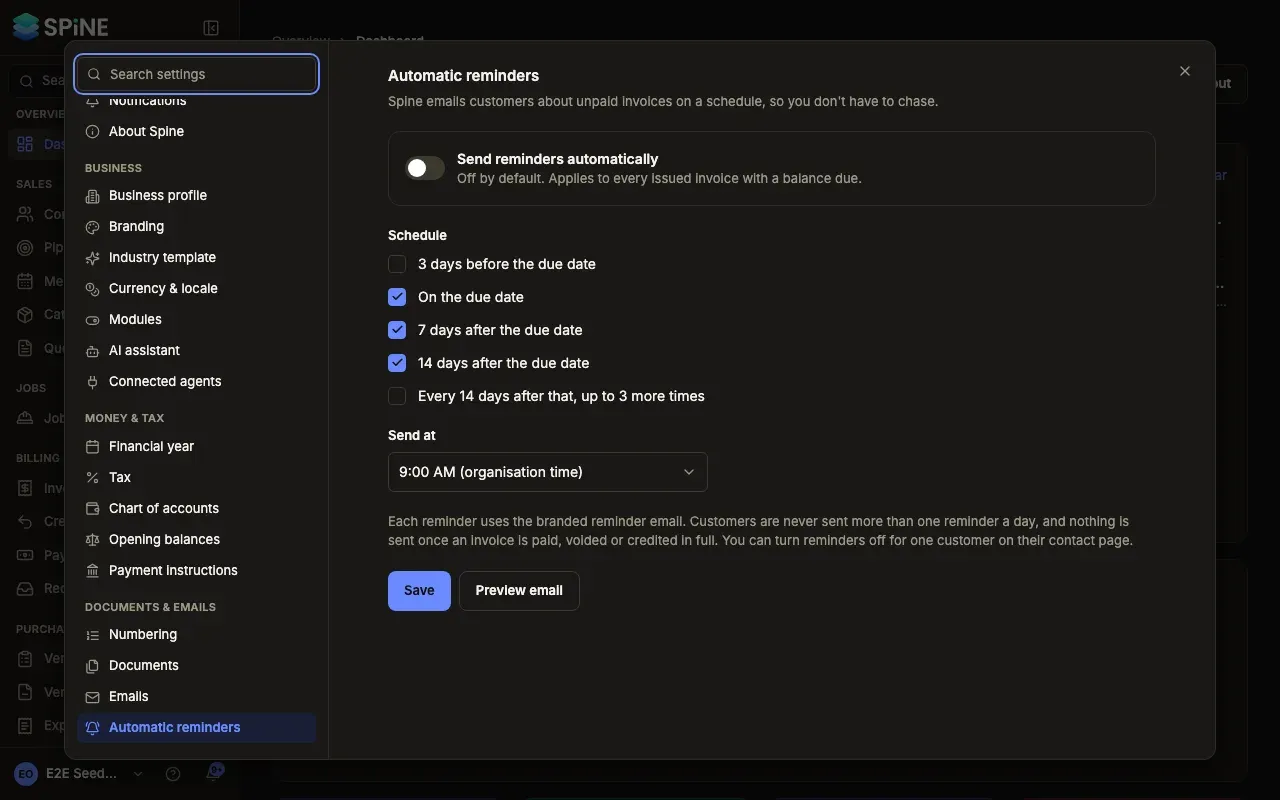
Open the setting — Open Settings and go to Documents & emails › Automatic reminders.
-
Switch them on — Turn on Send reminders automatically. It’s off until you do.
-
Choose the schedule — Under Schedule, tick when reminders go: 3 days before the due date, On the due date, 7 days after the due date, 14 days after the due date, and Every 14 days after that, up to 3 more times.
-
Pick the time — Choose Send at. Times are in your organisation’s time zone.
-
Check the email — Press Preview email to see the reminder for your most overdue invoice, or a sample if none is overdue.
-
Save — Press Save.
If you switch reminders on with nothing ticked, you’ll see “Pick at least one reminder.”
What the customer gets
Section titled “What the customer gets”One email per invoice on each scheduled day. The subject reads, for example, “Reminder: invoice INV-0012 is 7 days overdue”, “is due today” or “is due in 3 days”. The email shows the invoice, its due date, the balance due, a View invoice link and your payment instructions.
Each reminder shows in the invoice’s Activity as Automatic reminder sent.
When nothing is sent
Section titled “When nothing is sent”- The invoice is paid, voided or credited in full.
- The invoice already got a reminder today, by hand or automatically.
- The customer has reminders paused (see below).
If the server was off at send time, that day’s reminders go once when it starts again. Missed days aren’t sent one by one.
Pause reminders for one customer
Section titled “Pause reminders for one customer”Open the customer’s contact page and turn on Pause automatic reminders. Their invoices are skipped until you turn it off. This needs the right to edit that contact. See Contacts and pipeline.
To send a reminder now, see Send a payment reminder.
Last updated with Spine 1.0.0-beta.2