

See money in and out
The wide chart under the key figures shows a pair of bars for each month: what came in and what went out. On the accrual basis it’s Income and expenses; switch to the cash basis and it becomes Money in and out, counting only money that actually moved. Either way you see at a glance whether the business is ahead.
- Pick the range — Choose 3M, 6M or 12M. It starts at 12 months.
- Read the totals — Above the chart: what came in, what went out and the Net for the range. A positive net shows in green, a negative one in red, always with its sign.
- Read the bars — One pair per month. The legend names each series: Income and Expenses on the accrual basis, or “Money in (payments received)” and “Money out (bills, expenses)” on the cash basis.
- Check one month — Hover over or focus a month to see its in, out and net amounts.
Choose the basis
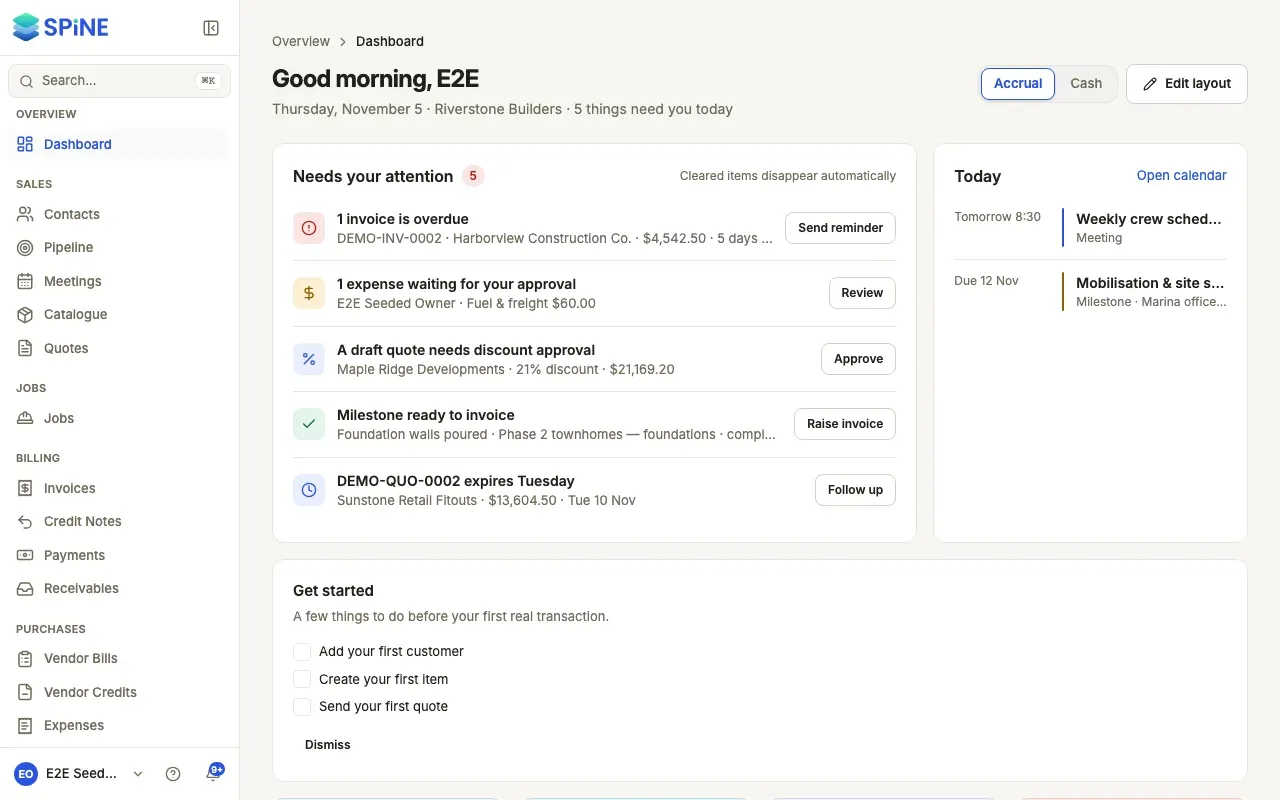
Section titled “Choose the basis”The Accrual / Cash switch in the dashboard’s header changes this chart and Profit this month together:
- Accrual counts income when you invoice and costs when you’re billed.
- Cash counts money received from customers and money paid out on bills and expenses, from your bank and cash accounts.
See Switch between accrual and cash.
Before you have any figures
Section titled “Before you have any figures”A new business sees “Income and expenses appear after your first invoice, bill or expense.” On the cash basis it reads “Money in and out appears after your first payment or bill.”
Last updated with Spine 1.0.0-beta.2