

Record money in or out
Some money moves without an invoice, bill or expense behind it: you put your own money in, take drawings, receive or repay a loan, earn interest or pay bank charges. Record these as money in or money out so the account’s balance is complete, without writing a journal.
-
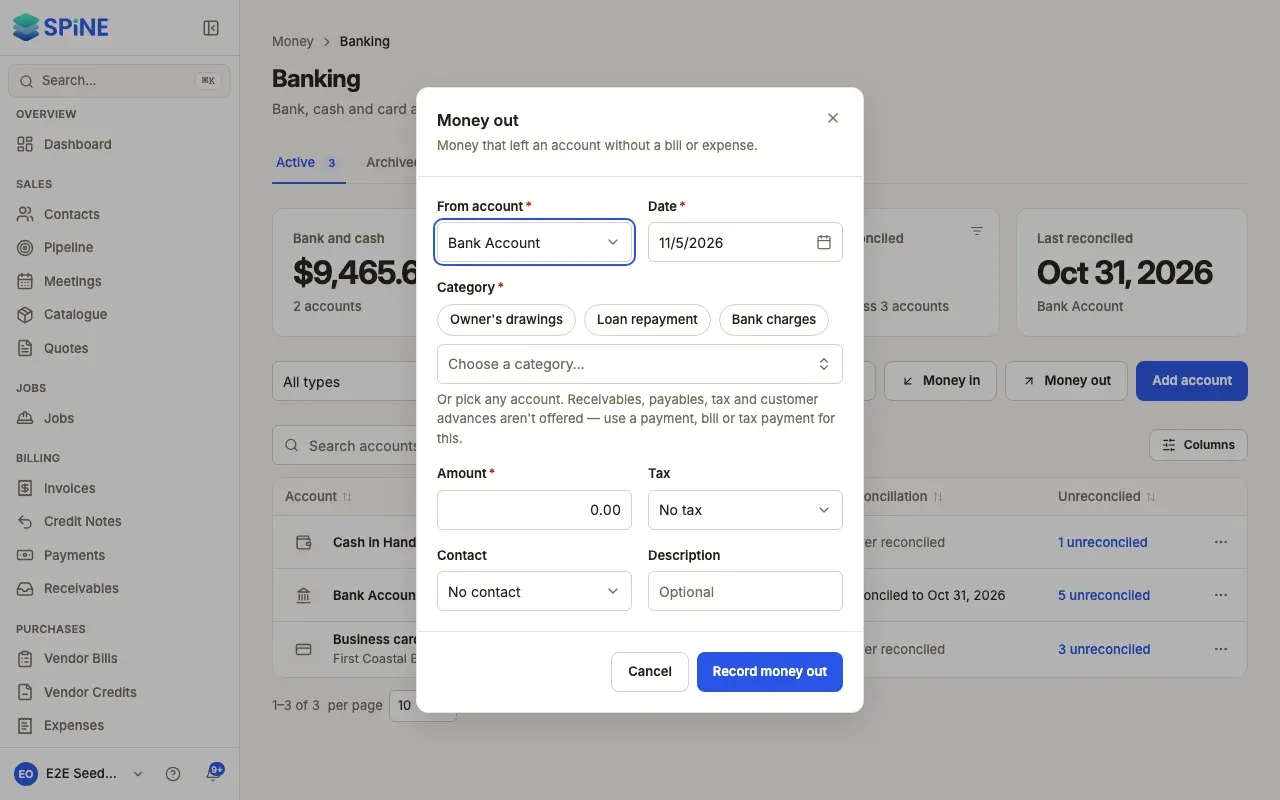
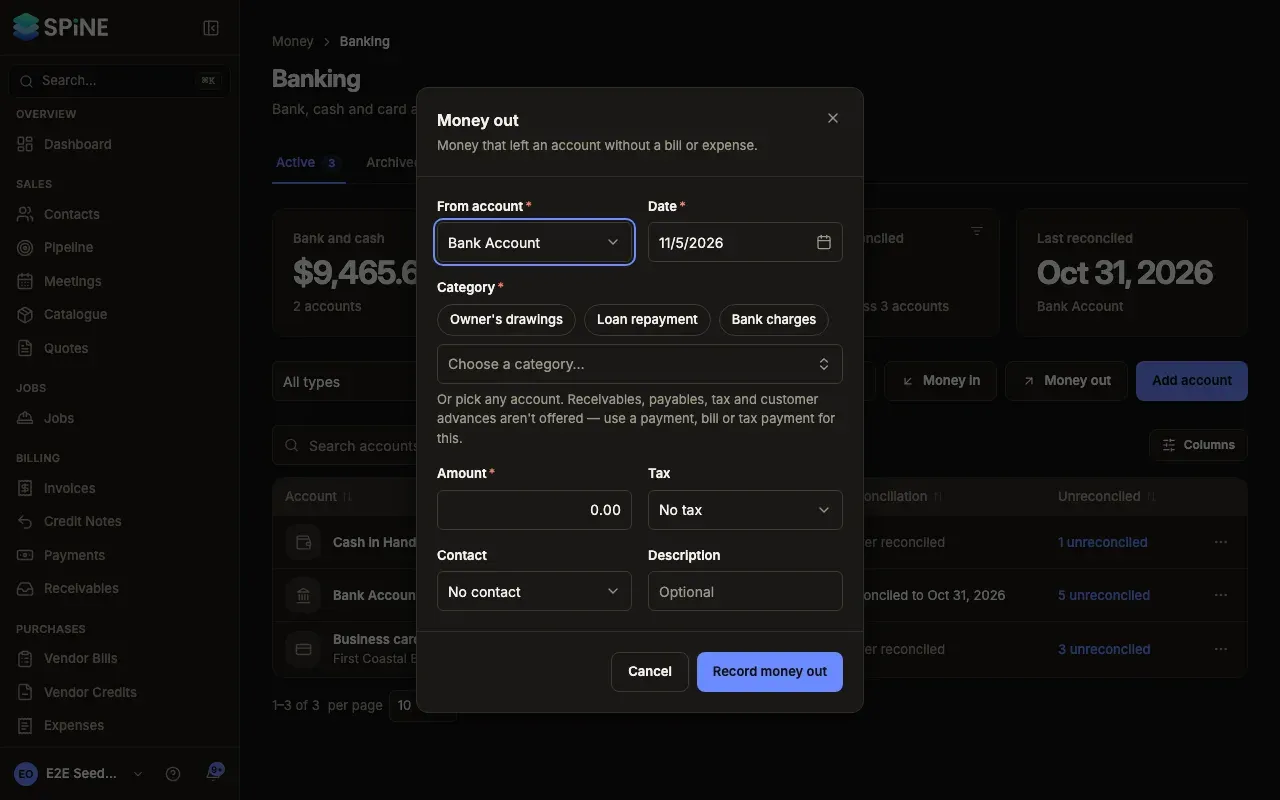
Open the dialog — On Banking, press Money in or Money out. From an account’s row menu or Record in its register, that account is already chosen.
-
Choose the account — Pick Into account (money in) or From account (money out).
-
Choose a category — Use a shortcut — Owner’s capital, Loan received or Interest received for money in; Owner’s drawings, Loan repayment or Bank charges for money out — or search for any other account.
-
Fill in the rest — Enter the Date and Amount. For money out, choose a Tax rate if the amount includes tax. Add a Contact and a Description if they help.
-
Record it — Press Record money in or Record money out. Spine asks first, for example “Record money out?” with the amount, account, category, date and any tax, and says it’s posted to your books.
-
Confirm — Press Record. The toast reads Money in recorded or Money out recorded.
What happens next
Section titled “What happens next”The entry shows in the register as “Money in — “ or “Money out — “ with its category. Open it to see its details or delete it.
What you can’t record here
Section titled “What you can’t record here”Receivables, payables, tax, retention, customer advances and opening adjustments aren’t offered as categories. Use a payment, bill or tax payment for these, so the right customer, vendor or tax return is updated. For money between your own accounts, use a transfer.
Delete an entry
Section titled “Delete an entry”Open the entry in the register and press Delete entry. Spine asks first, then posts a reversing entry today. Entries that are part of a finished reconciliation can’t be deleted until it’s undone.
Last updated with Spine 1.0.0-beta.2