

Duplicate an invoice
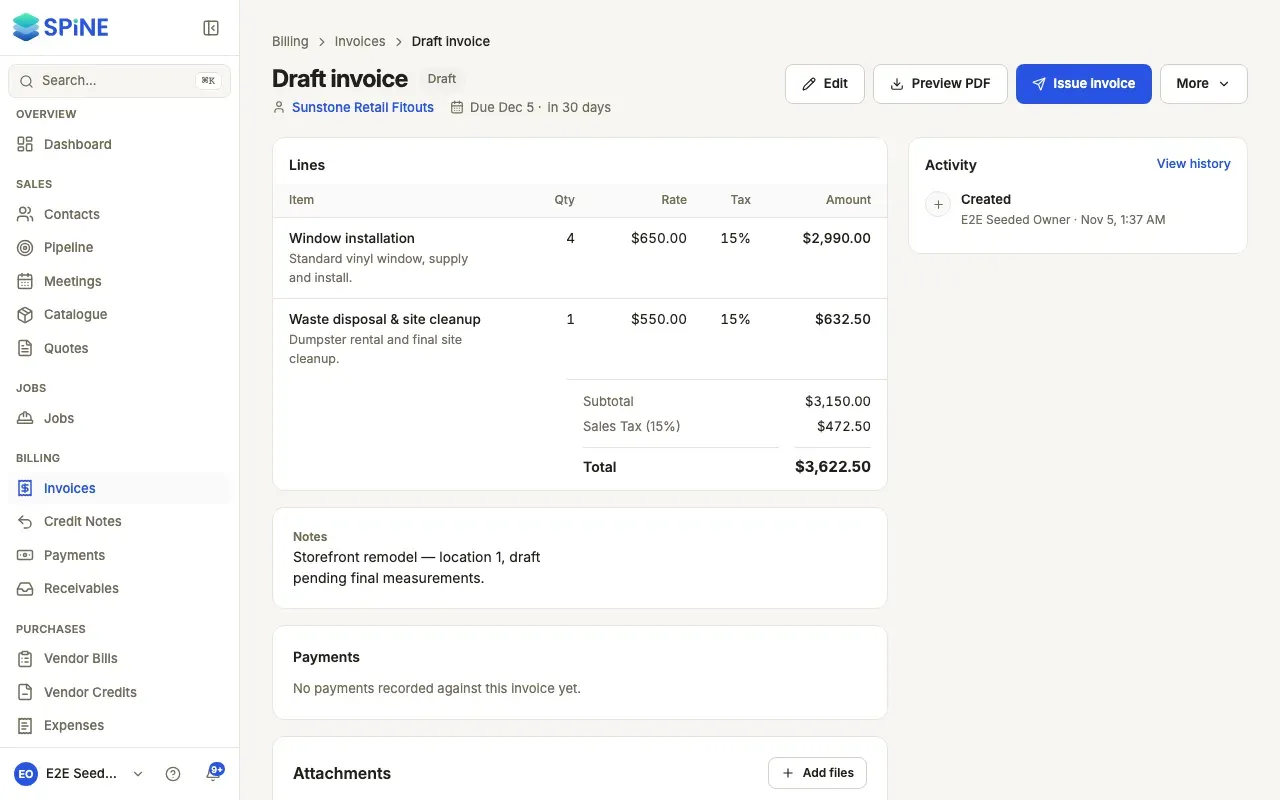
When you bill the same work again, duplicate an earlier invoice instead of building it from scratch. Spine makes a new draft with the same customer and lines. The original isn’t changed, whatever its status.
-
Open the invoice to copy — Go to Invoices and open any invoice: a draft, issued, paid or void.
-
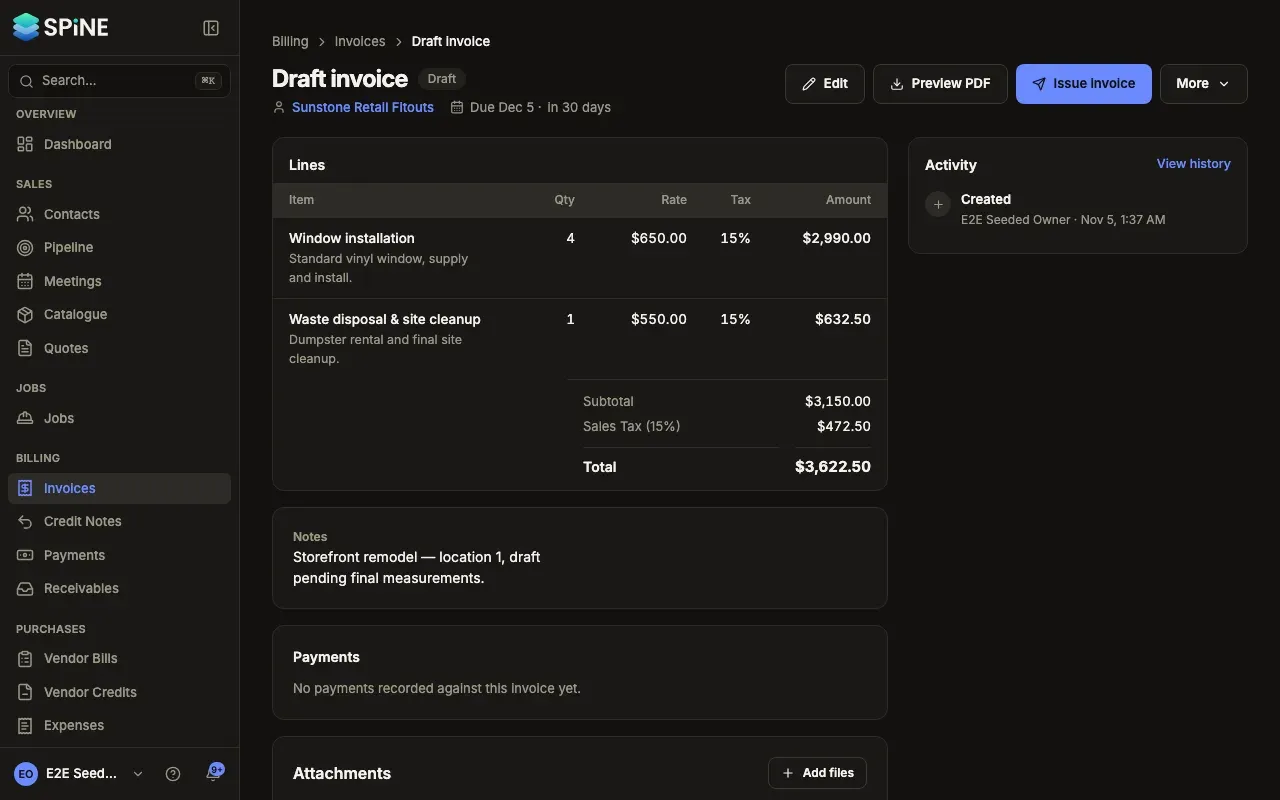
Choose Duplicate as new draft — Open More and choose Duplicate as new draft. From the list, choose Duplicate in the row’s menu.
-
Check the new draft — The builder opens with the copy, and a toast says, for example, “Duplicated from INV-0012. Check the dates and lines, then save.”
-
Change what’s different and save — Update the lines or amounts for this job, then press Save draft.
What’s copied
Section titled “What’s copied”- The customer, currency, lines, notes and terms.
- The type. A progress or retention-release invoice becomes a standard invoice, because the copy isn’t tied to a milestone.
- A line whose catalogue item has since been archived is copied as it was typed.
What’s new
Section titled “What’s new”- No number. It’s a draft until you issue it.
- Today’s issue date, and a due date from your payment terms.
- Its Activity says it was duplicated from the original.
Last updated with Spine 1.0.0-beta.2