

Switch between accrual and cash
Profit can be measured two ways. On the accrual basis, income counts when you invoice and costs when you’re billed. On the cash basis, they count when money actually moves. Many owners prefer cash because it matches the bank. The dashboard lets you choose, and remembers your choice.
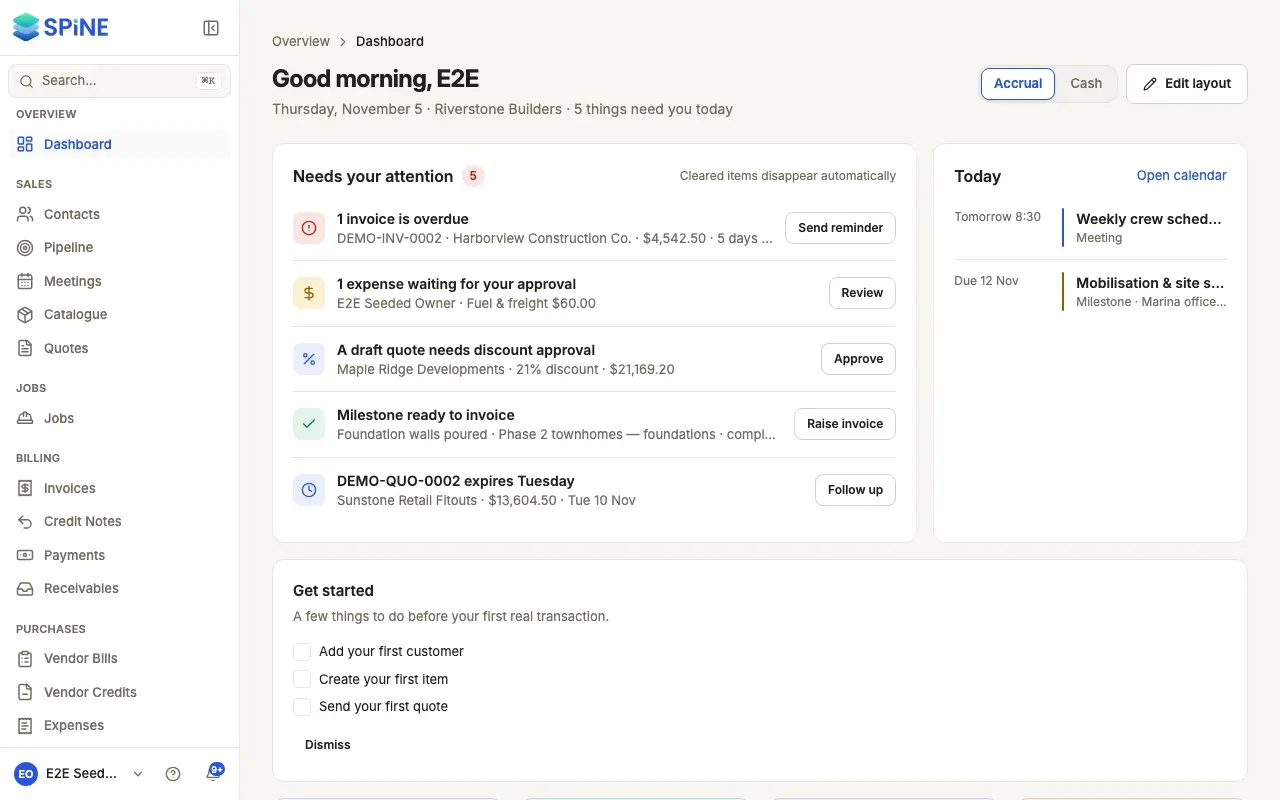
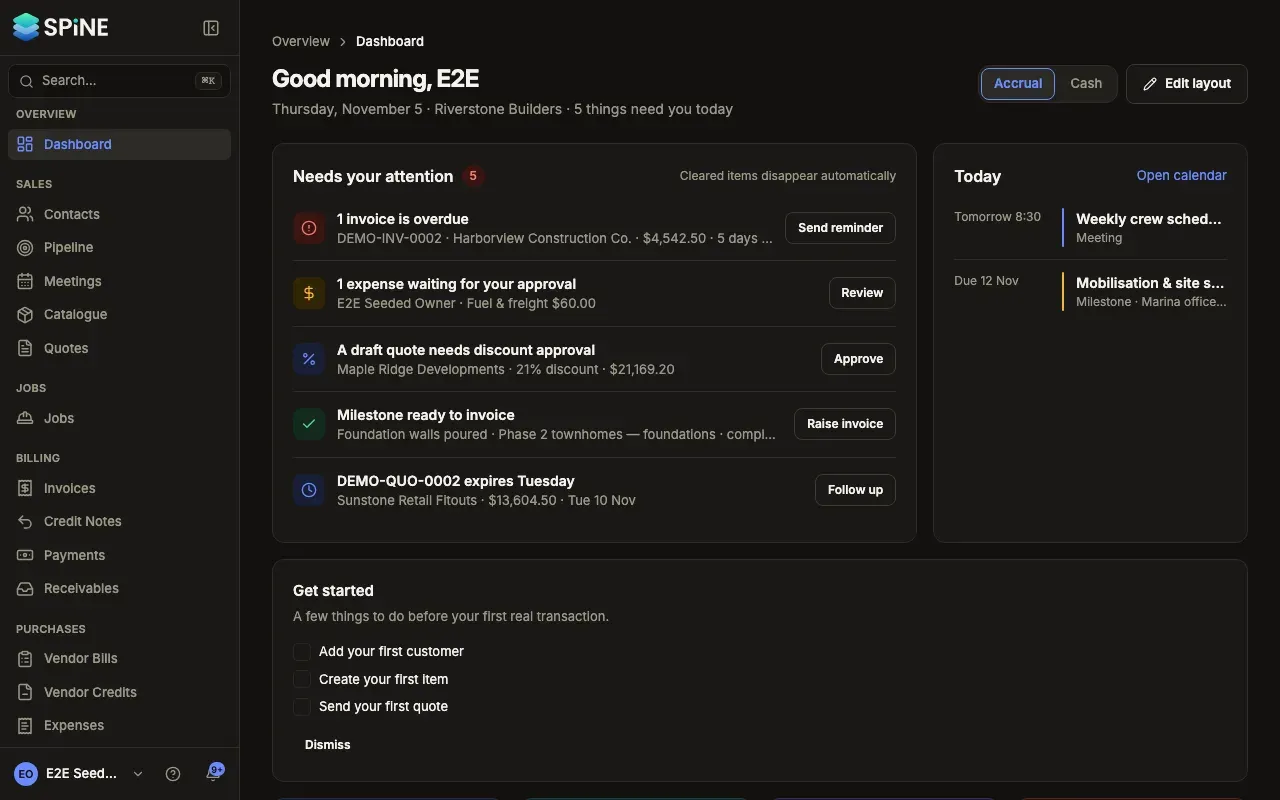
- Find the switch — In the dashboard’s header, beside Edit layout, the Accrual / Cash switch shows the basis in use. It starts on Accrual.
- Choose Cash — Press Cash. Profit this month recomputes and says “cash basis” under the figure. The chart becomes Money in and out, with “Money in (payments received)” and “Money out (bills, expenses)”.
- Choose Accrual to go back — Profit this month returns to the accrual figure and the chart to Income and expenses.
Your choice stays with you
Section titled “Your choice stays with you”The basis is saved with your own dashboard layout, so it’s the same when you come back on another browser or device. It doesn’t change anyone else’s dashboard.
What it doesn’t change
Section titled “What it doesn’t change”The switch only affects Profit this month and the money chart. The other cards, such as Receivables, Payables and Tax this period, don’t change.
Last updated with Spine 1.0.0-beta.2