

See payments and credits in a period
The registers list money as it moved: every payment received from customers and every payment made to vendors, with what each one settled. The credit registers list every credit note and vendor credit with how much was applied, refunded or is still held, so nothing is given back twice.
Payments received and made
Section titled “Payments received and made”- Open the register — Go to Reports and choose Payments received under Receivables. Payments made is the next tab, and is also under Purchases.
- Set the range — Choose From and To.
- Pick one account — Under Account, choose a bank or cash account to see only its payments, or keep All accounts. This is how you check a deposit or a cheque run.
- Read each payment — Its date, number, customer or vendor, Method, money account, amount, and Allocated to: the invoices or bills it settled. Money not yet settled shows as held as credit, refunded or Not yet applied to bills.
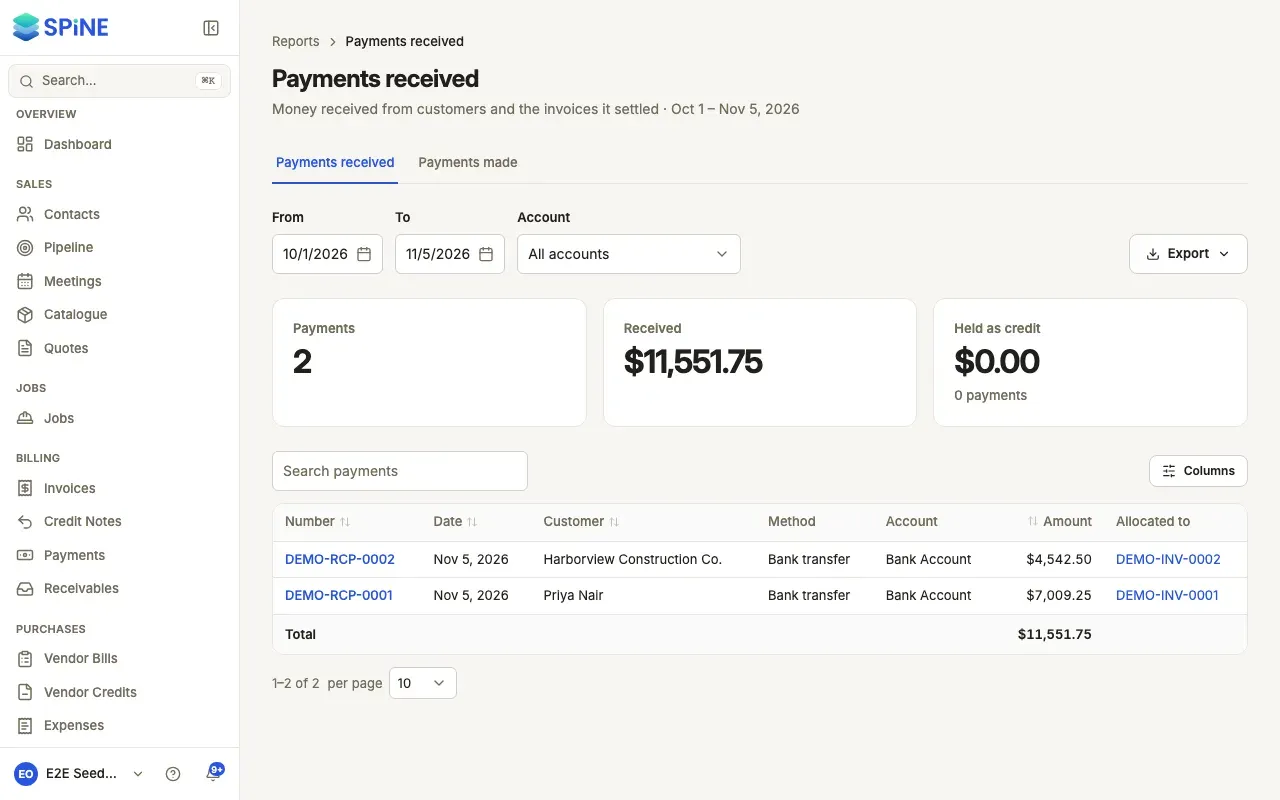
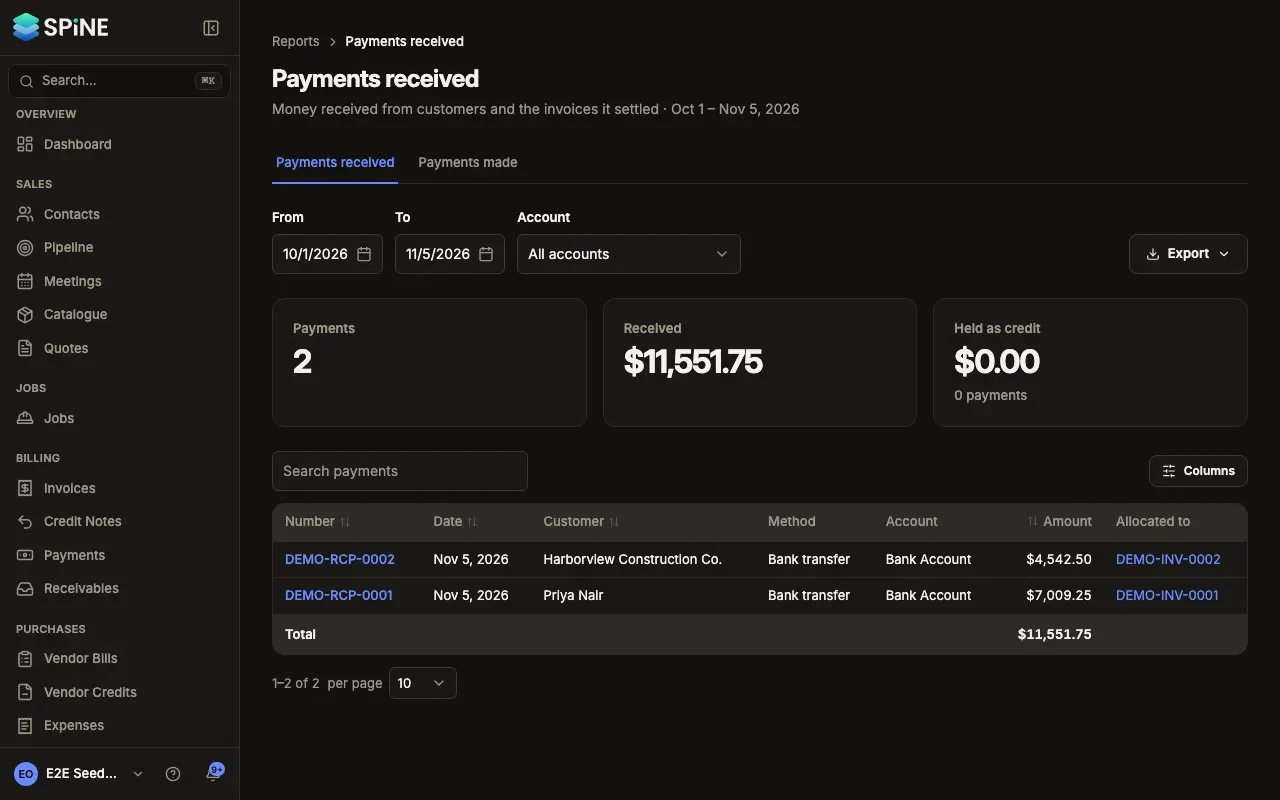
Use Search payments to find one. With nothing in the range, you see “No payments received in this period” or “No payments made in this period”.
Credit notes, vendor credits and refunds
Section titled “Credit notes, vendor credits and refunds”- Open the register — Choose Credit notes and refunds under Receivables. Vendor credits is the next tab, and is also under Purchases.
- Set the range — Choose From and To.
- Read each credit — Its date, number, customer and Invoice (or vendor and Bill), the amount, and how much was Applied, Refunded or is Still held.
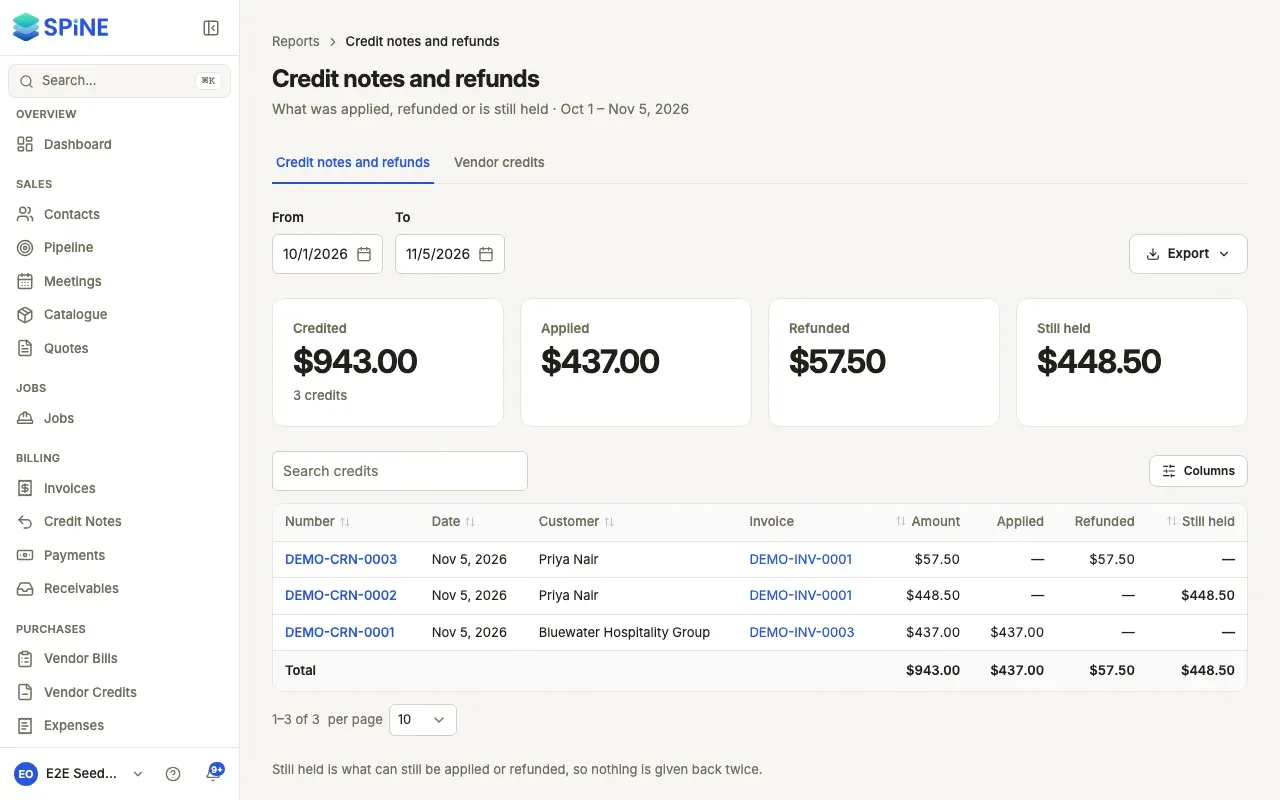
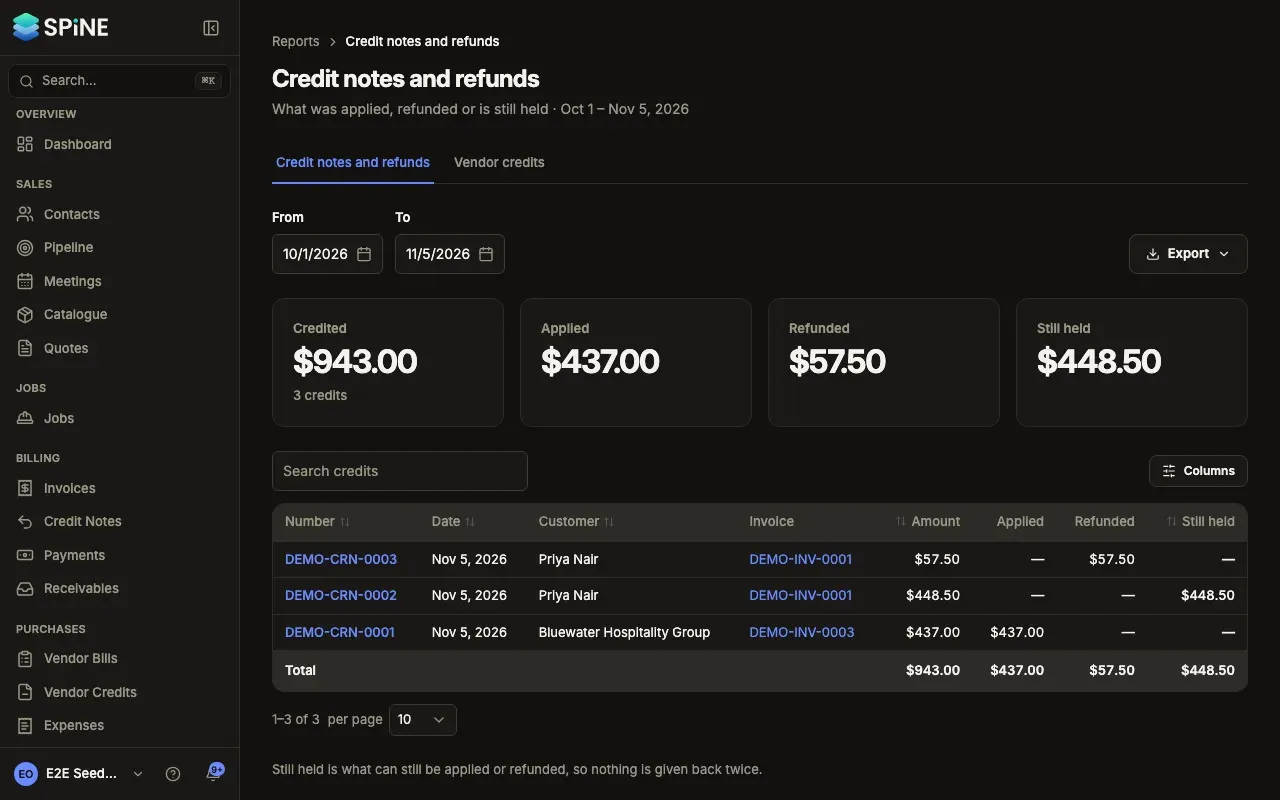
To work with a single payment or credit, open it from Payments or Purchases.
Last updated with Spine 1.0.0-beta.2