

Payments and receivables
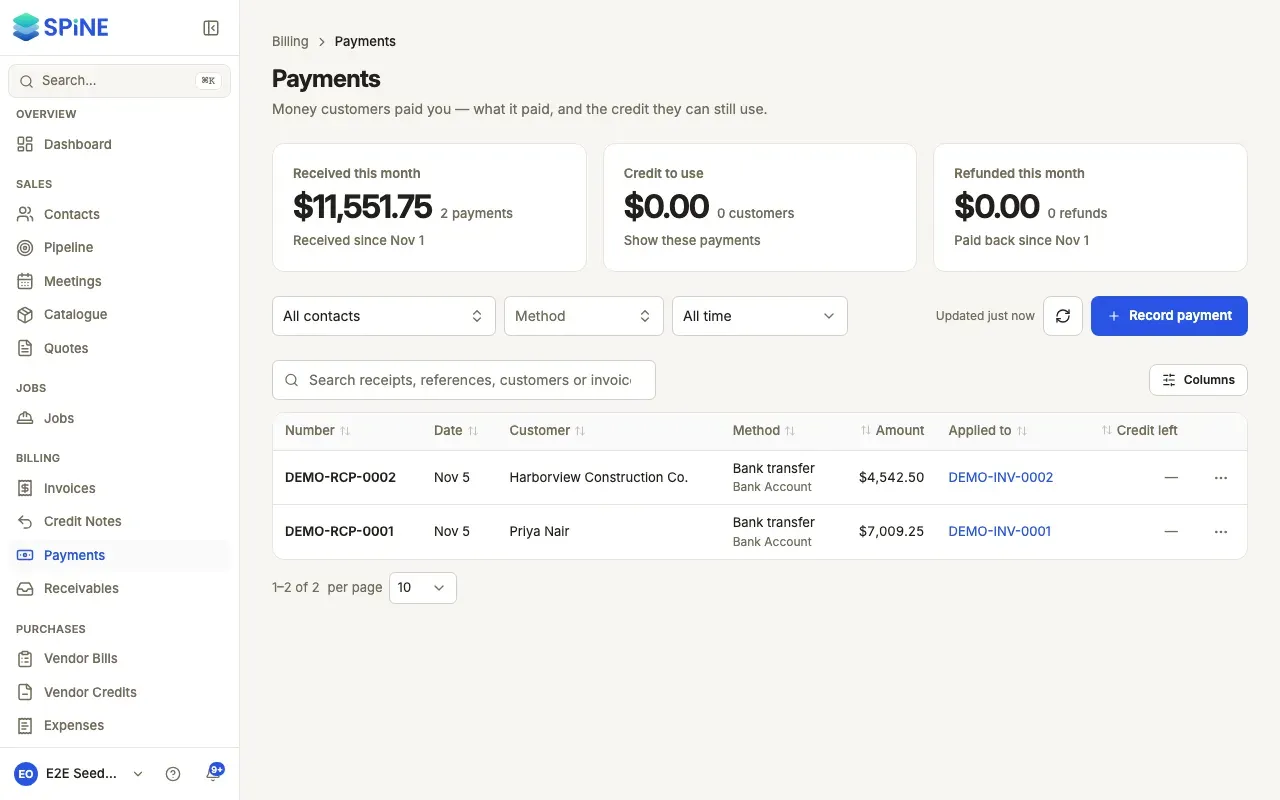
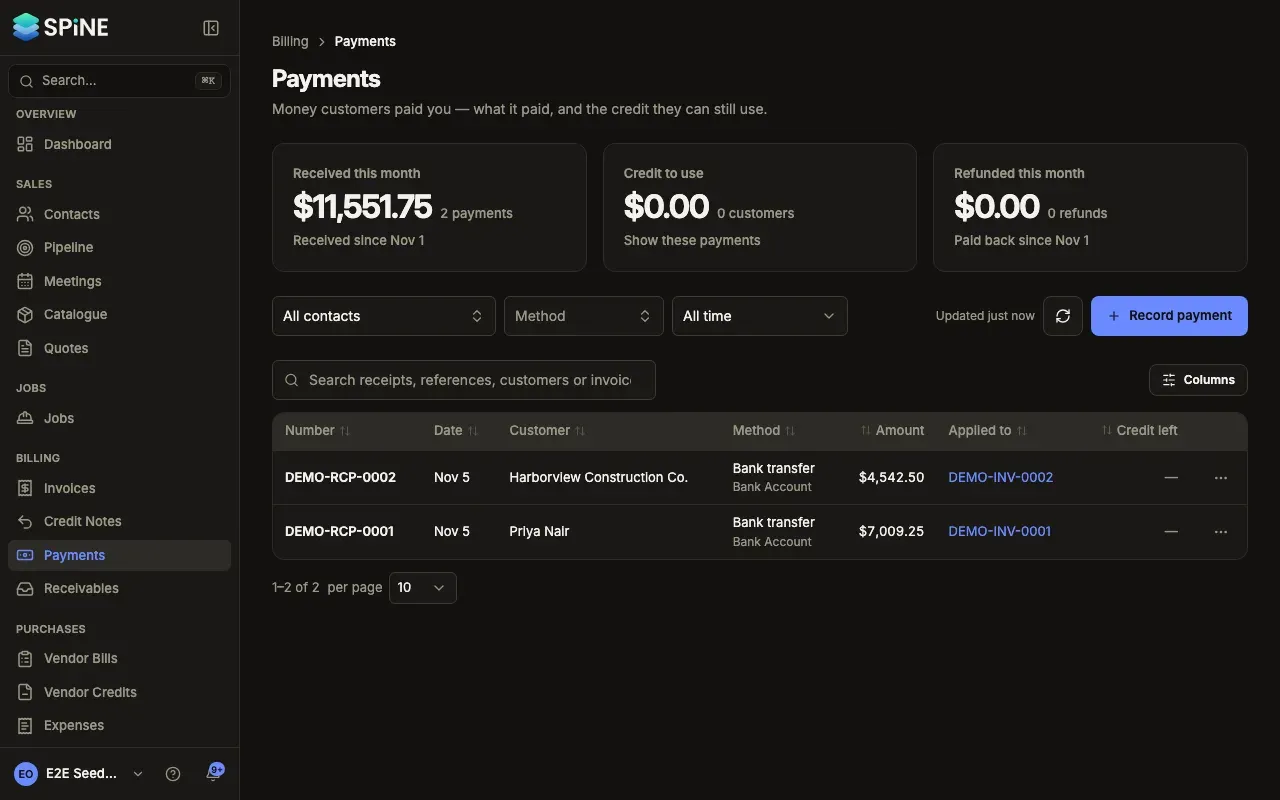
Payments is where money coming in from customers is recorded. Each payment says what it paid, which account the money went into and how much credit the customer has left. Receivables shows what customers still owe you and how late it is, so you know who to chase first.
The main ideas
Section titled “The main ideas”- A payment pays invoices. When you record a payment you tick the invoices it covers. Each invoice’s balance drops by what the payment put on it. An invoice that’s paid in full reads Paid; one that’s part-paid stays open with what’s left.
- Anything left over is customer credit. Money that doesn’t go on an invoice — a deposit before there’s an invoice, or an overpayment — stays on the payment as Credit left. You can apply it to a later invoice or refund it.
- Every payment gets a receipt number (for example RCP-0029) and is posted to your books when you record it. You never write journal entries yourself.
- Payments aren’t edited. If money went on the wrong invoice, move it off and apply it again. If a payment was recorded by mistake and nothing is applied, delete it.
- Receivables comes from your books. The totals are worked out from what’s posted, so they always agree with your reports.
- Record a payment — tick the invoices it pays, with an oldest-first suggestion.
- Take a deposit or overpayment as credit — hold money as customer credit, including deposit invoices.
- Apply customer credit to an invoice — use credit from payments and credit notes.
- Move a payment off the wrong invoice — turn an allocation back into credit.
- Refund a customer — pay credit back and record the money leaving.
- Delete a payment recorded by mistake — remove a payment that hasn’t been applied.
- Send a receipt — the receipt PDF, the receipt email and the notice to owners.
- Find and review payments — the list, its filters, search and each payment’s page.
- See who owes you money — Receivables by customer and by invoice, by age, and the CSV export.
- Chase customers from Receivables — reminders, payments and statements from a row.
- Send a customer a statement — a PDF of everything they owe, by email or download.
Money goes into a bank, cash or card account you choose. To set those accounts up and reconcile them, see Banking.
Last updated with Spine 1.0.0-beta.2