

Switch modules on or off
Not every business needs a sales pipeline, jobs, approvals or recurring invoices. Switching a module off hides it for everyone in the business. “Nothing is deleted. Switch it back on any time and everything is where you left it.”
-
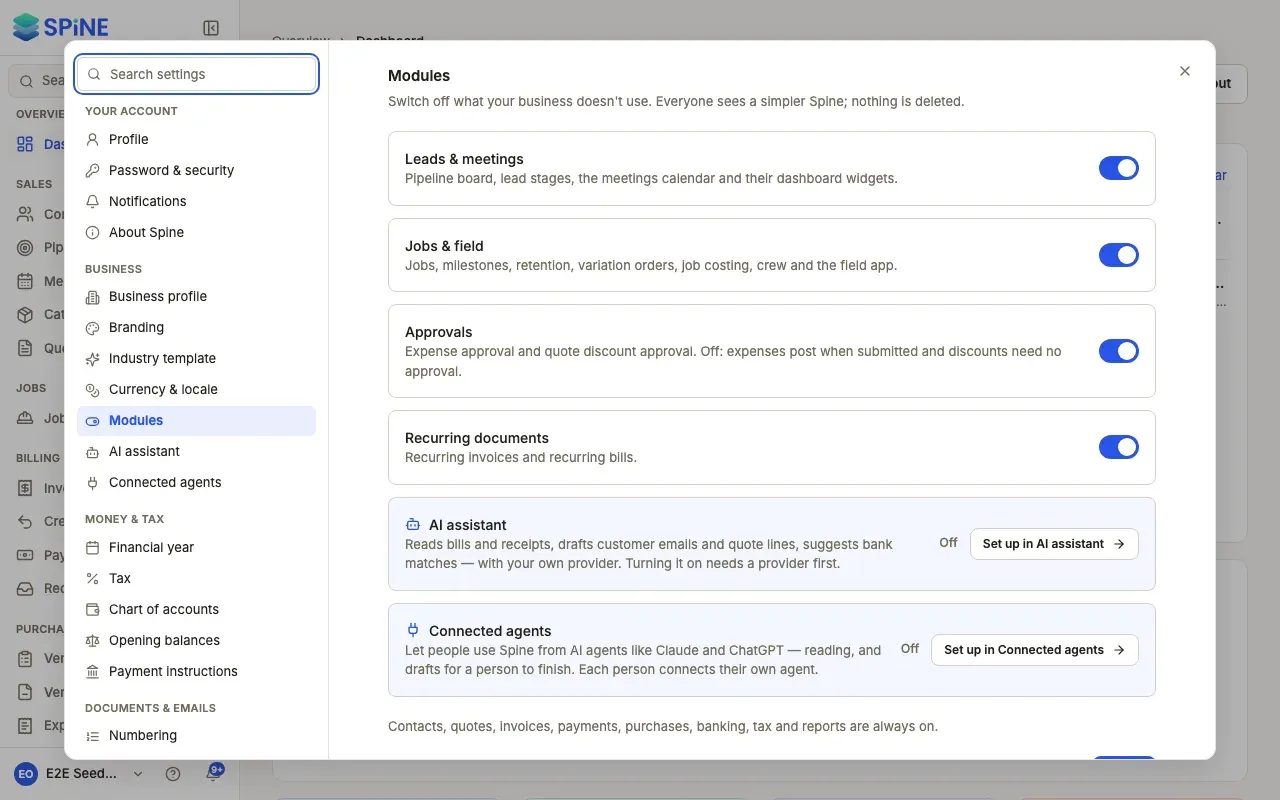
Open Settings › Modules — Open your user menu, choose Settings, and pick Modules under Business.
-
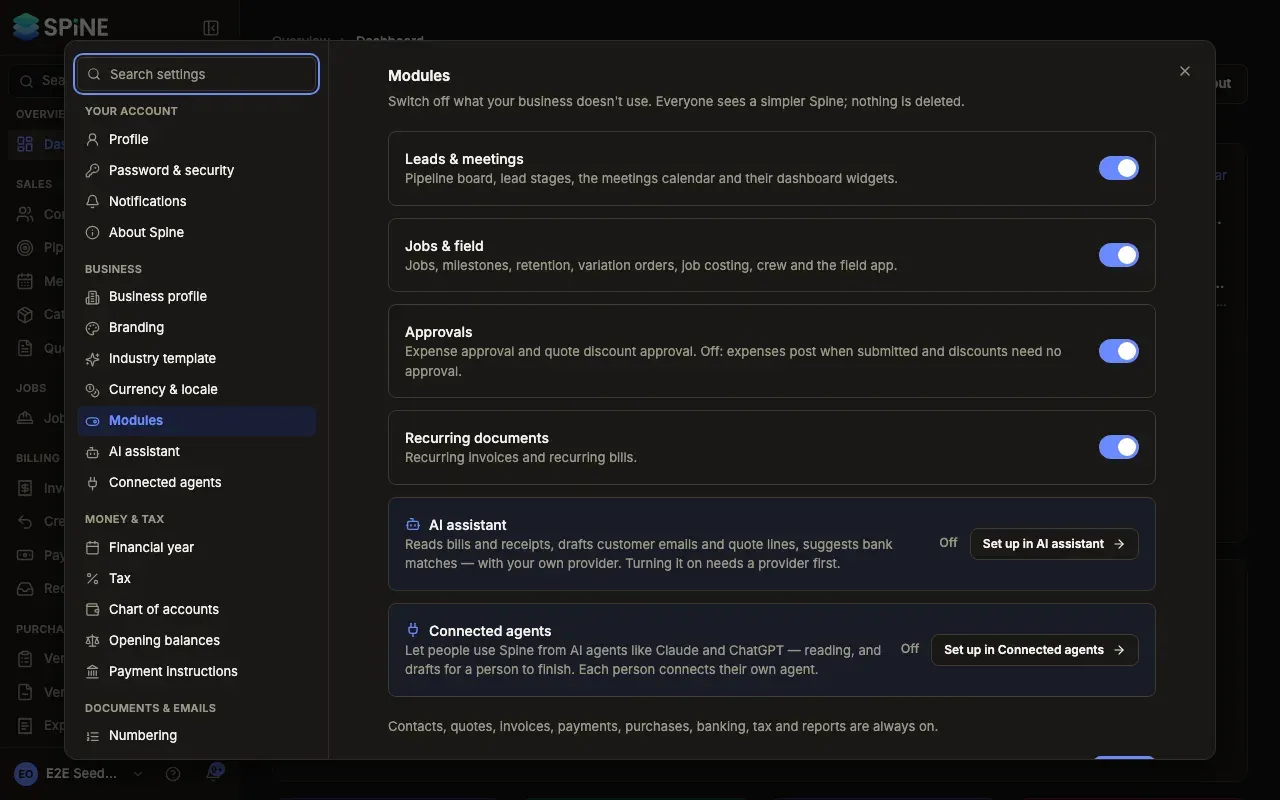
Find the module — Each row has a switch and says what it includes:
- Leads & meetings — the pipeline board, lead stages, the meetings calendar and their dashboard widgets.
- Jobs & field — jobs, milestones, retention, variation orders, job costing, crew and the field app.
- Approvals — expense approval and quote discount approval.
- Recurring documents — recurring invoices and recurring bills.
-
Turn the switch off — Spine asks first, for example “Switch off jobs & field?”, says what disappears for everyone, and offers Keep it on or Switch off.
-
Press Save — A “Saved” message appears and the change applies to everyone.
What happens when a module is off
Section titled “What happens when a module is off”- It disappears everywhere. Its sidebar items, dashboard cards, search results, notifications, digest sections, settings panes and Team rights are hidden.
- Old links explain. A link to one of its pages shows, for example, “Jobs & field is switched off. An owner can switch it on in Settings › Modules.”
- Approvals off — submitted expenses are approved and posted at once, and quote discounts need no approval.
- Recurring documents off — no recurring invoices or bills are created. The row shows when it was switched off and that schedules are paused.
- Some parts are always on: “Contacts, quotes, invoices, payments, purchases, banking, tax and reports are always on.”
Switching a module back on
Section titled “Switching a module back on”Turn the switch on and press Save. Its records, Team rights, settings and pages come back as they were. Recurring schedules carry on from their next future date — dates missed while it was off aren’t created. Expenses approved while Approvals was off stay approved.
The AI assistant and Connected agents rows show whether they’re on. They’re switched on in their own panes: press Set up in AI assistant or Set up in Connected agents. See The AI assistant and Connected agents.
Last updated with Spine 1.0.0-beta.2