

Move money between accounts
When money moves between your own accounts — you bank the cash box, top up a reserve account or pay off the business card — record a transfer. Both accounts’ balances change and both registers show it. Nothing is counted as income or spending.
-
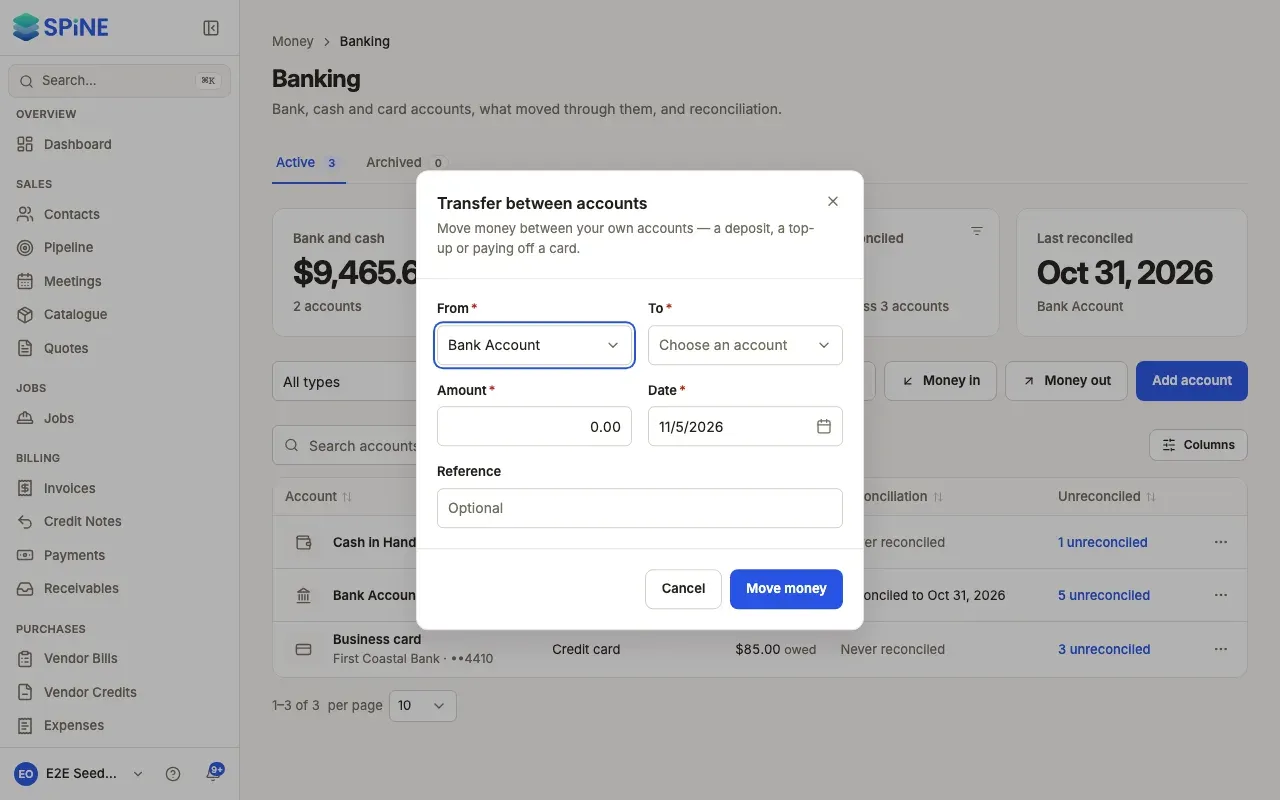
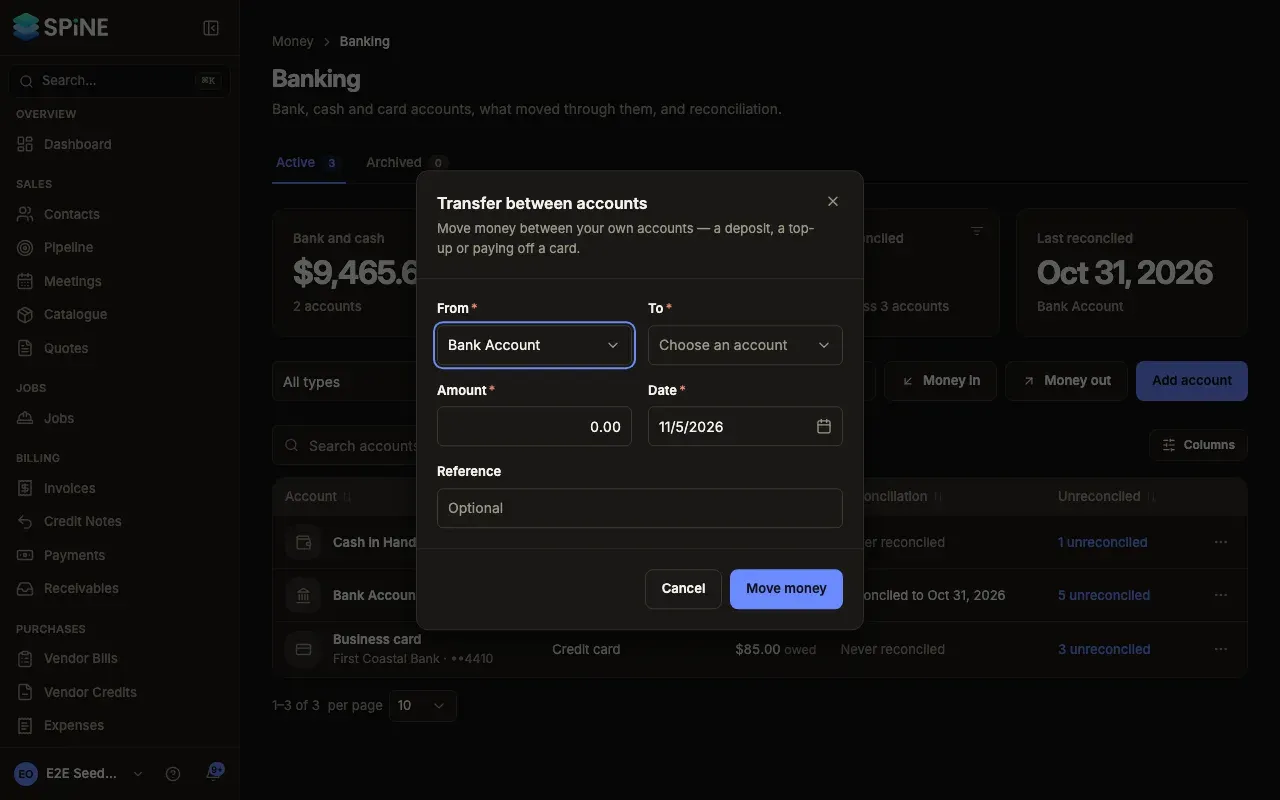
Open the dialog — On Banking, press Transfer. You can also choose Transfer from an account’s row menu, or from Record in its register; that account is already chosen as From.
-
Choose the accounts — Under From, pick the account the money left. Under To, pick the account it went to. To pay off a card, choose the bank as From and the card as To.
-
Enter the details — Fill in the Amount, the Date and an optional Reference.
-
Press Move money — Spine asks first: “Move $500.00 from Cash in Hand to Bank Account?” with your amount and accounts, and says both balances change on that date.
-
Confirm — Press Move money. The toast says what moved, from where and to where.
What happens next
Section titled “What happens next”The transfer appears in both registers. If a register is open, it refreshes in place.
Delete a transfer
Section titled “Delete a transfer”Open the transfer from either register and press Delete transfer in its drawer. Spine asks first. Confirm, and a reversing entry is posted today, so both accounts go back to their balances before it. The transfer stays in both registers, marked deleted.
A transfer that’s part of a finished reconciliation can’t be deleted until you undo that reconciliation.
Last updated with Spine 1.0.0-beta.2