

Archive or restore an account
When you close a bank account or stop using a card, archive it in Spine. It stops appearing in the account pickers on payments, expenses and transfers, but its register, reconciliations and ledger history stay.
-
Empty the account first — The balance must be zero. If money is left, move it to another account first.
-
Choose Archive — On Banking, open the account’s row menu and choose Archive.
-
Confirm — “Archive …?” says the account leaves the pickers and keeps its history. Press Archive account, or Go back to keep it.
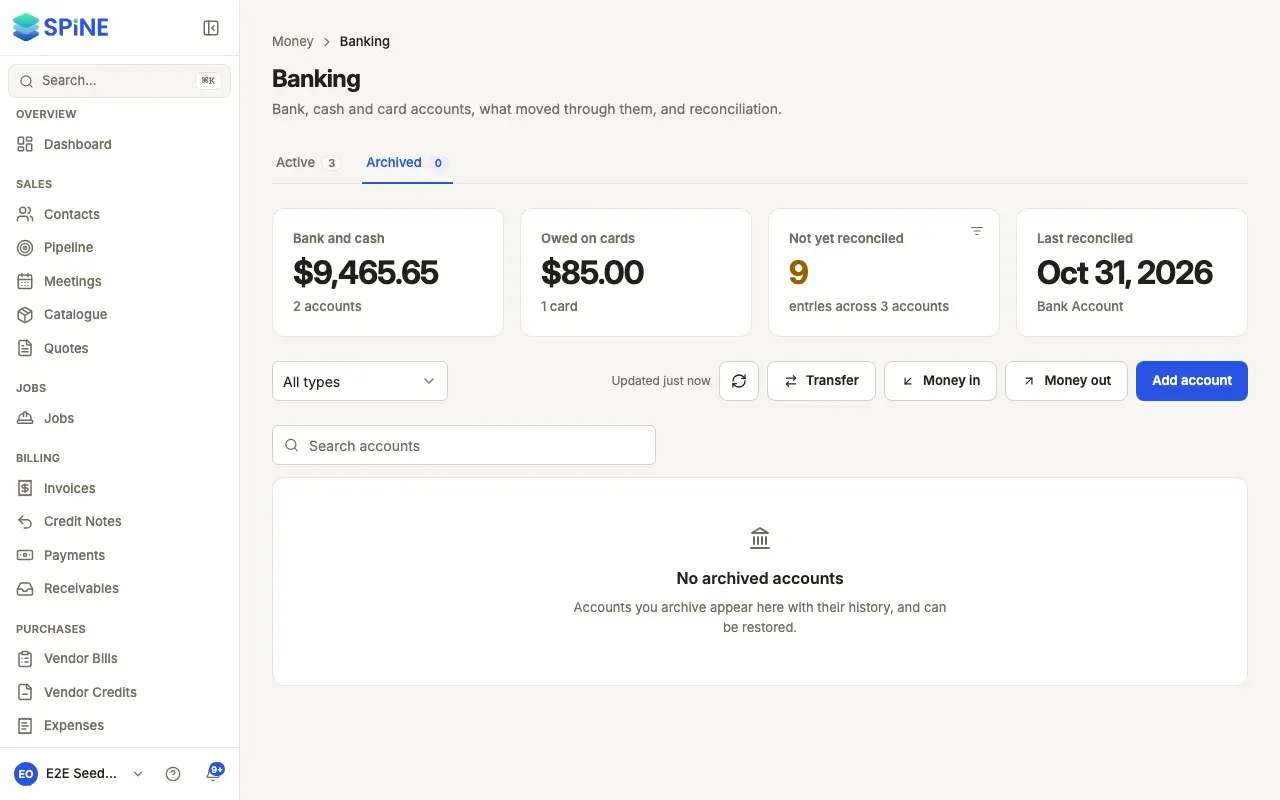
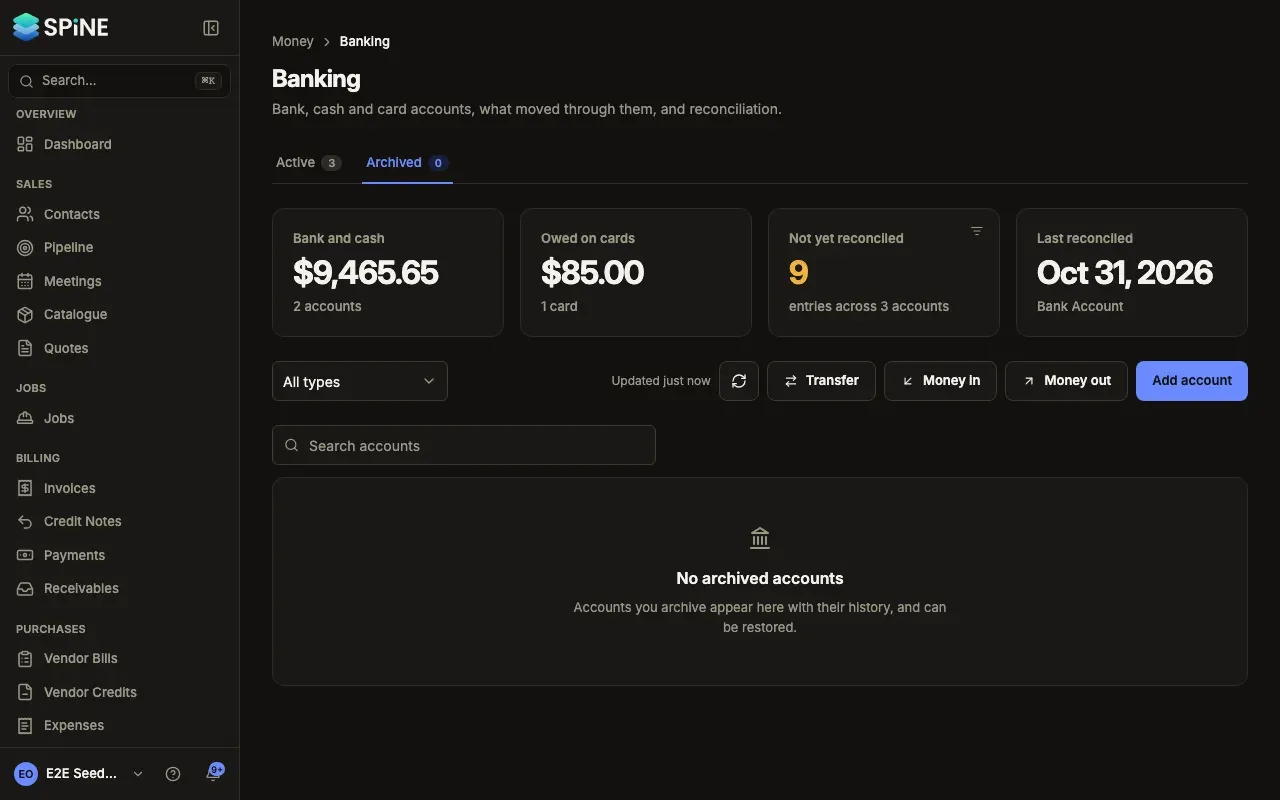
The toast reads Account archived and the account moves to the Archived tab.
When you can’t archive an account
Section titled “When you can’t archive an account”- It still has money in it. Spine says “Move the … out of this account before archiving it.” and nothing changes.
- It’s the default account. Spine says “Choose another default account first.” Choose Set as default on another account, then archive this one.
Restore an account
Section titled “Restore an account”Open the Archived tab, open the account’s row menu and choose Restore. The toast reads Account restored and the account is back in the pickers.
Last updated with Spine 1.0.0-beta.2