

Give your accountant access to reports
Owners open every report. Everyone else sees only the reports their Teams allow, and each report right is granted on its own. Your accountant can read the financial statements without being able to change anything, and your office staff can chase receivables without seeing profit.
The report rights
Section titled “The report rights”They’re in the Reports & Ledger group of a Team’s permissions:
| Right | What it opens |
|---|---|
| View dashboard summary | The dashboard’s key figures and the money in and out chart. |
| View receivables | Receivables, Payments received, Credit notes and refunds, and the dashboard’s receivables cards. |
| View payables | Payables, Payments made, Vendor credits and the dashboard’s Payables card. |
| View job profitability | Job profitability and the dashboard’s job cards. |
| View financial statements | Profit & Loss, Balance Sheet, Trial Balance, Cash Flow, Tax Summary, the sales and purchase reports, GSTR-1, Export to Tally, and the dashboard’s Tax this period and Top expenses cards. It grants nothing that writes. |
| View ledger / journals | The entries behind a figure, the General ledger, the Day book and Journals (read only). It doesn’t open Profit & Loss. |
A new business’s General Staff Team starts with the first four. View financial statements and View ledger / journals start off.
Give a Team a report right
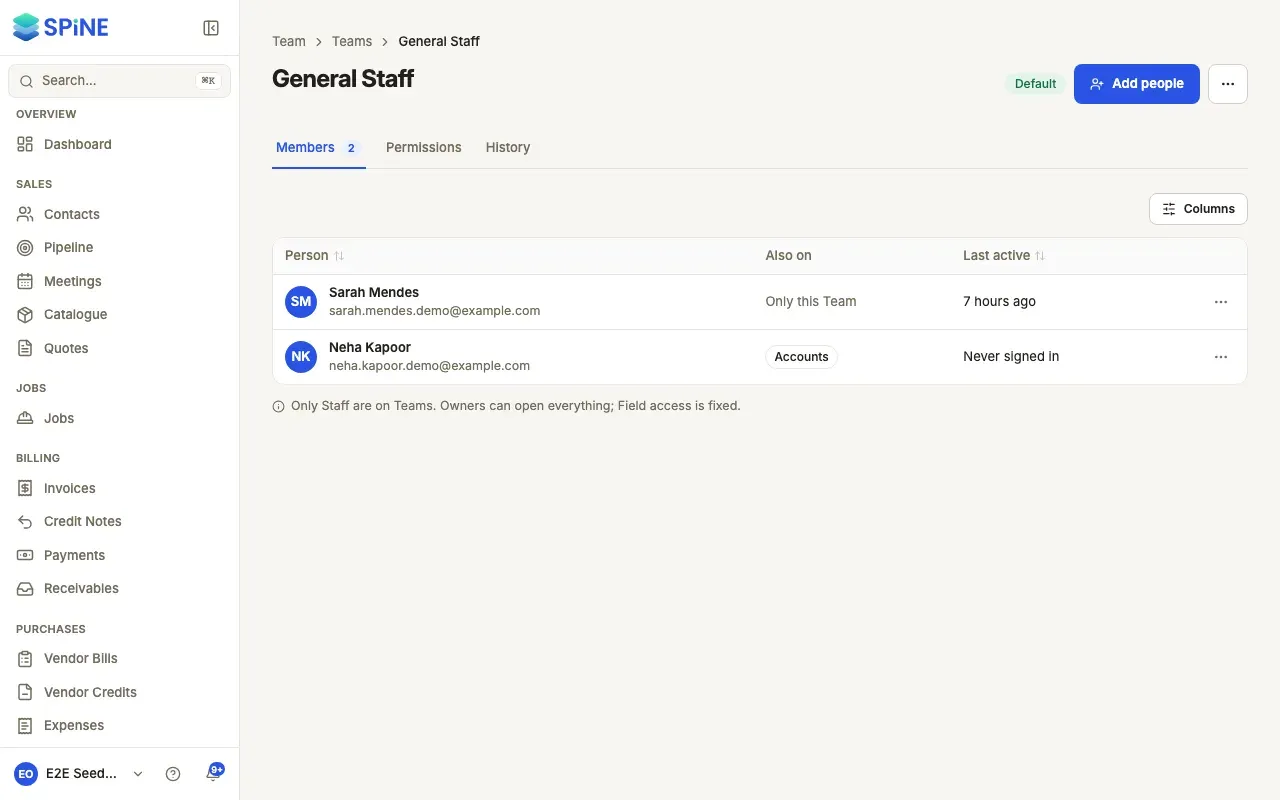
Section titled “Give a Team a report right”- Open the Team — Go to Teams in the sidebar and open the Team, for example one you’ve made for your accountant.
- Open Permissions — Choose the Permissions tab and expand Reports & Ledger.
- Switch on the rights — Turn on the reports this Team needs.
- Save — Press Save changes. You see how many permissions changed, and members get them at their next request.
What people without a right see
Section titled “What people without a right see”A report someone can’t open isn’t listed on their Reports page. If they follow a link to it, they see “You don’t have access to financial statements. Ask an owner.” or “You don’t have access to this report. Ask an owner.” Dashboard cards they can’t see are left out, never shown locked.
Field crew never see financial reports, on the web or on a phone, whatever their Teams. For more on Teams, see Team and permissions.
Last updated with Spine 1.0.0-beta.2