

Set your financial year
Your financial year start decides which dates “this year” covers on reports, and the periods you close at year-end. It doesn’t touch your document numbers — quotes and invoices carry on numbering from one year to the next.
-
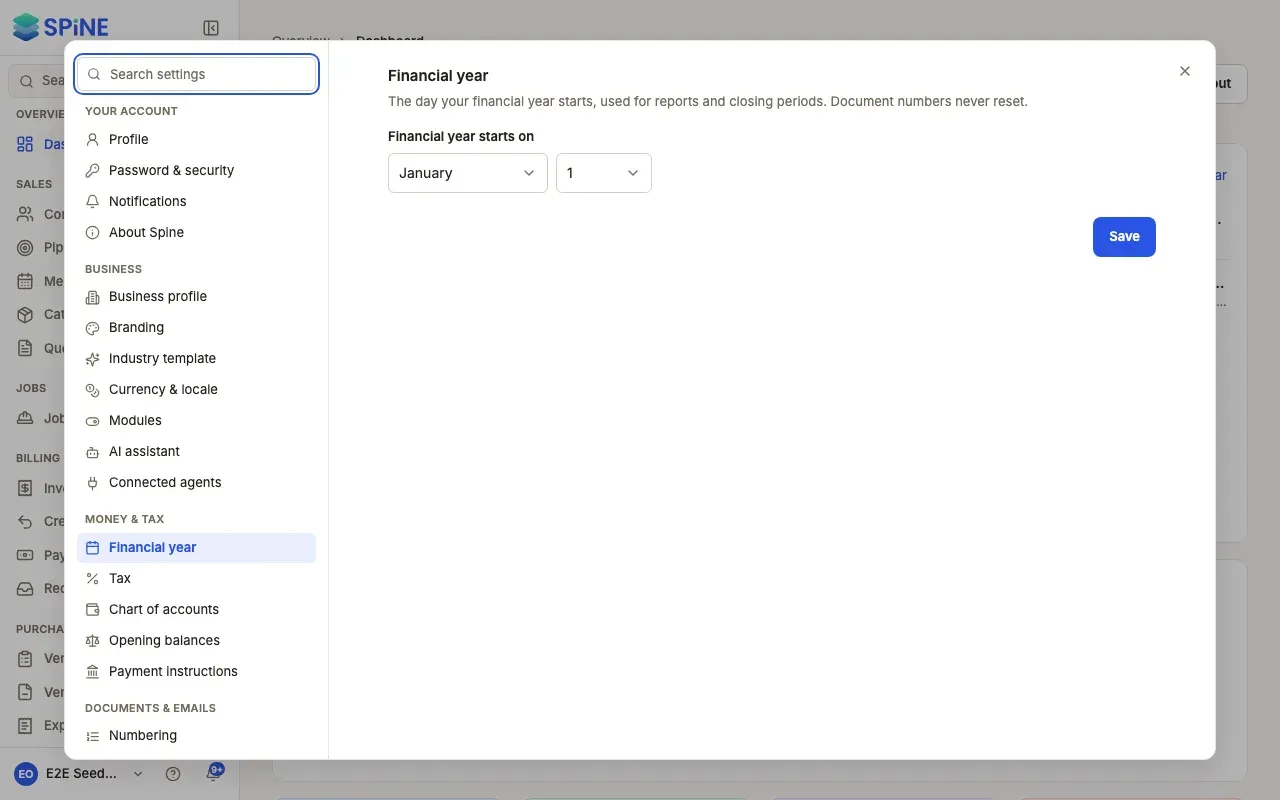
Open Settings › Financial year — Open your user menu, choose Settings, and pick Financial year under Money & tax.
-
Pick the start date — Under Financial year starts on, choose the Month and the Day. For example, 1 April for India, 6 April for UK tax years, 1 July for Australia, or 1 January.
-
Press Save — A “Saved” message appears.
What changes
Section titled “What changes”- Report defaults follow the new year from the next year boundary. You can still pick any dates on a report.
- Document numbers never reset. “Document numbers never reset.” Your invoice after INV-0420 is INV-0421, whatever the date.
- Closed periods stay closed. Changing the year start doesn’t reopen or move a period you’ve closed. See Close or reopen a period.
Last updated with Spine 1.0.0-beta.2