

Close or reopen a period
Once you’ve filed a tax return or finished a year with your accountant, the figures for that period shouldn’t change. Closing a period does that: “Close a period so nobody can post a new journal entry dated inside it — filed figures stay filed.”
-
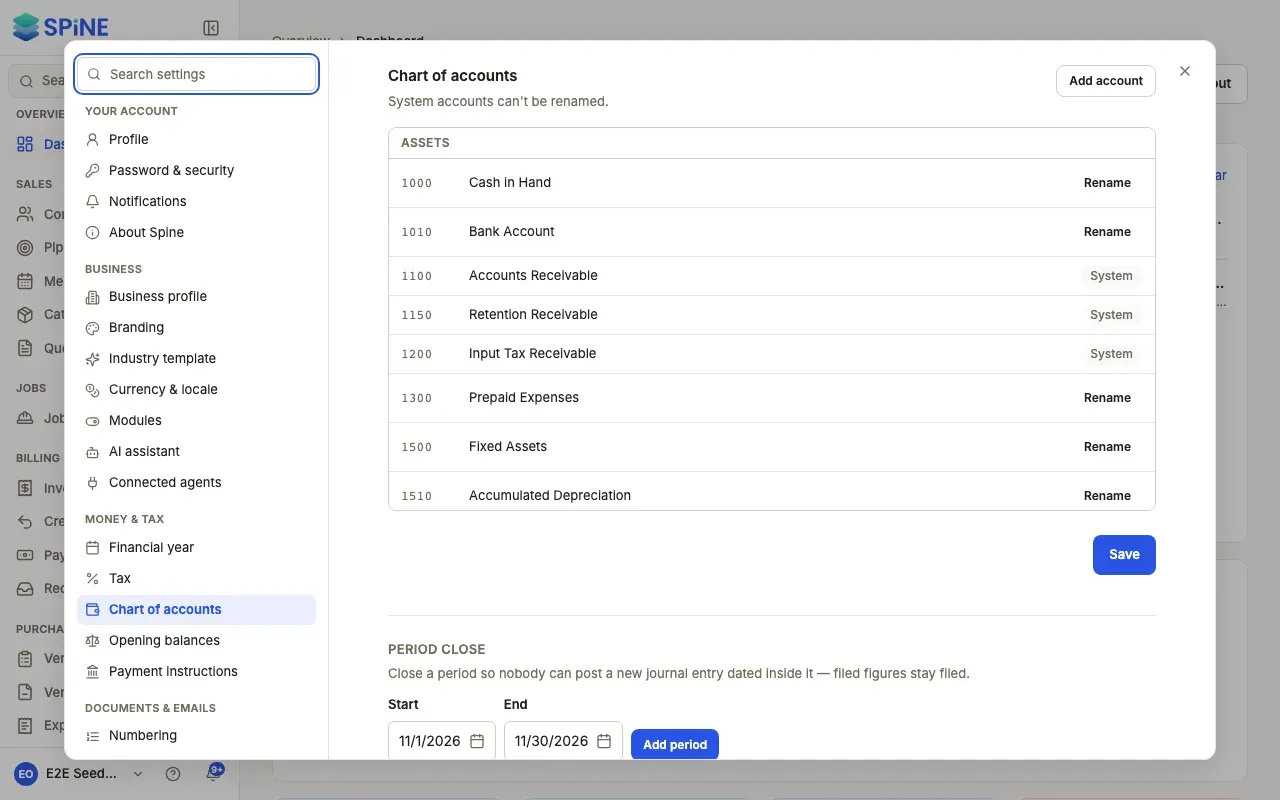
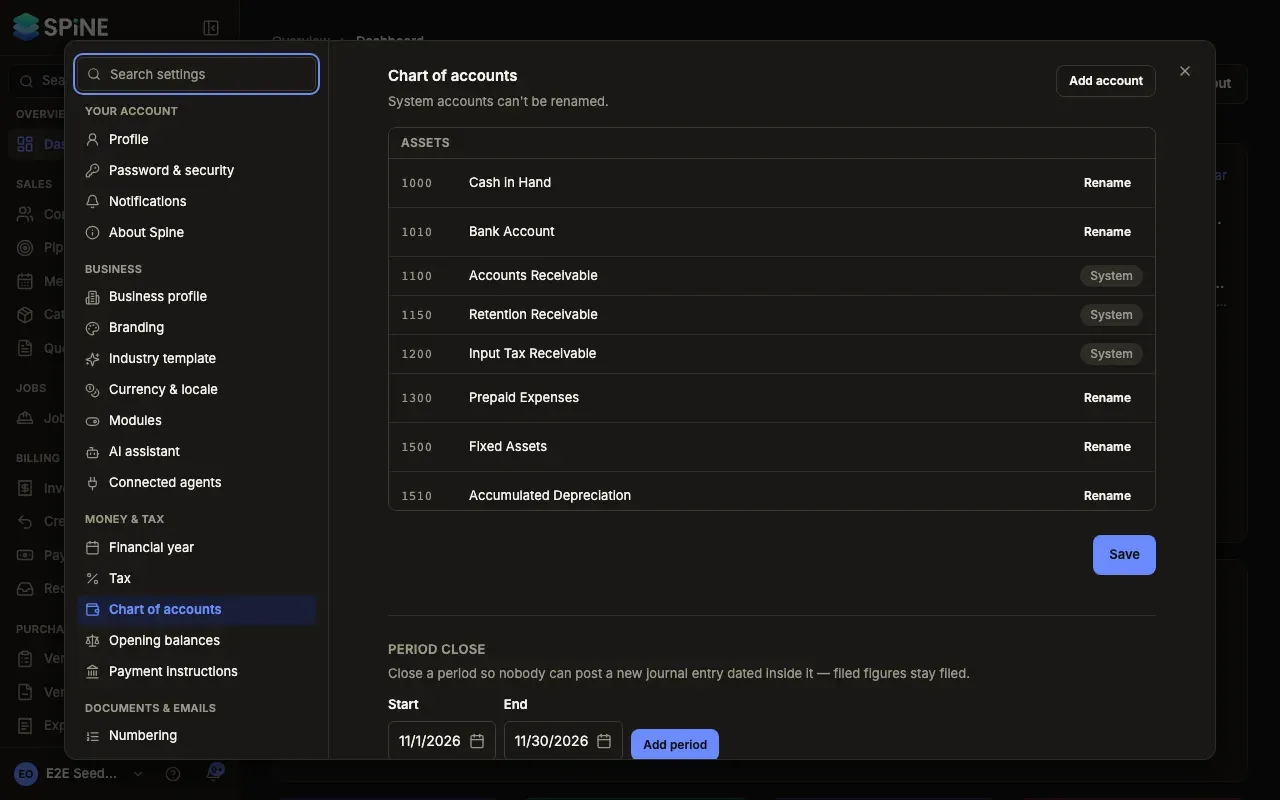
Open Settings › Chart of accounts — Open your user menu, choose Settings, pick Chart of accounts under Money & tax, and scroll to Period close.
-
Add the period — Pick the Start and End dates (they start on this month) and press Add period. It’s listed with Open.
-
Close it — Press Close on its row. It shows Closed.
-
Reopen it if you need to — Press Reopen on a closed period to allow postings inside it again.
What a closed period stops
Section titled “What a closed period stops”Anything that would post an entry dated inside it is refused — issuing an invoice, recording a payment, approving an expense, paying a bill, voiding a document. The message says the date “falls within a closed fiscal period”. Change the date, or reopen the period first.
Good to know
Section titled “Good to know”- Periods can’t overlap. Adding a period that overlaps one you already have is refused.
- Reopening is recorded. The audit log shows who reopened a period and when.
- Locking your opening balances closes a period for you, ending the day before your cutover date. Unlocking them reopens it. See Check and lock your opening balances.
- Your financial year doesn’t close itself; add and close the period when you’re ready. See Set your financial year.
Last updated with Spine 1.0.0-beta.2