

Explore Spine with a demo business
A demo business fills Spine with about six months of realistic work — leads, quotes at every stage, jobs, invoices and payments, bills, expenses, meetings and a small team — so you can try every screen before you commit real data. It’s kept apart from your own records and goes in one step when you’re done.
-
Open the demo picker — On the setup welcome screen, press Just show me around (use defaults). Later, open Settings › Demo data and press Load demo data. Either way, Explore a demo business opens.
-
Choose a country — Country offers United States (sales tax), India (GST), United Kingdom (VAT), Australia (GST), New Zealand (GST), United Arab Emirates (VAT) and Saudi Arabia (VAT). If you haven’t set a tax country yet, Spine guesses it from your time zone.
-
Choose an industry — Industry offers Construction / Contracting, Interior design & fit-out, Trades (electrical, plumbing, HVAC), IT services & agency and Professional services. The field says which business you’ll see, e.g. “You’ll see Riverstone Builders.”
-
Press Load demo business — Spine builds the business and opens the dashboard. If file storage isn’t reachable, the demo still loads without its photos and the dialog says so; press Continue.
What changes
Section titled “What changes”- Your settings follow the demo when you load it from the welcome screen, or before you have records of your own: the tax country, currency, financial year and industry template become the demo’s. Change them back in Settings any time.
- Once you have your own records, the country is fixed to your tax country (“Demo data uses your business’s country: India (GST).”) and only the industry can be picked. Loading then changes none of your settings.
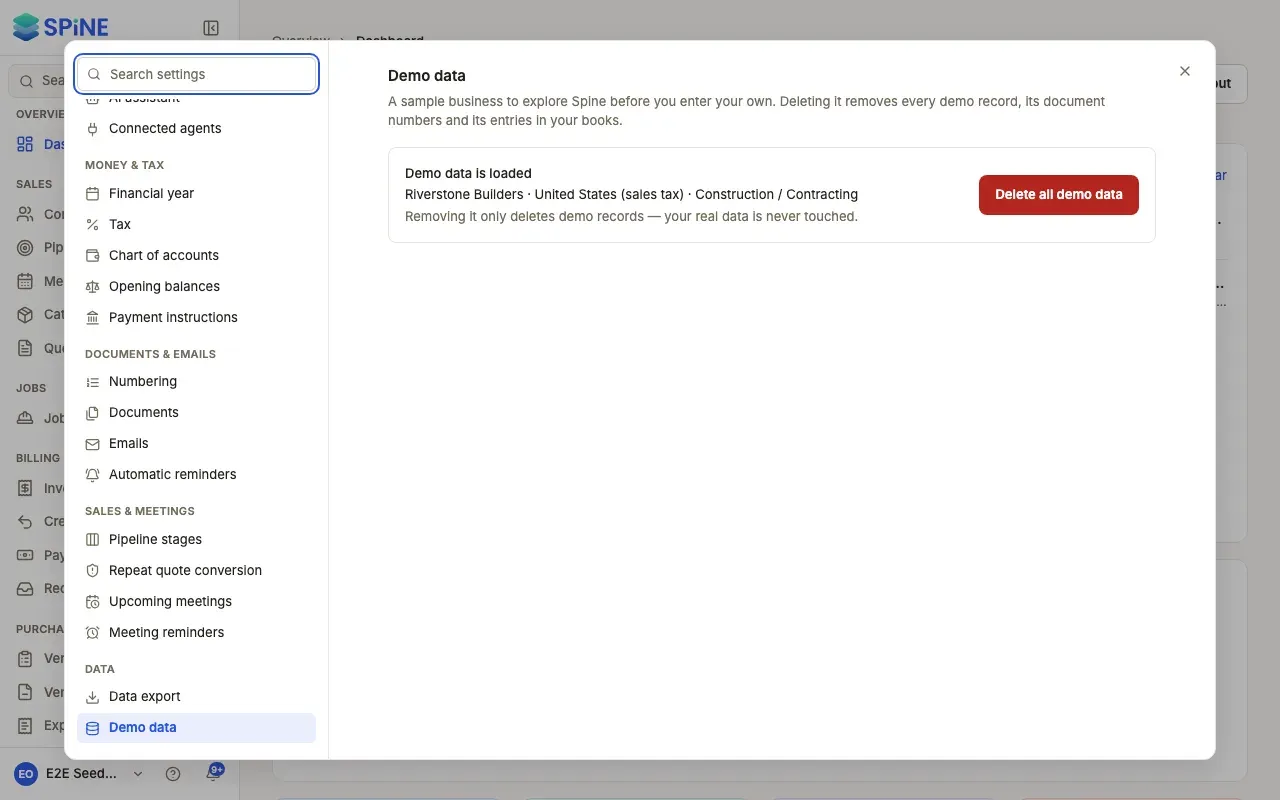
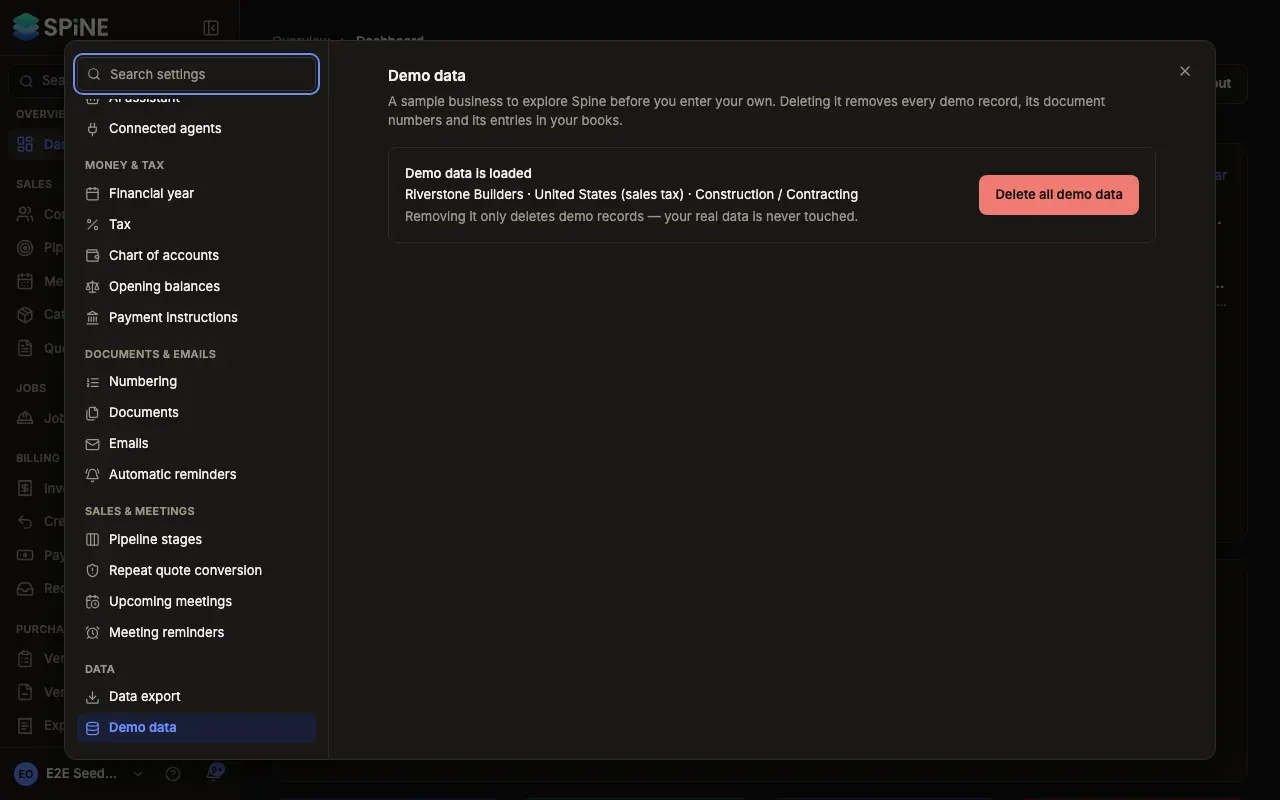
- Only one demo at a time. With one loaded, Settings › Demo data names it — for example “Riverstone Builders · United States (sales tax) · Construction / Contracting” — and offers only Delete all demo data.
Kept apart from your own records
Section titled “Kept apart from your own records”- Demo documents have their own numbers:
DEMO-QUO-0001,DEMO-INV-0001,DEMO-JOB-001and so on. Your first real invoice is stillINV-0001. - Anything you create for a demo customer, a demo vendor or on a demo job is demo too and gets a
DEMO-number. - The demo comes with demo people (Staff and Field) so you can see Users and Teams at work. Its invites can’t be used, and no email is sent to them.
Last updated with Spine 1.0.0-beta.2