

Use a credit note's credit
When a credit note is for more than the invoice still owed, the extra becomes credit for the customer. From the credit note’s page you can put that credit against their other invoices, pay it back to them, or email them the credit note.
Read the credit note’s page
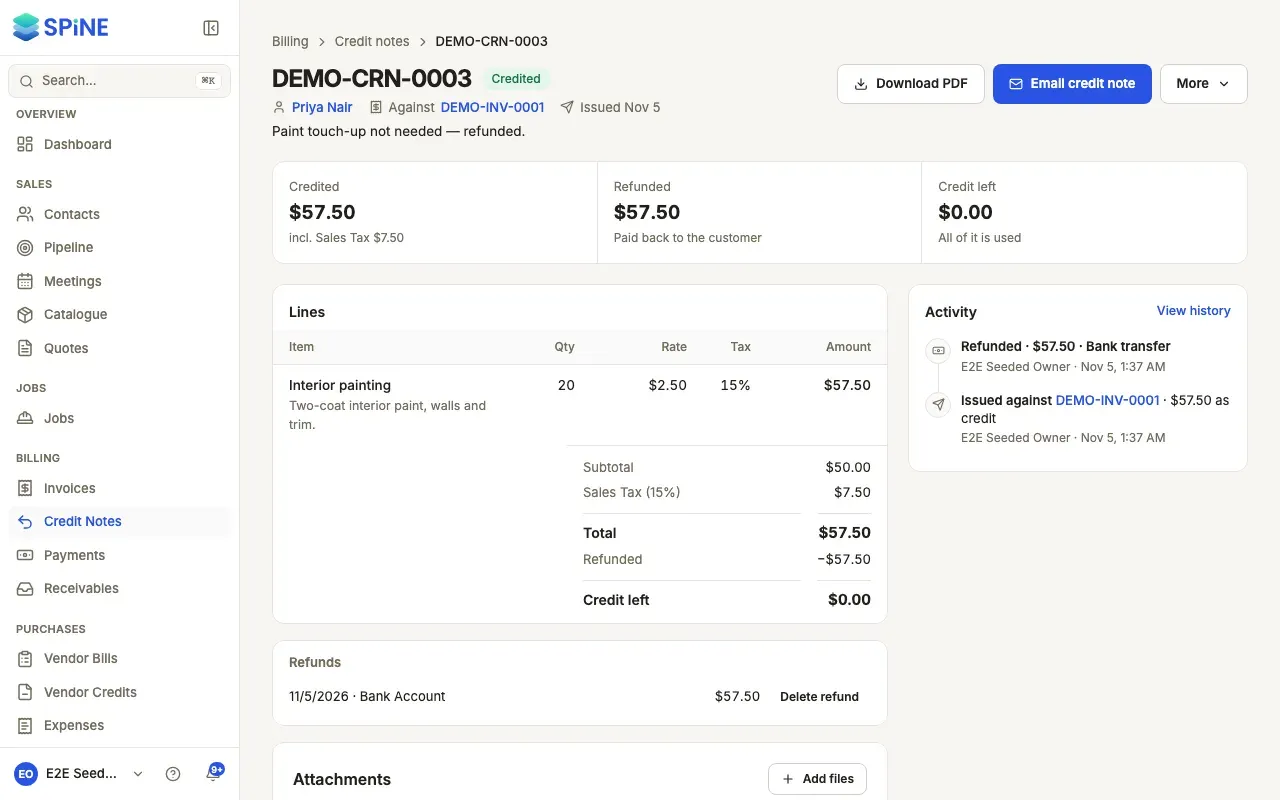
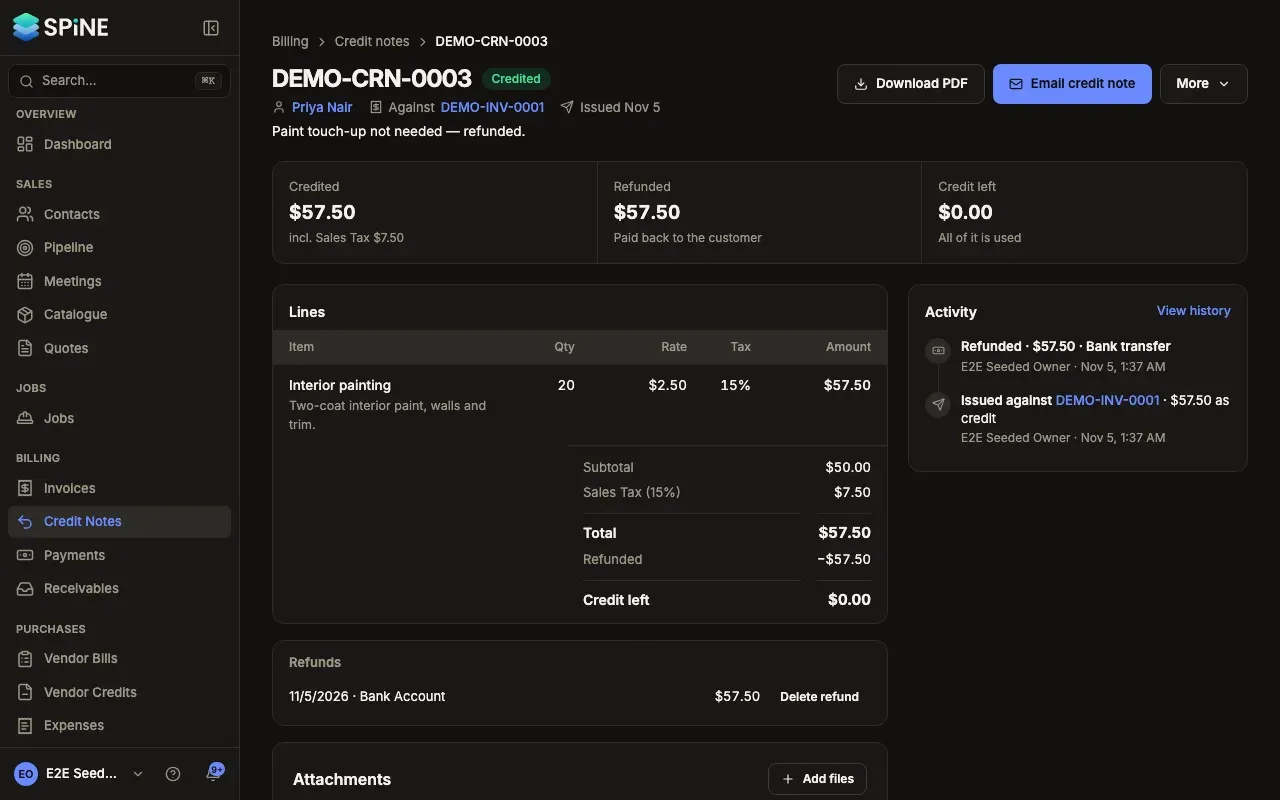
Section titled “Read the credit note’s page”Open a credit note from Credit Notes, or from the invoice it corrects. The header shows its number, the customer, “Against INV-0016”, the issue date and the reason. A strip shows where the money went: Credited (with its tax), Off INV-0016, Applied, Refunded and Credit left. One main button offers the next step: Apply credit while credit is left, Email credit note if it hasn’t been emailed, otherwise Download PDF.
Apply the credit to other invoices
Section titled “Apply the credit to other invoices”-
Press Apply credit — The customer’s open invoices in the same currency are listed with what each owes.
-
Set the amounts — Enter how much goes on each invoice, up to its balance and the credit left. The dialog says how much credit stays to use later.
-
Apply — Press Apply credit.
A toast says Credit applied, and the strip updates. Nothing is paid out; it comes off what the customer owes. If they have no open invoices to apply it to, the dialog says so and suggests a refund.
Refund the credit
Section titled “Refund the credit”-
Press Refund — Refund sits beside the main button while credit is left.
-
Fill in the refund — Check Refund from (this credit note), then enter the Amount, Date, Paid from (the account the money leaves), Method and, if you like, a Reference.
-
Send a confirmation — Tick Send refund confirmation to email the customer a receipt-style note.
-
Record it — Press Record refund.
A toast says, for example, “Refunded $500.00 to” the customer. Their credit drops by the same amount, and the refund shows on their statement.
Email the credit note
Section titled “Email the credit note”Press Email credit note (the main button, or under More). Check the email, keep Attach the credit note PDF ticked and press Send credit note. A toast says Credit note emailed, and Activity records it.
Last updated with Spine 1.0.0-beta.2