

Change a job's status or close it
A job’s status tells everyone where it stands: Active, On hold, Completed or Cancelled. Marking a job completed lets the office know the work is done, and it’s when Spine offers to release the retention you’ve held.
- Open the job — Go to Jobs and open the job.
- Open the status — Press the status badge beside the job number.
- Choose a status — Pick Active, On hold, Completed or Cancelled. The change saves at once and a toast says “Status changed”.
- Confirm a cancellation — For Cancelled, Spine asks “Cancel this job?” first. Press Cancel the job to go ahead, or Keep the job.
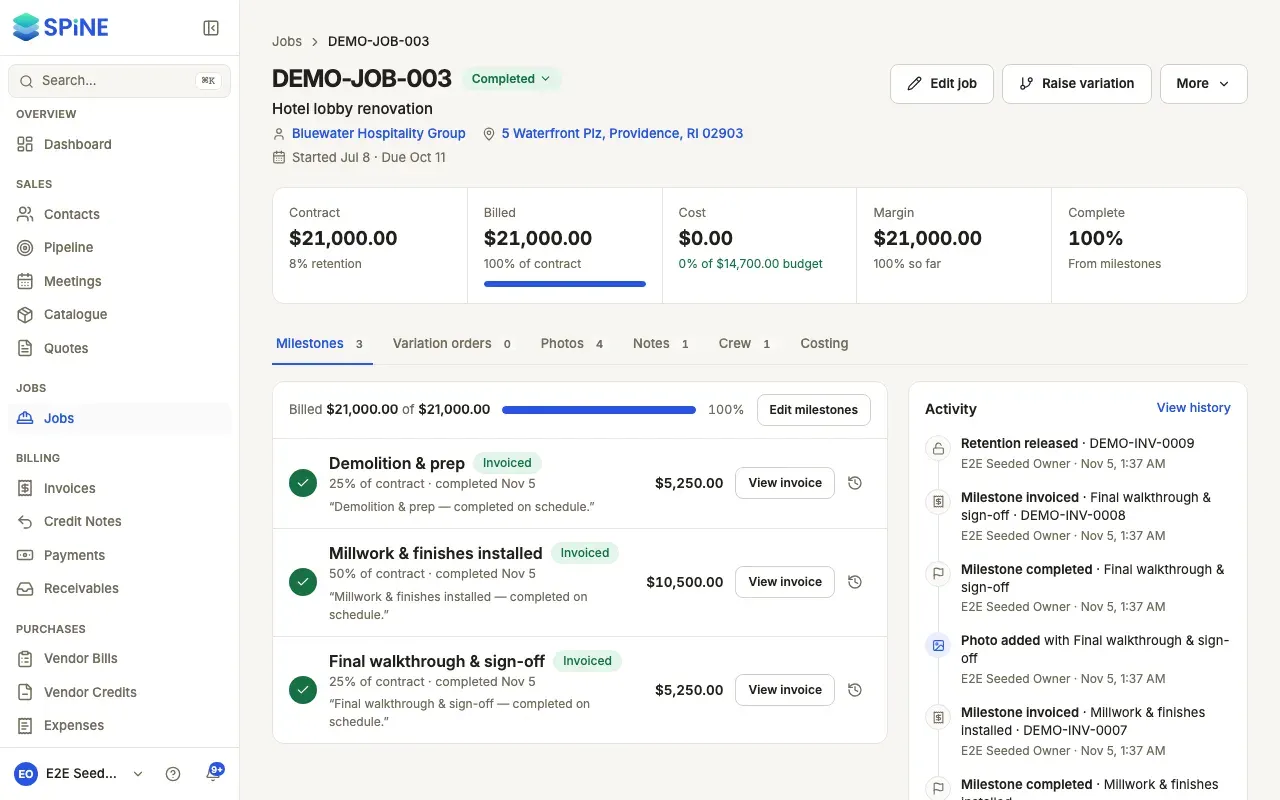
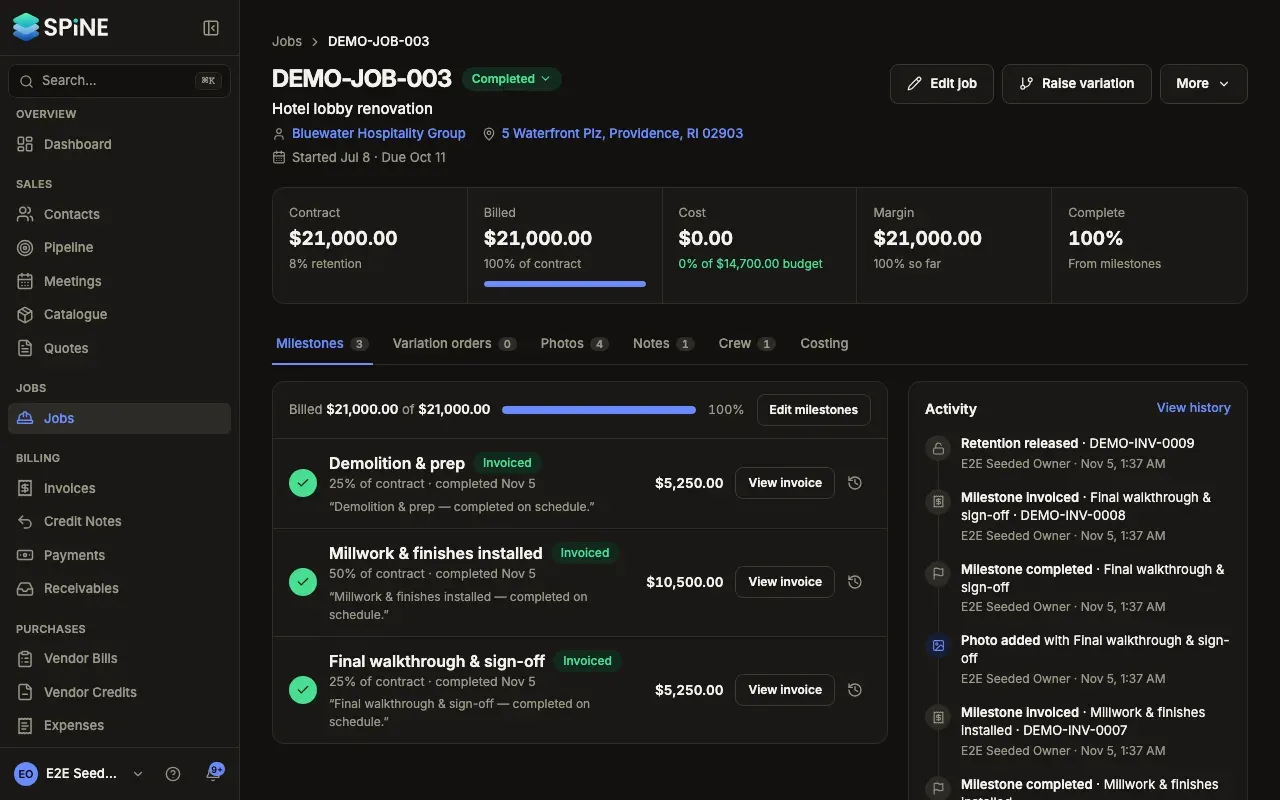
You can also change the status in Edit job.
Closing a job
Section titled “Closing a job”When the work is done:
- Make sure every milestone is invoiced. The Milestones tab shows what’s still Completed but not invoiced.
- Set the status to Completed. The office gets a notification that the job is completed.
- If retention is held on the job, the page’s main button becomes Release retention. Release it when the defect period ends: see Hold and release retention.
What cancelling does
Section titled “What cancelling does”A cancelled job keeps its milestones, invoices and costs as they are. Nothing is deleted or reversed. You can set it back to Active later.
The next-step button
Section titled “The next-step button”Beside Edit job and Raise variation, one main button offers the next thing to do on the job:
- Invoice milestone when a milestone is completed but not invoiced.
- Otherwise Complete milestone for the next pending milestone, while the job isn’t completed or cancelled.
- Otherwise Release retention when the job is completed with retention held.
More holds Add photos and View history, and Release retention when it isn’t the main button.
Last updated with Spine 1.0.0-beta.2