

Record a tax payment or refund
When you file a return and pay, record it in Spine. The payment clears Output Tax Payable in your books, uses up the input tax you claimed, and takes the money out of the account you paid from. A refund from the tax authority is recorded the same way.
- Open the Tax Summary — Go to Reports › Tax Summary and press Record tax payment.
- Check the figures — The dialog shows the period’s Tax collected, Input tax available and Net payable.
- Choose the Period — Pick the return period you’re paying for.
- Enter Input tax used — It starts at the smaller of the input tax available and the tax collected. The helper says how much you have to use.
- Enter Amount paid — It starts at the net payable.
- Pick the account — Choose the bank or cash account the money went from, set the Date, and add a Reference, such as the challan or return number.
- Check the posting — The line under the form shows what posts to your books: a debit to Output Tax Payable for the amount paid plus the input tax used, a credit to Input Tax Receivable for the input tax used, and a credit to the account you paid from.
- Record it — Press Record payment. You see “Tax payment recorded”.
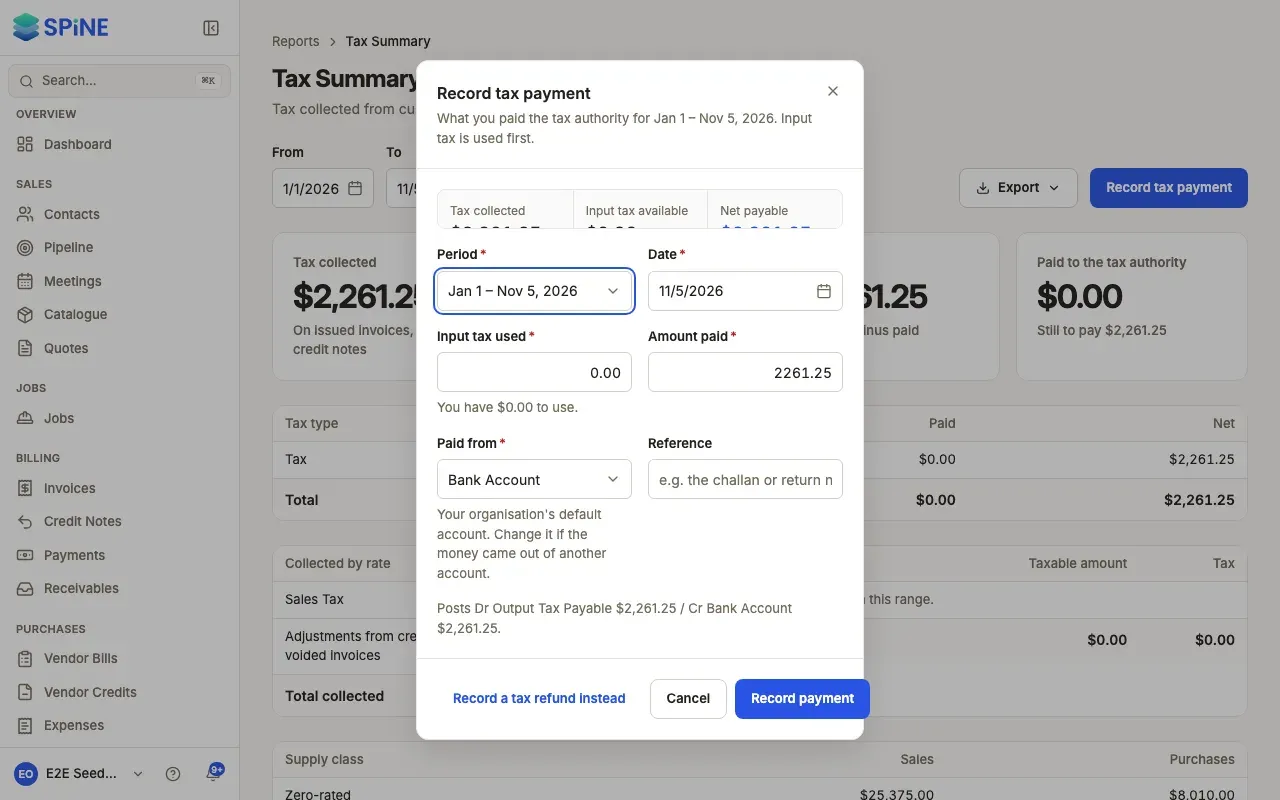
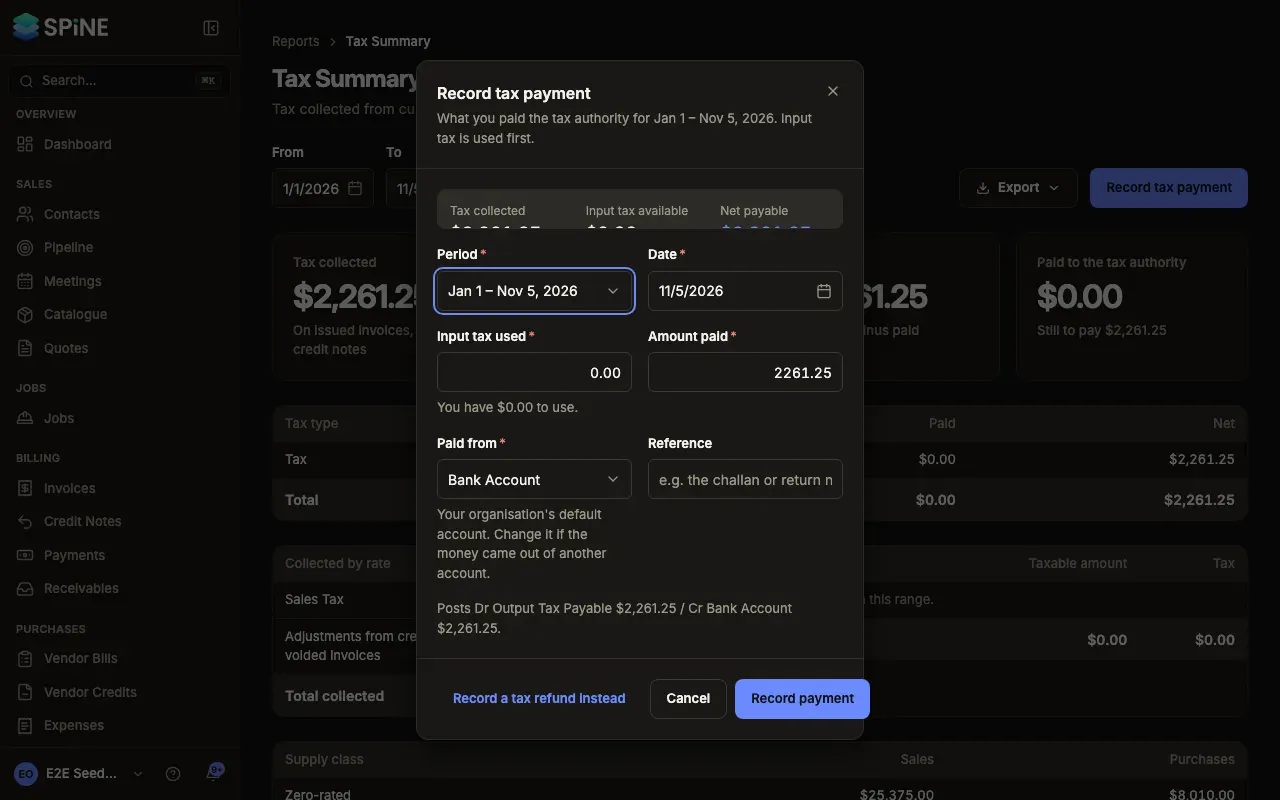
If you enter more input tax than you have, you see “You have amount of input tax to use. Lower the amount.”
Record a refund
Section titled “Record a refund”In the same dialog, press Record a tax refund instead. Enter the Amount the tax authority paid back, the account it went into, the Date and a Reference, then press Record refund. You see “Tax refund recorded”.
See and delete tax payments
Section titled “See and delete tax payments”Owners see Tax payments and refunds below the Tax Summary, listing each payment or refund in the period.
While you reconcile a bank statement, you can also record a tax payment straight from the statement line it matches. See Banking.
Last updated with Spine 1.0.0-beta.2